Documentation / How-To Guides / How to Find Outreach Contact Details
How to Find Outreach Contact Details
Find a site's published contact details and choose the route for your request.
OppAlerts finds contact routes that websites publish about themselves. Use Site Info to look up one site, or inspect the contact data alongside a search result. First decide what you want to ask: a publication may list an editor's email but direct article ideas to a separate form that asks for the subject, argument, and writer's experience. Follow the route intended for your request.
- How do you contact one site? Site Info: Site.
- How do you contact the site of a search result? Contact and Details on each result row.
1. Look up one site
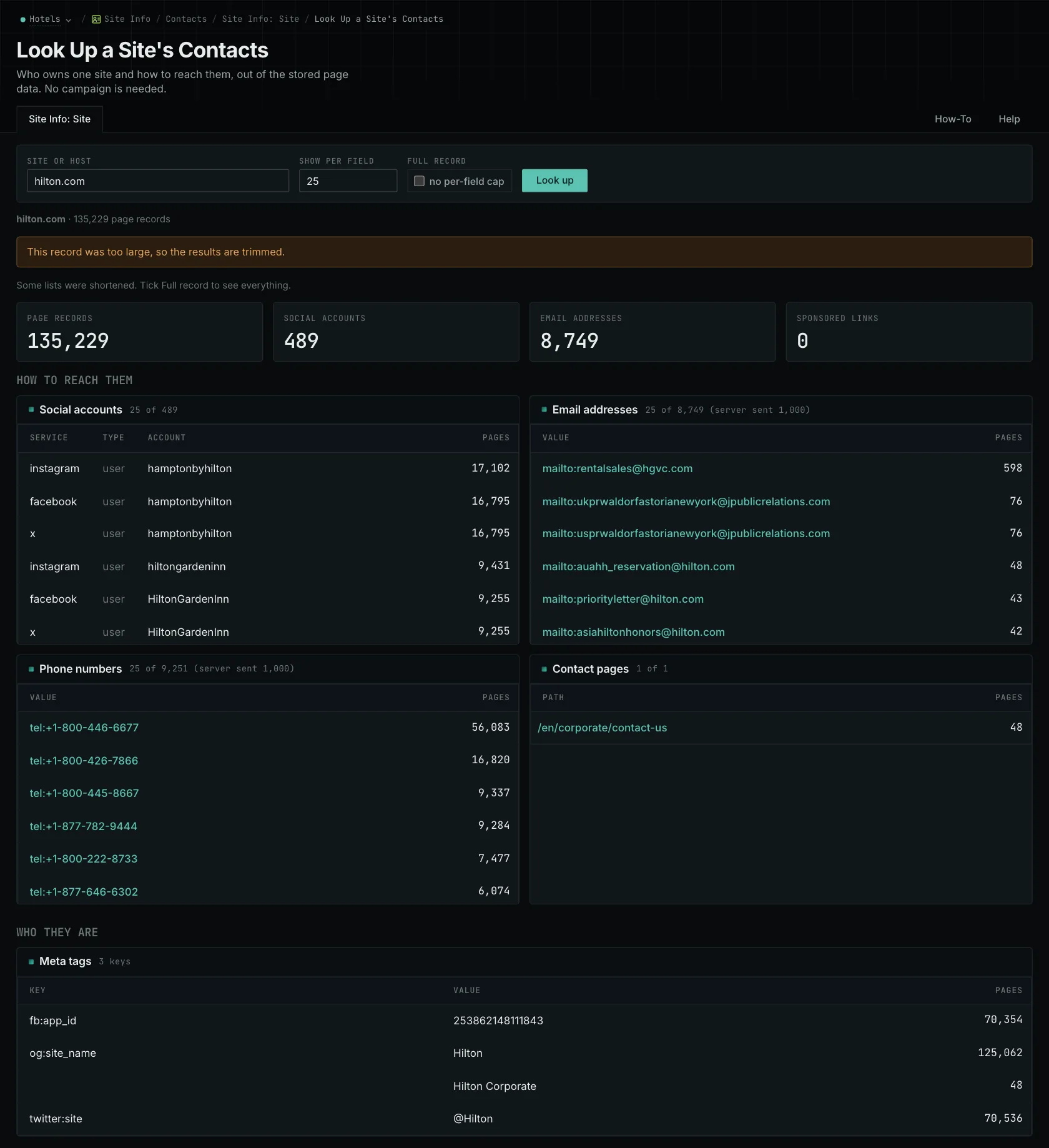
The Site Info Database holds the contact details that each site publishes about itself. It does not need a campaign, so you can look up a site from any research.
- Open Site Info: Site in the web app.
- Enter the host of the site. A subdomain has its own record.
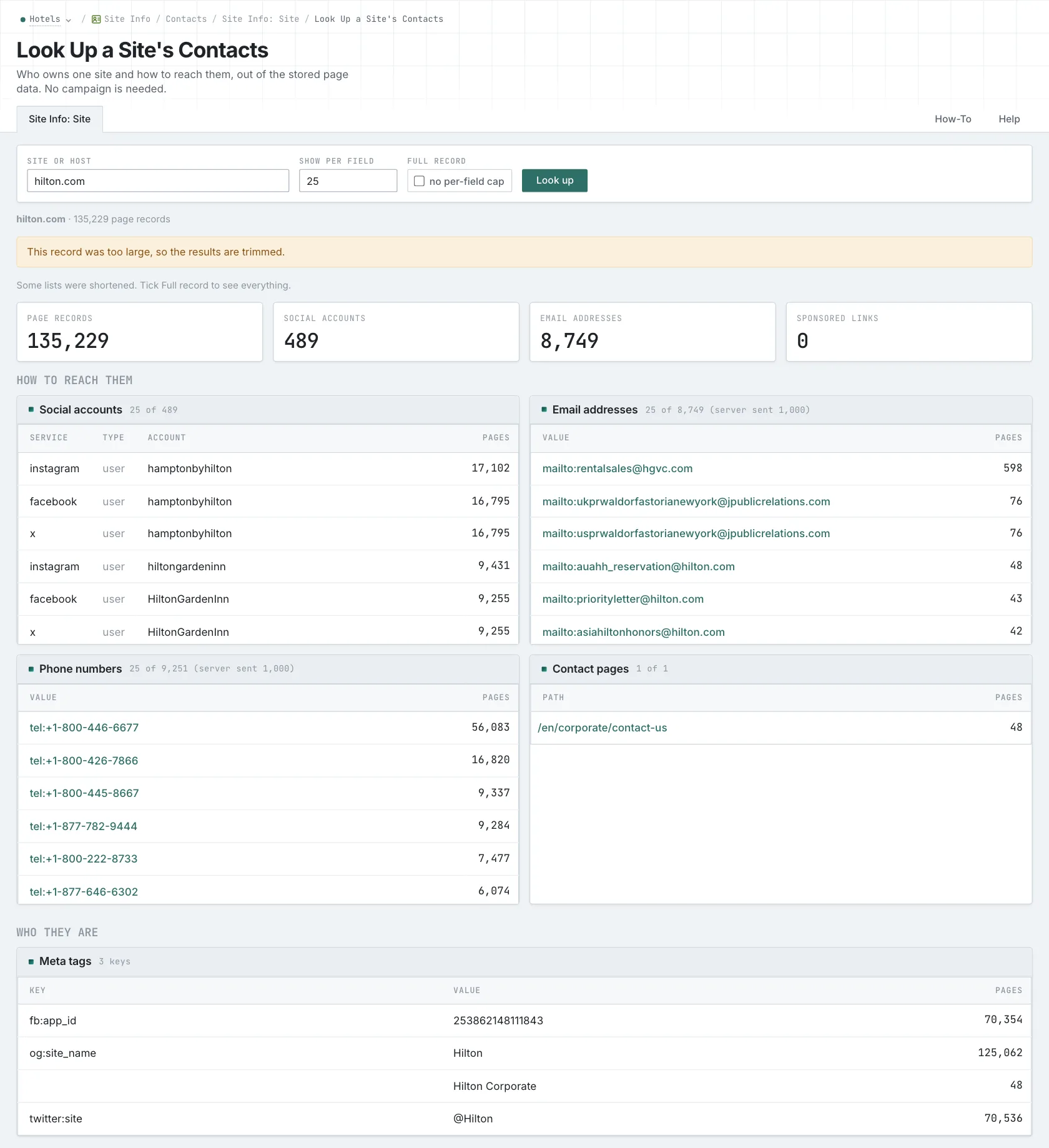
- Read How to reach them first: social accounts, email addresses, phone numbers, and Contact pages.
- Then read Programs and events for the partner, affiliate, and event pages.
- Read the Hosts card for the other hosts under the domain. A separate blog host often accepts articles.
- If a field is cut short, tick Full record.
- MCP:
siteinfo_site, with{"site": "example-hotels.com", "full": false}. - API:
POST https://api.oppalerts.com/v1/siteinfo/site, with the same JSON body.
2. Read contact data for a search result
- Run a search on Advanced Search, an Opportunity Types page, or a brand page.
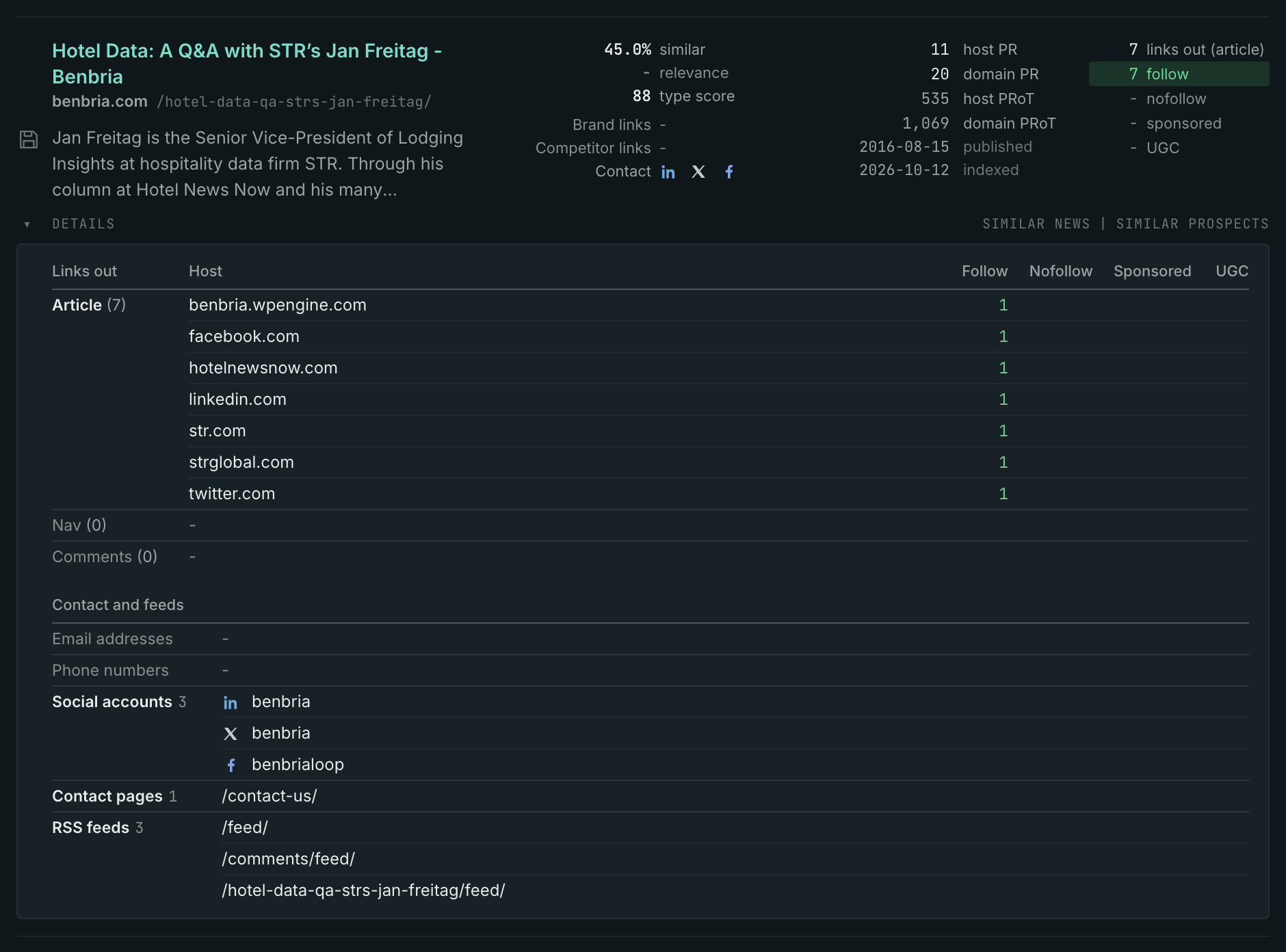
- Hover over a Contact icon on a result row to see the site's email addresses, phone numbers, and social accounts.
- Click Details on the row to see the contact pages and the RSS feeds of the site.
- On Advanced Search and on the Opportunity Types pages, a Contacts box can show above the rows. It collects the social accounts, email addresses, and phone numbers of the pages that the search found.
- MCP:
prospects_searchandnews_searchgive acontactslist with the results, with{"campaign": 3, "similarity_target": "campaign", "pr_domain_min": 10, "type_scores": [{"opportunity_type": "advertising/advertise-with-us", "type_score_min": 50}], "sort": "type_score"}. For a list of sites, send one call ofsiteinfo_sitefor each site. - API:
POST https://api.oppalerts.com/v1/prospects/searchandPOST https://api.oppalerts.com/v1/news/search, with the same JSON body.
How to judge the results
- Use the correct host. A subdomain has its own record. The contact details of a parent company can be for a different part of the business. Check the pages of the publication before you send an editorial request to the parent company.
- Follow the route for your request. An article idea can need the submission instructions. A correction can go to an editorial contact. Directories, sponsorships, awards, and calls for speakers can each have their own form. The name of a person does not replace these instructions.
- Check the details on the live site. An address in Site Info was on the site when OppAlerts collected it. OppAlerts does not check that an email address still accepts mail. Open the current contact page, and make sure that the address is still there and is correct for your request.
- An empty record is not the end. An empty record means OppAlerts has no stored contact route. The live site may still have a form or display contact details in an image.
- A long list of addresses needs a choice. Choose the address handling your type of request, preferably a named person rather than a general address.
- Know what Site Info does not hold. Site Info includes neither journalist profiles nor beats. Use another service for a confirmed email address or a named journalist's coverage area.
- Prepare the request for the current form or address. Include the subject, evidence, and qualifications requested by the publication.