Documentation / How-To Guides / How to Research AI Recommended Competitors
How to Research AI Recommended Competitors
Investigate the companies AI answers recommend and the buying situations they serve.
Compare the competitors your sales team encounters with the companies AI models recommend to buyers. Differences between the lists identify names to investigate. Use the four workflows below to review AI recommendations, track relevant competitors, and research their mentions and links in OppAlerts.
- Which sites do the AI models name in my market? Competitor LLM Recs.
- How do I track a new competitor? The Competitors box of Edit Campaign.
- Which pages name the new competitor? Competitor Mentions.
- Which pages link to the new competitor and not to you? Brand Link Gap.
1. See which sites the AI models name
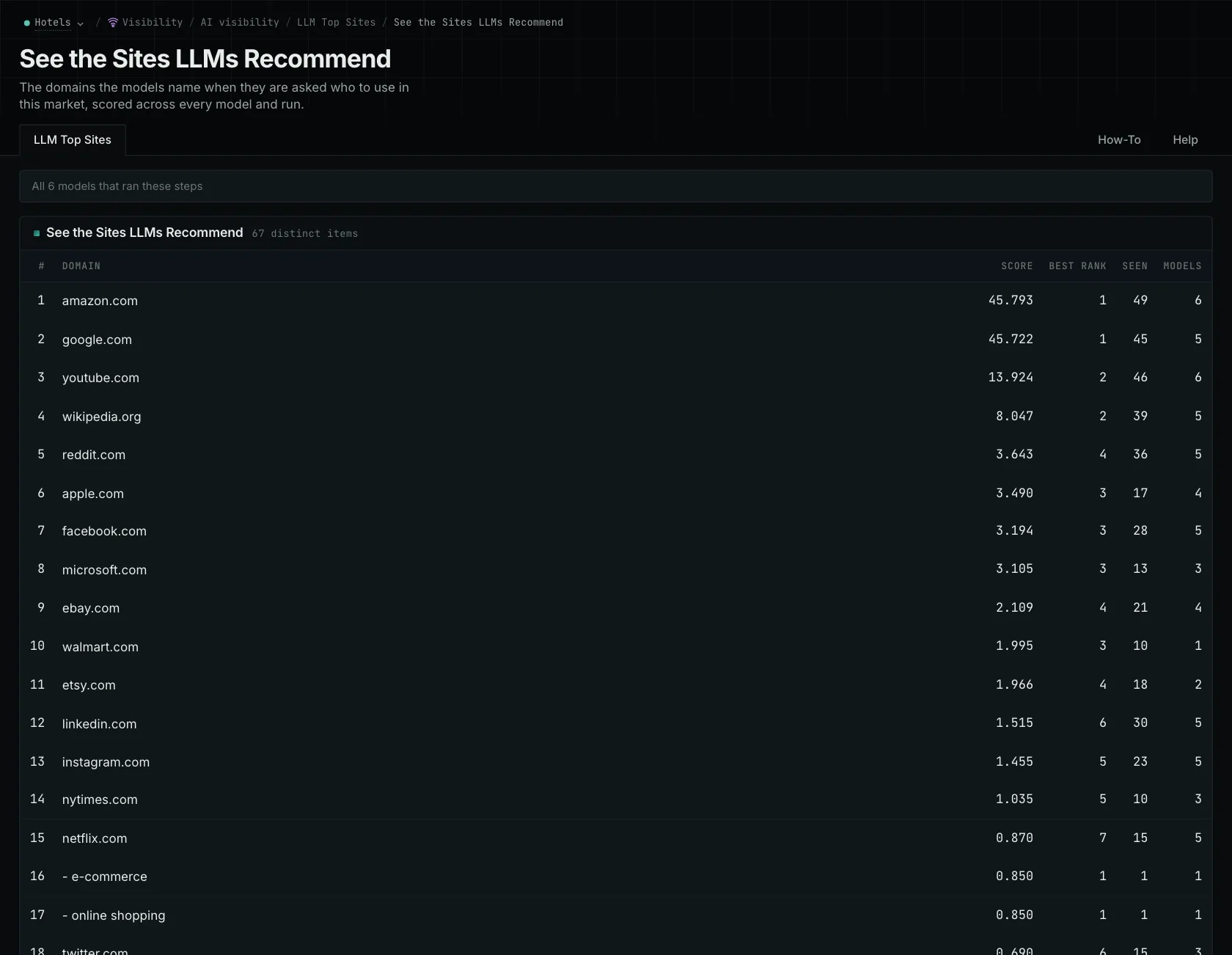
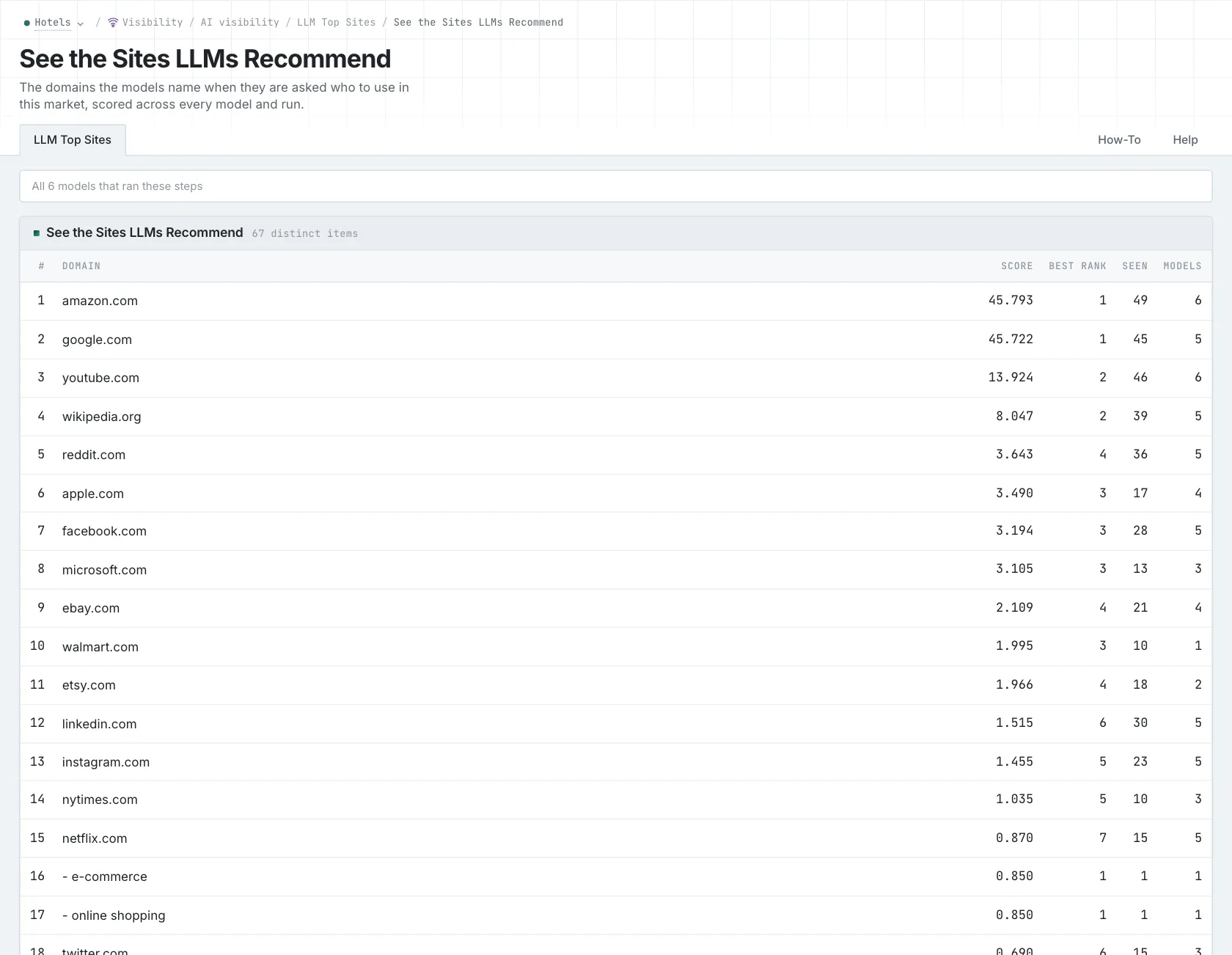
Competitor LLM Recs uses the answers collected when each AI model was asked which sites it recommends in your campaign's market.
- Open Competitor LLM Recs in the web app.
- Read the top 20. That is what the models agree on.
- Find your own site, and note its position. A site that is not on the list has a different problem from a site in position 30.
- Read Score and Seen. Score gives more weight to a site that is named early in an answer. Seen counts how many times the site was named.
- Read the Models column. It counts how many different models named the site.
- Find the names that your sales team does not know. Read about each one before you add it.
- MCP:
llm_answers_top_sites, with{"campaign": 3, "page": 1}. - API:
POST https://api.oppalerts.com/v1/llm_answers/top_sites, with the same JSON body.
2. Add the company to your competitors
Add a company after confirming that it serves a buying situation relevant to your buyers.
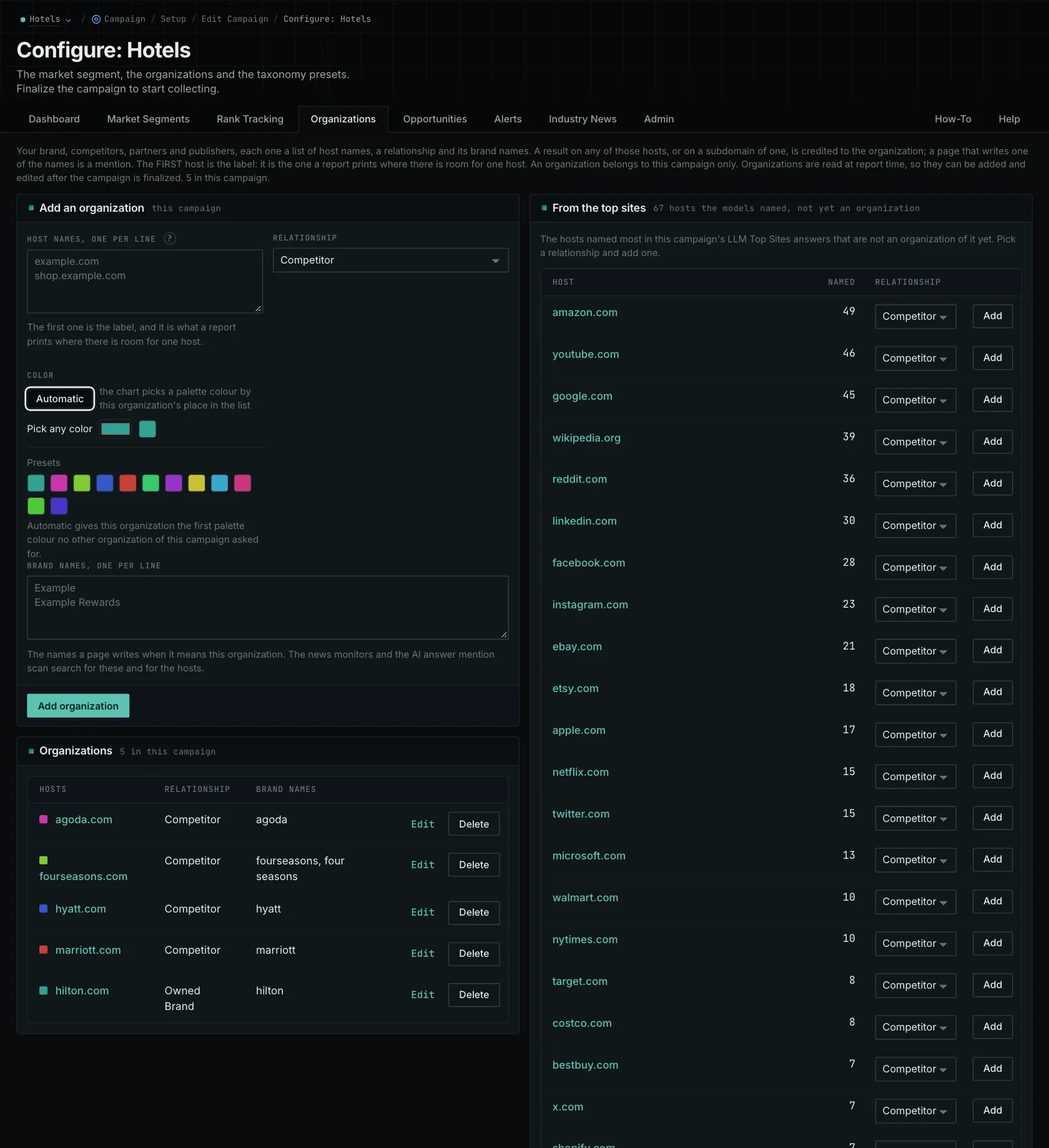
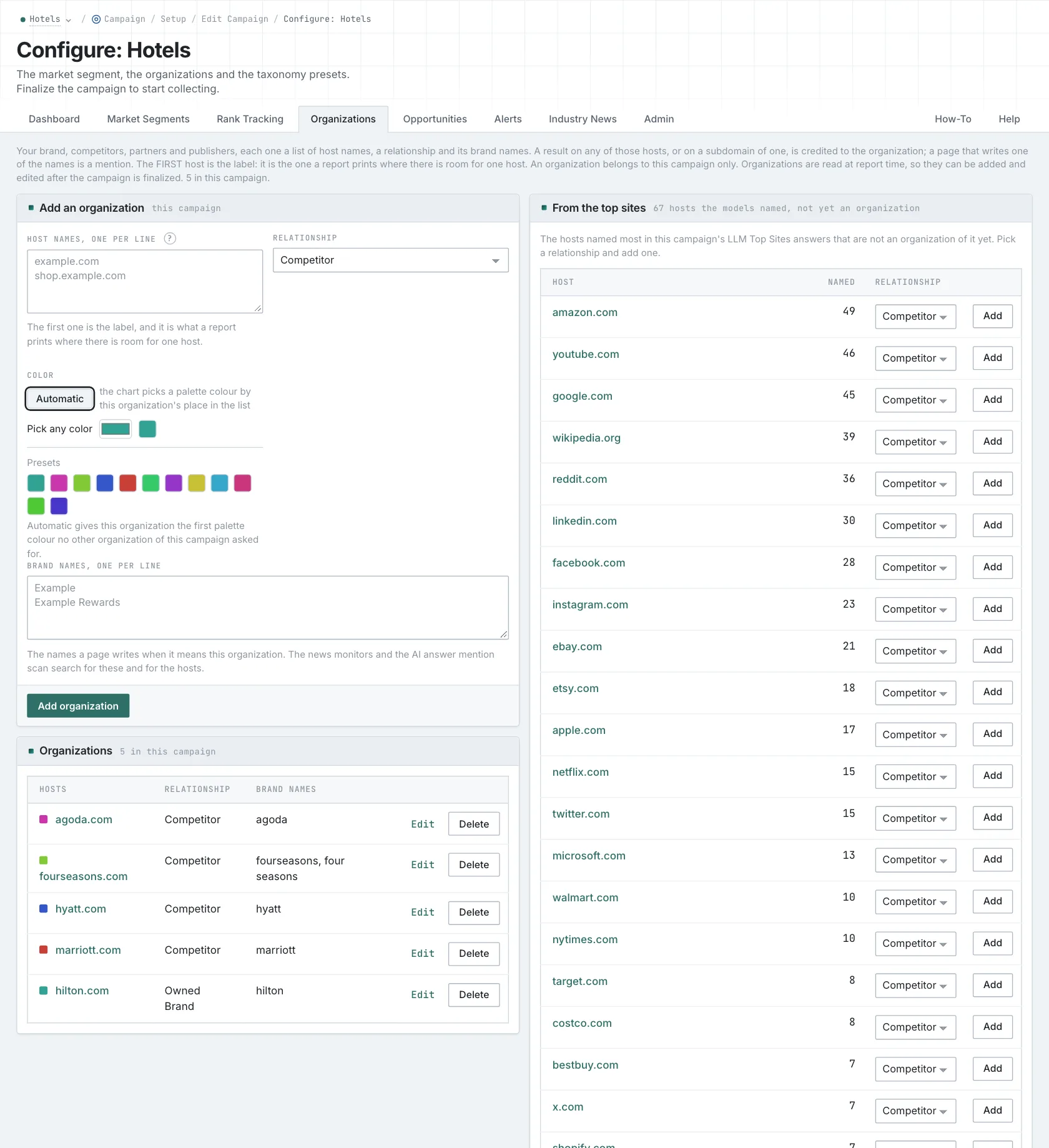
- Open your campaign in Edit Campaign, and open the Settings tab.
- In the Competitors box, add the company: its hosts and its brand names.
- Click Save.
Reports apply labels when you open them, so newly added competitors also appear on previously collected pages.
- MCP:
campaigns_organizationslists the organizations of a campaign and their relationships, with{"campaign": 3}. - API:
POST https://api.oppalerts.com/v1/campaigns/organizations, with the same JSON body.
3. Read the pages that name the competitor
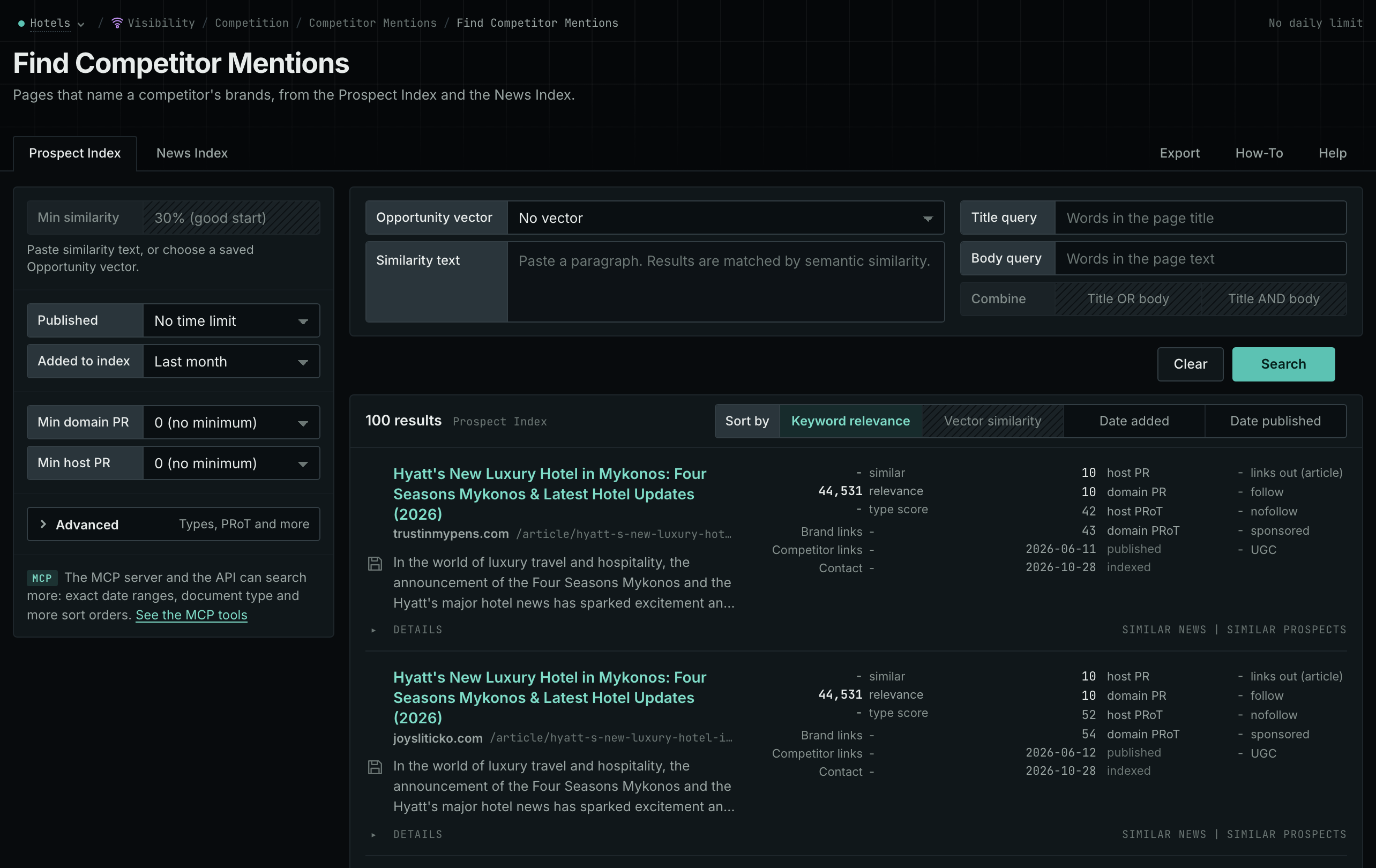
- Open Competitor Mentions.
- Read the Prospect Index tab for pages such as directories, comparisons, and roundups.
- Read the News Index tab for news, podcasts, and videos.
- Open the comparisons and the product pages. Read what the company is recommended for.
- MCP:
prospects_brand_mentionsandnews_brand_mentions, with{"campaign": 3, "relationship": "org_competitor", "indexed_days": 30, "similarity_target": "none", "sort": "relevance"}. Fornews_brand_mentions, sendpublished_daysin place ofindexed_days: it counts from the published date. - API:
POST https://api.oppalerts.com/v1/prospects/brand_mentionsandPOST https://api.oppalerts.com/v1/news/brand_mentions, with the JSON body of each tool.
4. Find the pages that link to the competitor and not to you
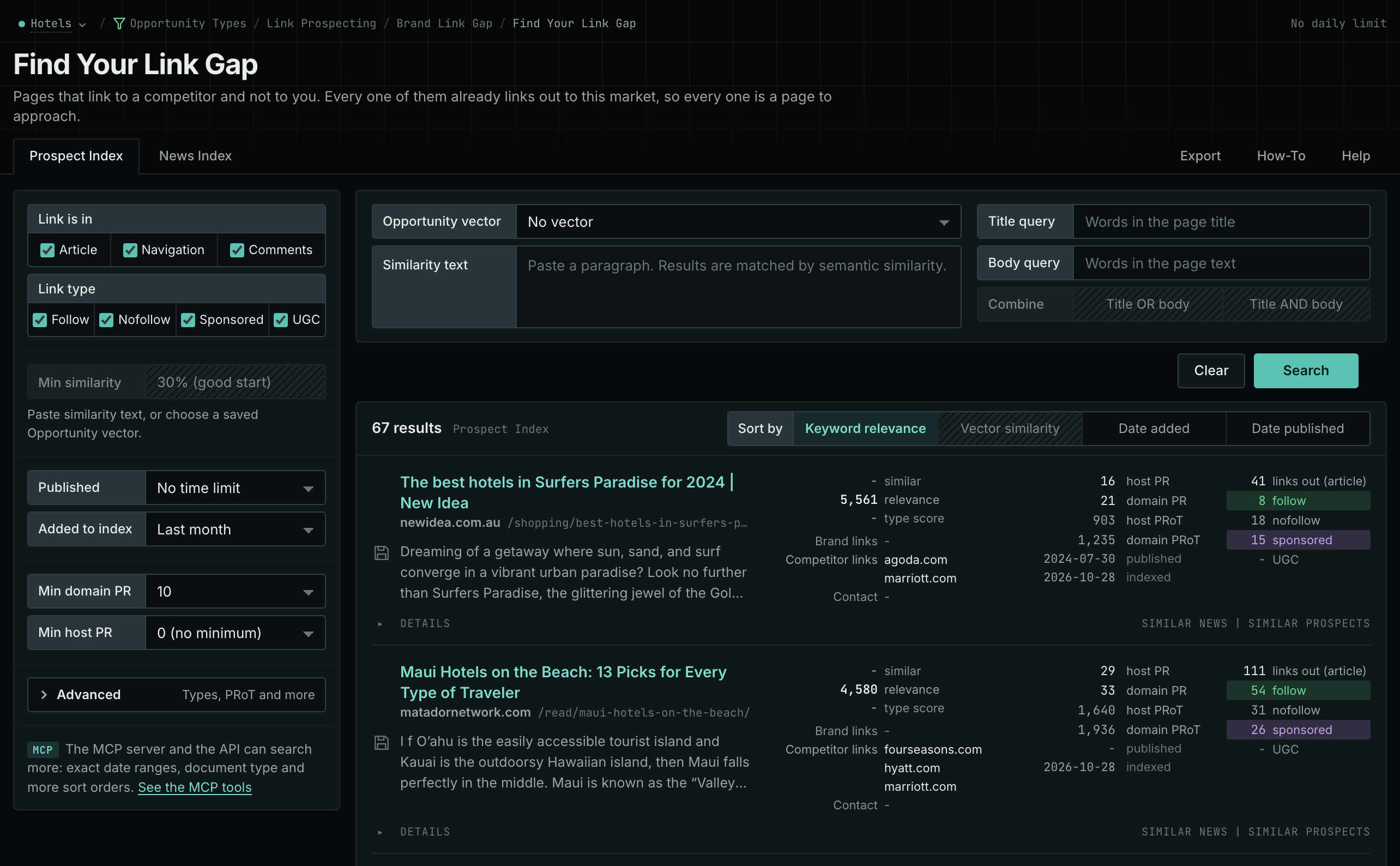
- Open Brand Link Gap.
- Each row is a page that links to at least one competitor and to none of your hosts.
- Read the pages that link to the new competitor. Check that those placements matter to your buyers.
- MCP:
prospects_brand_link_gapandnews_brand_link_gap, with{"campaign": 3, "indexed_days": 30, "similarity_target": "none", "pr_domain_min": 10, "sort": "relevance"}. Fornews_brand_link_gap, sendpublished_daysin place ofindexed_days: it counts from the published date. - API:
POST https://api.oppalerts.com/v1/prospects/brand_link_gapandPOST https://api.oppalerts.com/v1/news/brand_link_gap, with the JSON body of each tool.
How to judge the results
- Know what the list shows. Competitor LLM Recs shows the recommendations of the models from their training. The question is asked without web search. It is not a search ranking.
- Read the role of each name. An unfamiliar recommendation may be a direct competitor, a partial solution, or a poor match. Investigate it before revising your view of the market.
- Use the comparisons and the product pages. Use comparison criteria and product feature descriptions to assess whether the company serves a relevant buying situation.
- Add only relevant competitors. A company that is not relevant changes the results of the link gap and does not improve the research.
- Look at the missing names too. If a major sales competitor is absent, your buyer questions may omit the situations in which you encounter it. A single appearance by another company does not establish a pattern.
- Ask your own questions with care. Ask category and problem questions when using an AI service directly. Naming a product checks its description; describing a problem lets the service choose options. Include buyer requirements and repeat questions with the same settings.
- Read a wrong list as a campaign problem. Sites from the wrong market mean that the industry of the campaign is wrong. Almost no rows mean that the collection did not finish.
- Know the limits. The list does not measure market share, revenue, or customer satisfaction. It does not show how a provider selects its answers.