Documentation / How-To Guides / How to Find Award Submissions
How to Find Award Submissions
Find relevant award programs and assess their entry requirements and costs.
Before committing staff time or paying an entry fee, check whether an award program fits your business. This guide covers three ways to find programs in OppAlerts, then explains how to review their current rules, eligibility, and costs before preparing an entry.
- Which pages ask for award entries? The Award Submissions opportunity type.
- Which award pages are about my topic? Advanced Search, with words and the award types.
- Which award pages are new today? A saved opportunity and the daily opportunities email.
1. Search the award opportunity types
Three opportunity types find award pages:
- Award Submissions: award programs that accept entries and nominations. Pages with words such as "call for entries", "nominations open", and "entry form".
- Awards Lists: pages that list many award programs, such as an awards calendar or a list of award deadlines.
- Award Ceremonies, in the Events group: the events where the awards are given.
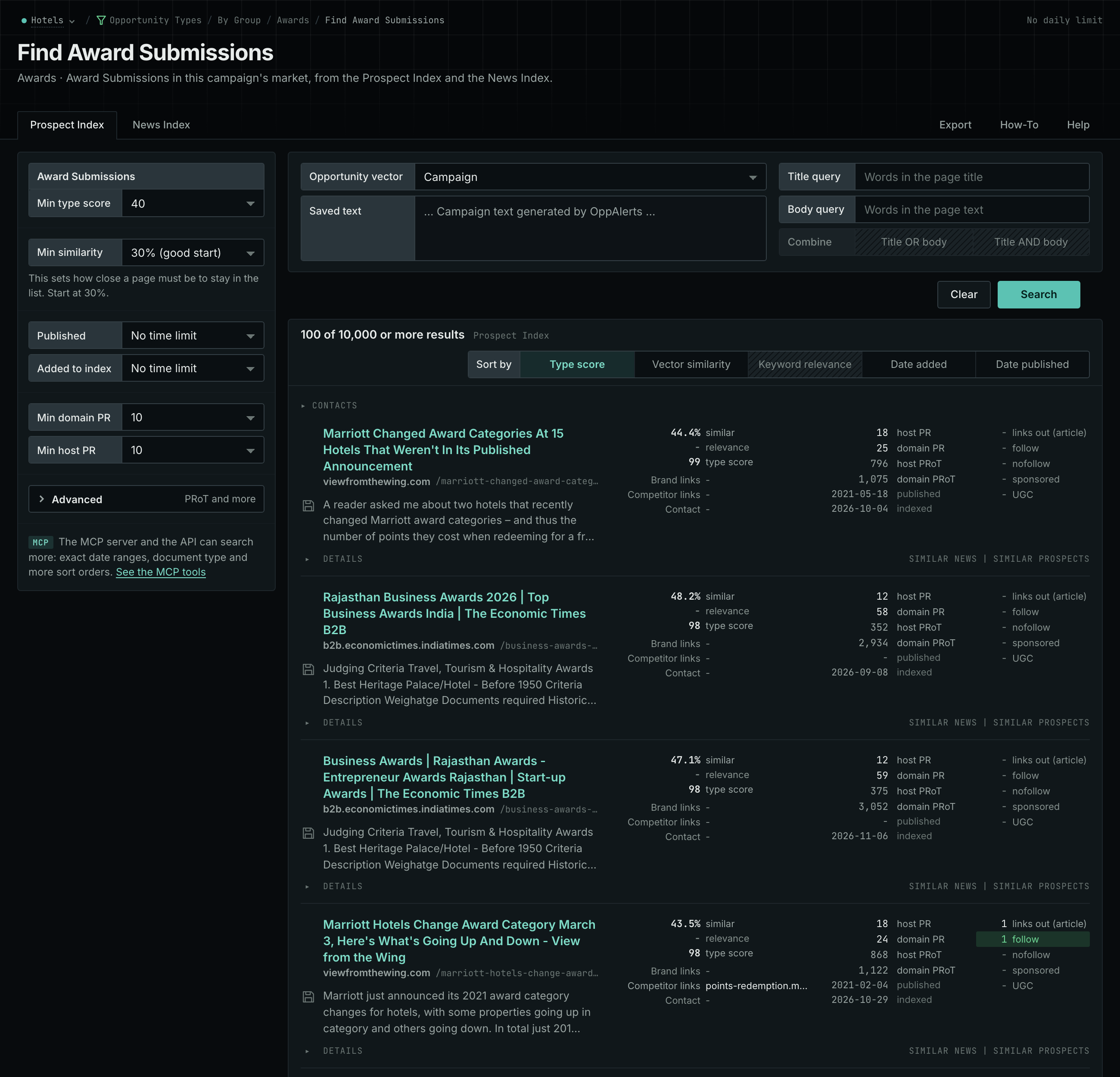
- Open Opportunity Types in the menu of the web app.
- Choose Awards, then choose Award Submissions.
- Read the Prospect Index tab first. It holds the program pages of all dates. To see only the pages that came into the index recently, set Added to index.
- Click Vector similarity in Sort by to put the pages nearest to your market first.
- Read the News Index tab for new announcements. Set Published to the last few weeks.
- Do the same for Awards Lists. One list can give you many programs.
- MCP:
prospects_searchandnews_search, with{"campaign": 3, "similarity_target": "campaign", "pr_domain_min": 10, "type_scores": [{"opportunity_type": "awards/submissions", "type_score_min": 50}], "sort": "type_score"}. - API:
POST https://api.oppalerts.com/v1/prospects/searchandPOST https://api.oppalerts.com/v1/news/search, with the same JSON body.
2. Find the award pages about your topic
Add words to an opportunity type search in Advanced Search when you need a particular award category, such as one for a product or customer project.
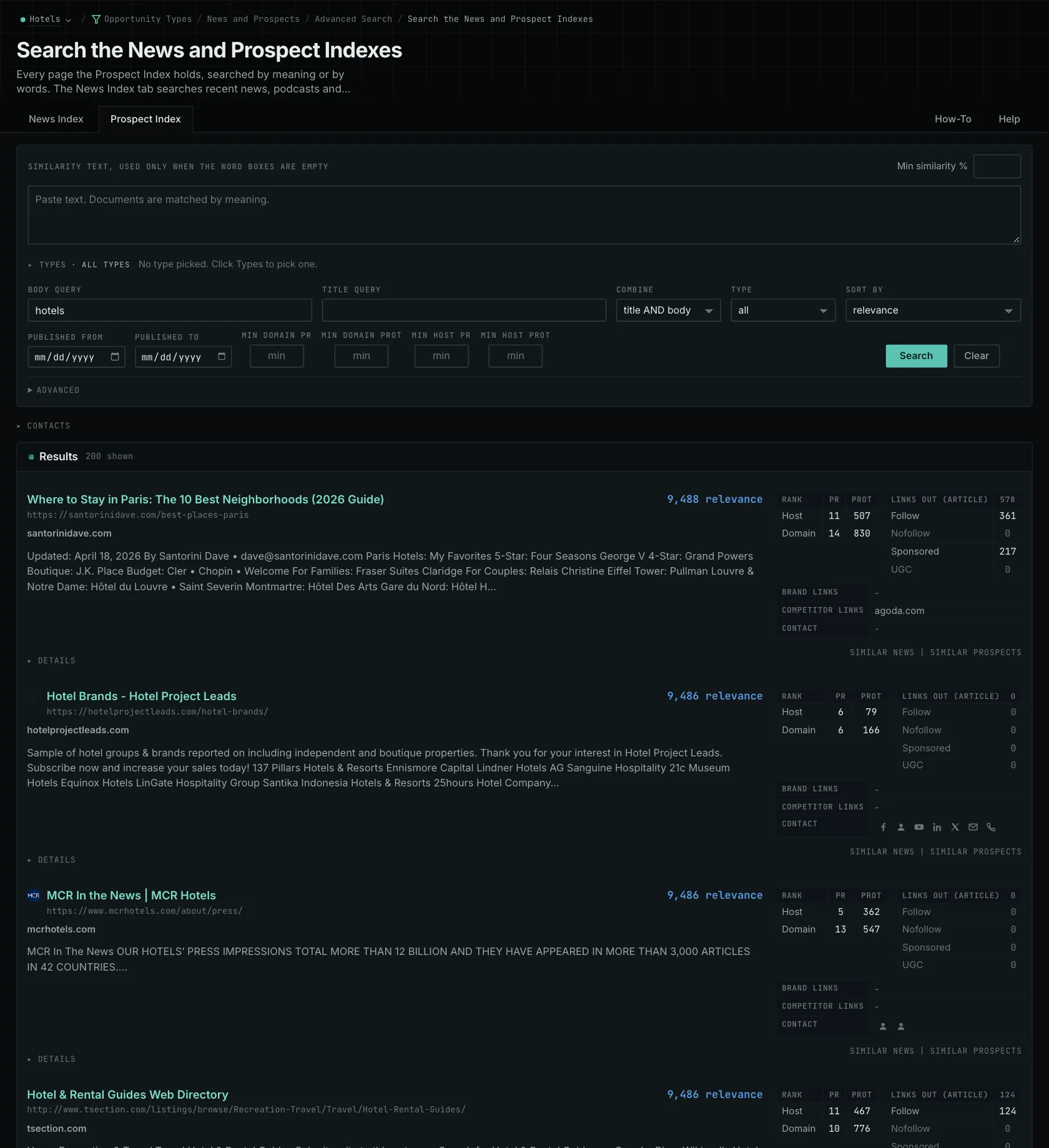
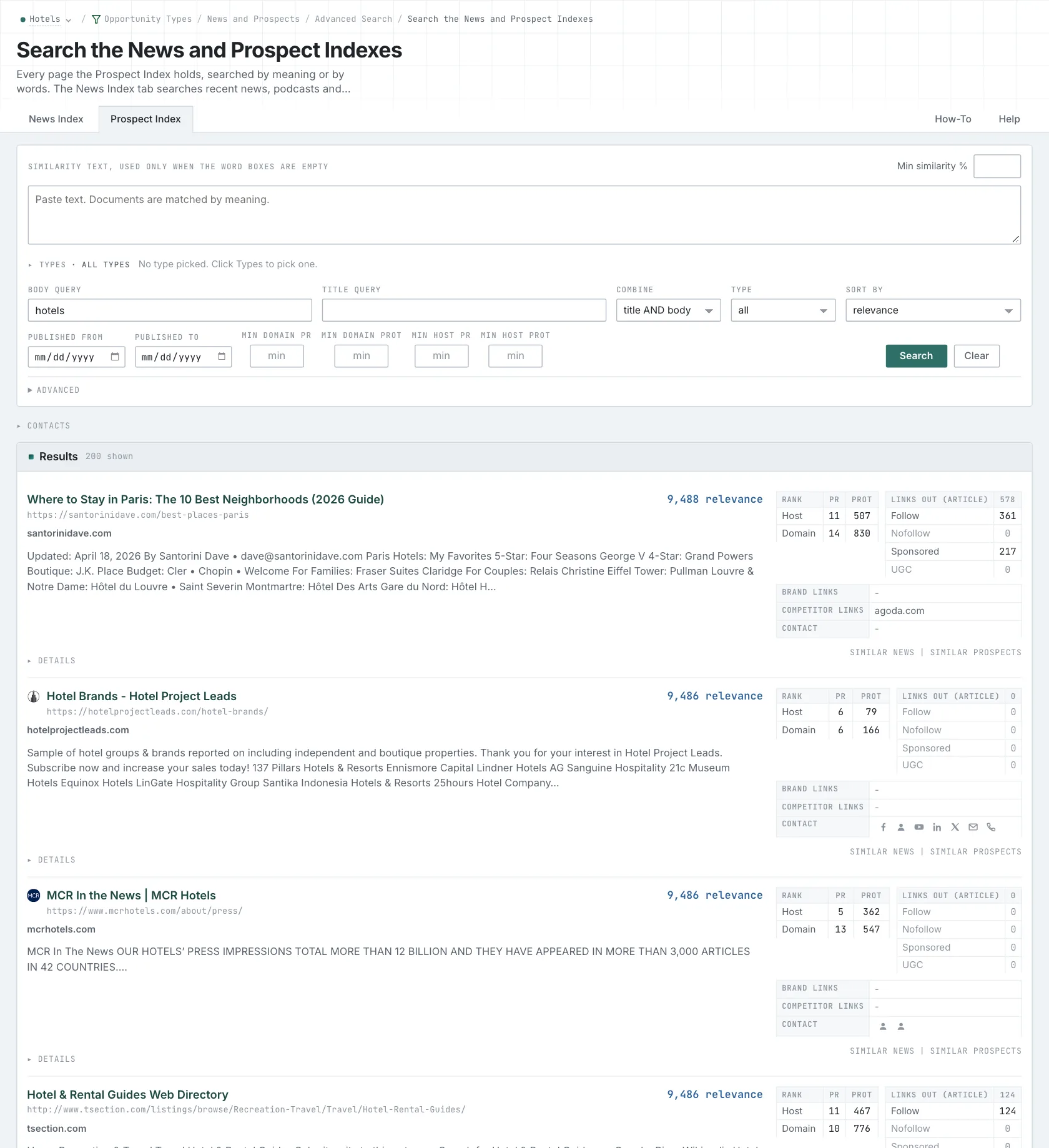
- Open Advanced Search, and open the Prospect Index tab.
- In Opportunity vector, choose Campaign.
- In Title query, type a word of the category, for
example
awards. Every word that you type is required, so use few words. - Click Advanced. In Types, tick Award Submissions and choose its minimum score.
- Click Search.
- MCP:
prospects_searchandnews_search, with{"campaign": 3, "similarity_target": "campaign", "title_query": "awards", "type_scores": [{"opportunity_type": "awards/submissions", "type_score_min": 50}], "sort": "best"}. - API:
POST https://api.oppalerts.com/v1/prospects/searchandPOST https://api.oppalerts.com/v1/news/search, with the same JSON body.
3. Get the new award pages every day
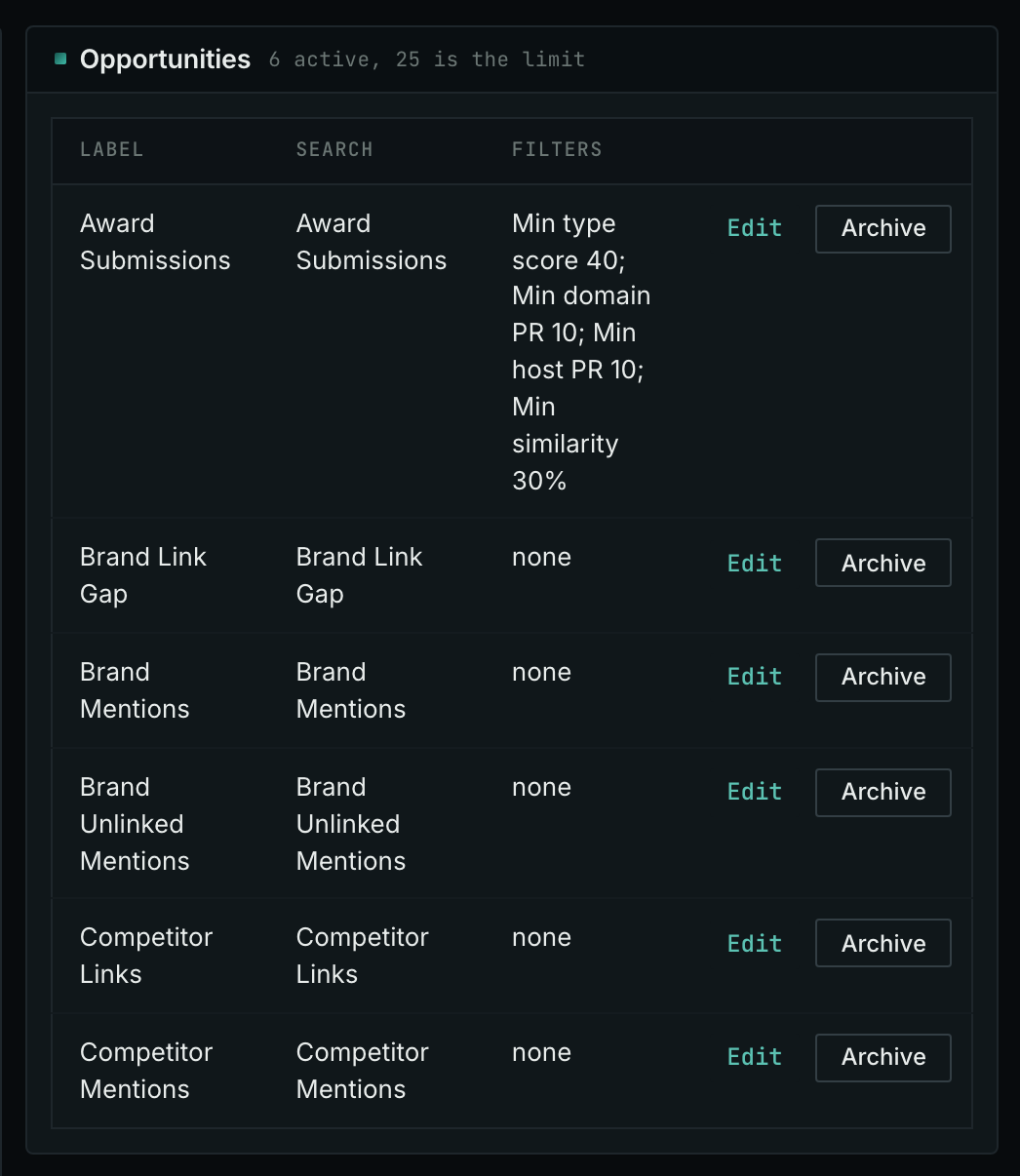
- Open your campaign in Edit Campaign, and open the Opportunities tab.
- In Search for, choose Award Submissions, in the Awards group. In Opportunity vector, choose Campaign. Click Add opportunity.
- Open the Daily Email tab, tick the box, choose the hour, and click Save.
- Each day, the Dashboard tab and the daily opportunities email show the new pages: the pages that came into the indexes in the last 24 hours.
- MCP:
campaigns_saved_opportunitiesgives the ID of each saved opportunity. Thennews_opportunitiesandprospects_opportunitiesgive the pages of 1 to 7 days, with{"campaign": 3, "opportunity": 1, "date_from": "2026-08-26", "date_to": "2026-09-01"}. For one day, send the same day indate_fromanddate_to. - API:
POST https://api.oppalerts.com/v1/news/opportunitiesandPOST https://api.oppalerts.com/v1/prospects/opportunities, with the same JSON body.
How to judge the results
- Find the current cycle. Results may include past winners, closed calls, and open calls. Check the year on the program page. Past winners provide context, but current categories and rules may differ.
- Read the eligibility and the evidence rules together. Eligibility may depend on location, company size, sector, membership, and years in business. For a category requiring client project evidence, obtain permission to name the client and proof of the result.
- Read how the judges choose the winners. Review the judging criteria, category definitions, and judges' names. The entry fee tells you what it costs to enter, not how winners are chosen.
- Read what each purchase gives you. Event tickets, trophies, and logo licenses are separate purchases. Distinguish these purchases from a place on the shortlist or a win awarded by the judges when reporting to your team.
- Find the full cost before you start. A fee can apply to each category. The use of the award name or logo can have its own terms. Find out what the program publishes about the entrants and the winners, for example a listing or a link.
- Know why the program matters to your buyers. Old website measures do not show that the program is still active. Read its current pages and its process.
- Enter only when all is ready. Enter once you meet the eligibility rules, have the evidence and permissions, and accept the costs and publication terms. Plan the work around the program's deadline.