Documentation / How-To Guides / How to Compare Content to Target Audiences
How to Compare Content to Target Audiences
Check whether a draft answers the questions its intended buyer needs to resolve.
The Content Optimizer compares a draft with both a topic category and an audience category. Read the two results together to check whether the draft covers the subject in a way that helps its intended reader.
A school IT director choosing a student information system needs to understand migration staff time and whether the school can still produce its required reports. Hosting design, integrations, and vendor certifications also describe the system, but may leave those decisions unanswered. Both approaches use words such as students, data, and reports; shared vocabulary alone does not show that a draft serves the director.
Before you start: choose the audience from the brief
Select the categories from the brief before scoring so the results have a defined target.
- Open the campaign in Edit Campaign, and open the Settings tab.
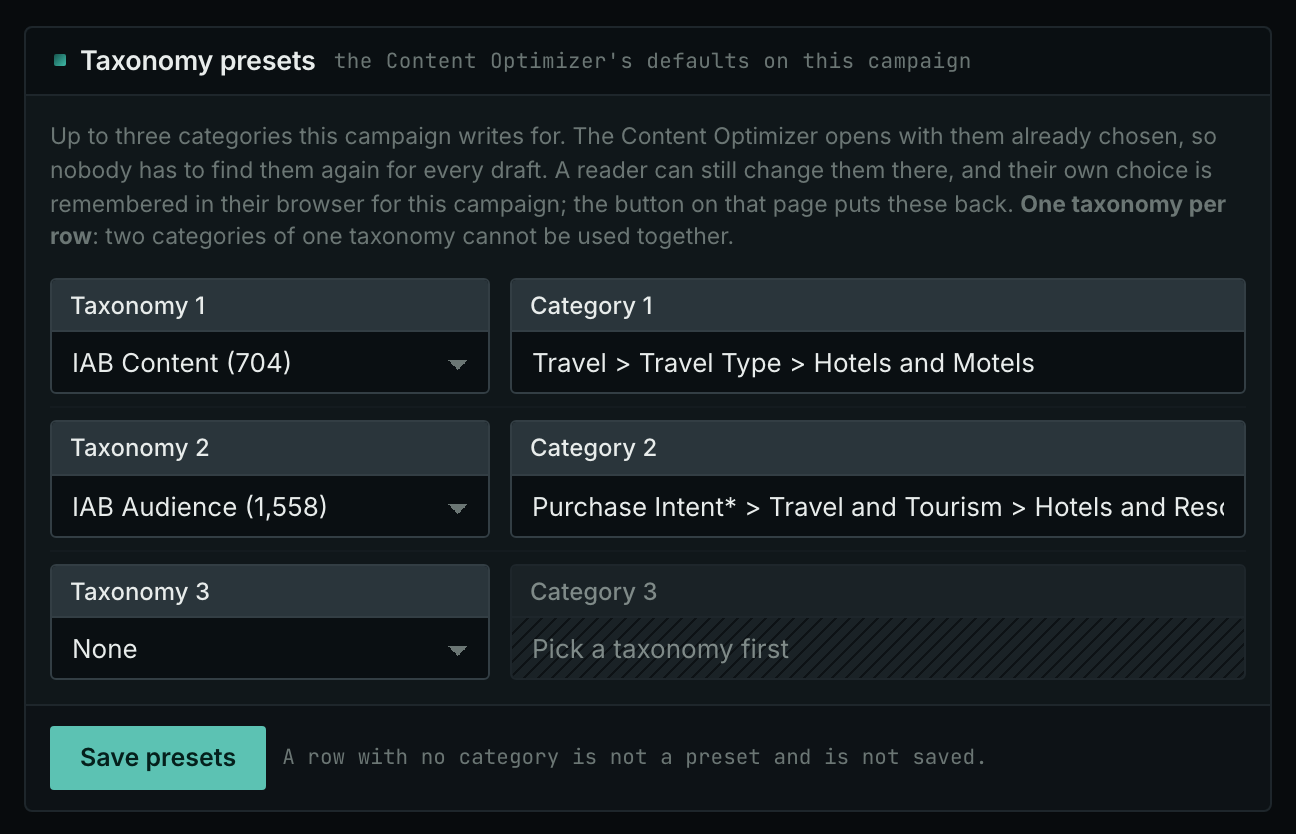
- In the Taxonomy presets card, use one row for the subject, for example a category of IAB Content. Use a second row for the reader, for example a category of IAB Audience.
- Click Save presets. Each writer on the account then starts from the same categories for this client.
1. Score the draft against the audience
- Open Content Optimizer.
- Paste the draft into the Your writing box.
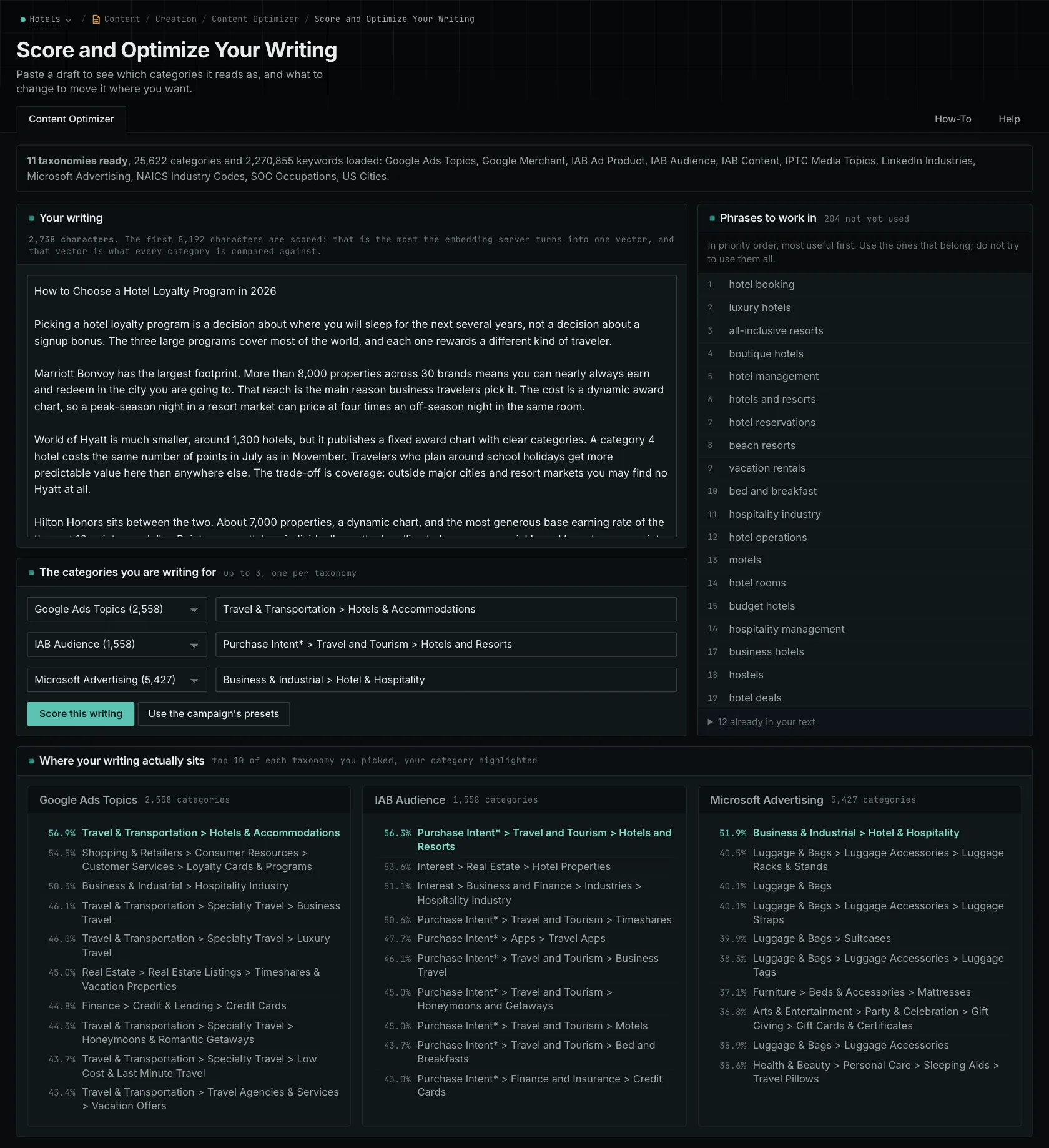
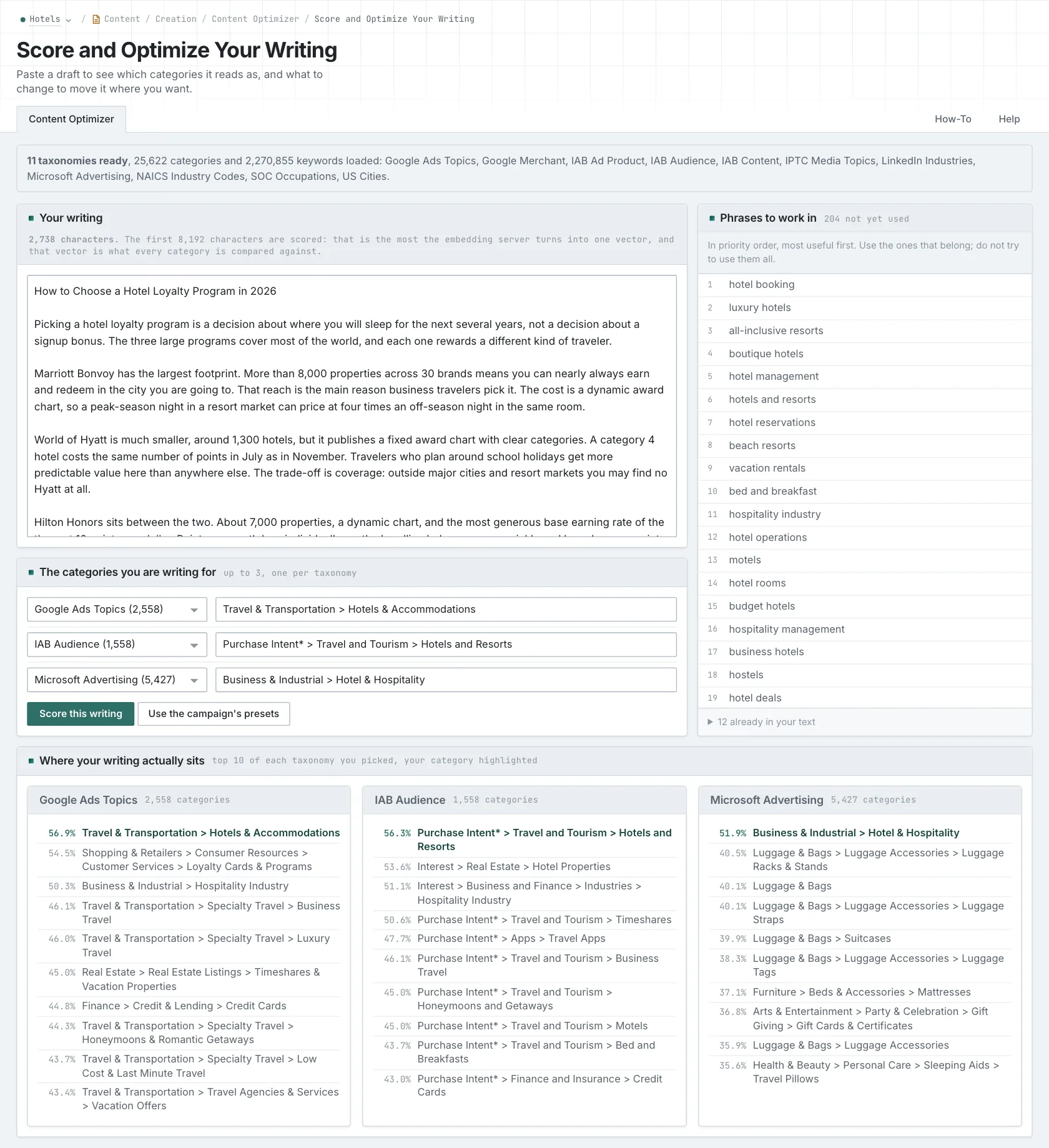
- In The categories you are writing for, check that one row has the audience category. You can use up to three rows, one for each taxonomy. Each row gets its own result. The results are never added together.
- Click Score this writing.
2. Read the audience result
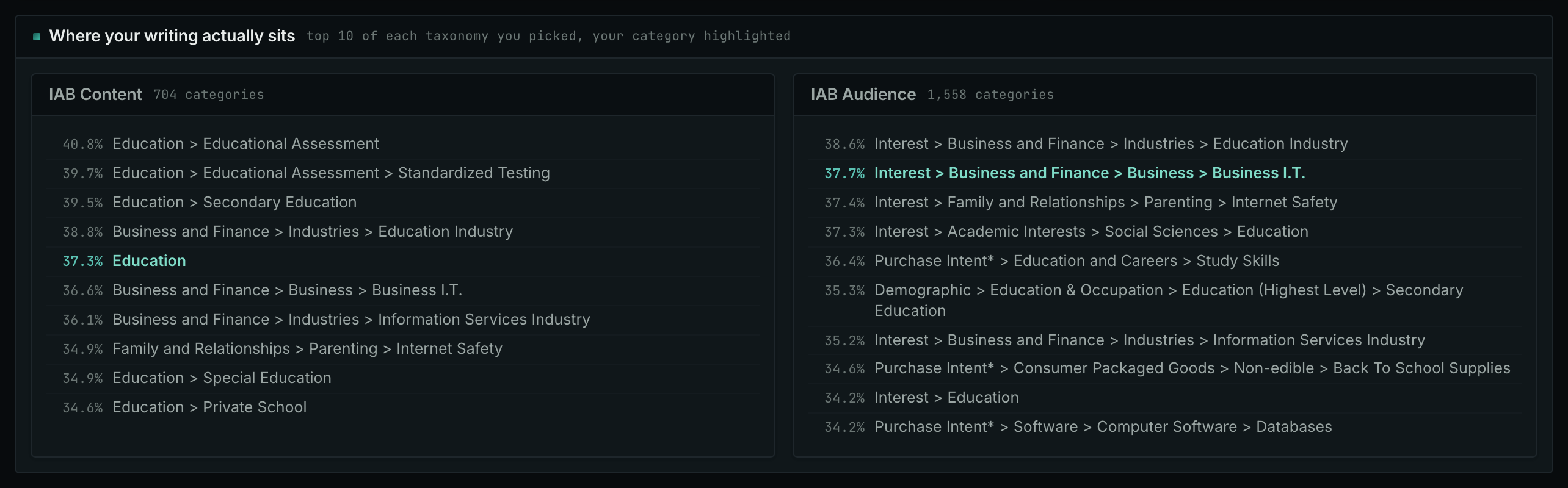
- In Where your writing actually sits, find the block of the audience taxonomy.
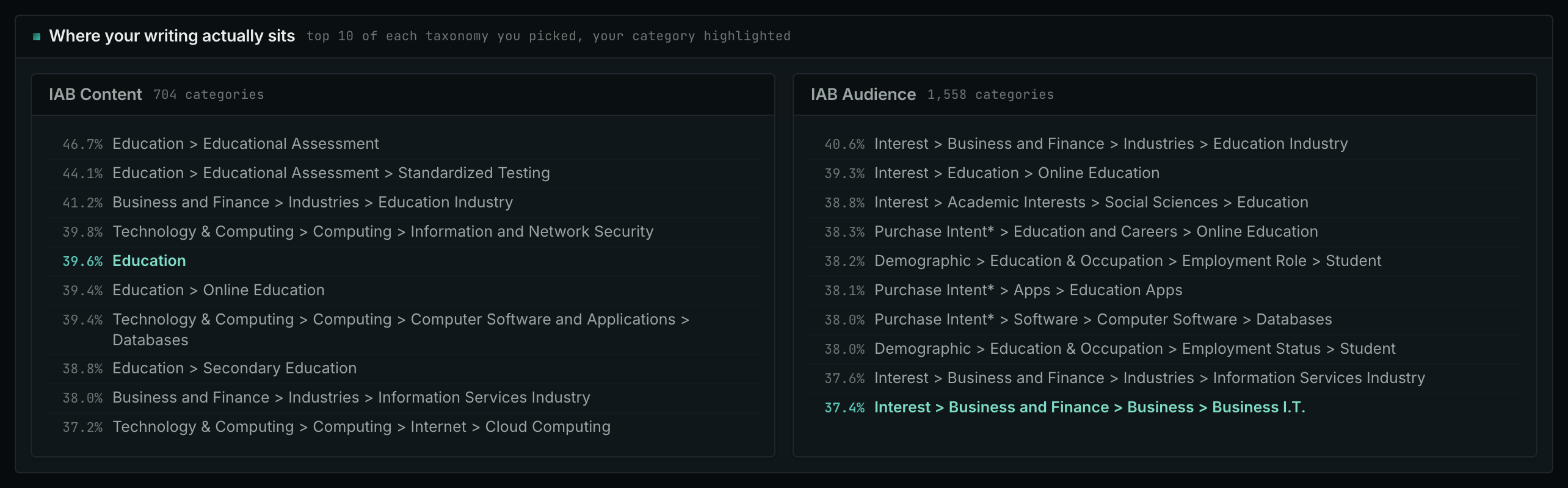
- Read the top row. That is the reader that the text is nearest to.
- Find the highlighted row, your audience. If it is not in the top ten, the block shows its rank.
- Compare it with the block of the topic taxonomy. The topic can be correct while the reader is not.
3. Find what the reader is missing
If other audiences rank above yours, reread the draft using questions such as these. These questions illustrate a review; they are not findings from a real test.
- Does the draft tell the reader why each certification is important to the school district?
- Does it tell the director what happens to the data when the contract ends, or only how the vendor keeps it?
- Does it say who does which task during the migration?
- Write the missing explanation. Give evidence for each detail that you add. Remove background that does not help the reader.
- Click Score this writing again with the same categories.
How to judge the results
- The same words do not mean the same reader. Buyers and suppliers share vocabulary because they discuss the same system. Check whether the explanation helps your reader make a decision.
- More audience words do not help. Adding school terminology does not answer the director's questions. Supply the missing explanation.
- Check long pages in parts. Score the opening and the relevant sections of the body separately. The box accepts up to 8,192 bytes.
- Use the same categories for each page. When you compare several pages for one audience, keep the category choices the same.
- The score shows semantic similarity only. It evaluates only the pasted text. It neither checks facts nor establishes that an explanation is complete.
- Tell the writer what is missing and why. For the school example: "Explain the tasks of the school staff during the migration."