Documentation / How-To Guides / How to Research Industry News
How to Research Industry News
Find the current news, questions, and experts in your industry.
Use industry news research to follow problems and events in your market, identify the publications covering them, and find the experts they quote. This guide explains how to search OppAlerts by exact wording or semantic similarity, find questions in current coverage, and monitor new pages daily.
- Which pages use an exact name, or describe a situation? Advanced Search.
- Which questions does the news ask? Advanced Search, with the content type FAQs and Q&A.
- What is new today? A saved opportunity and the daily opportunities email.
1. Search by words or by semantic similarity
An article about restaurants struggling to fill shifts at short notice may be relevant to workforce software without using your category name, "hospitality workforce management". Use word search for an exact name and semantic search to find coverage of the situation.
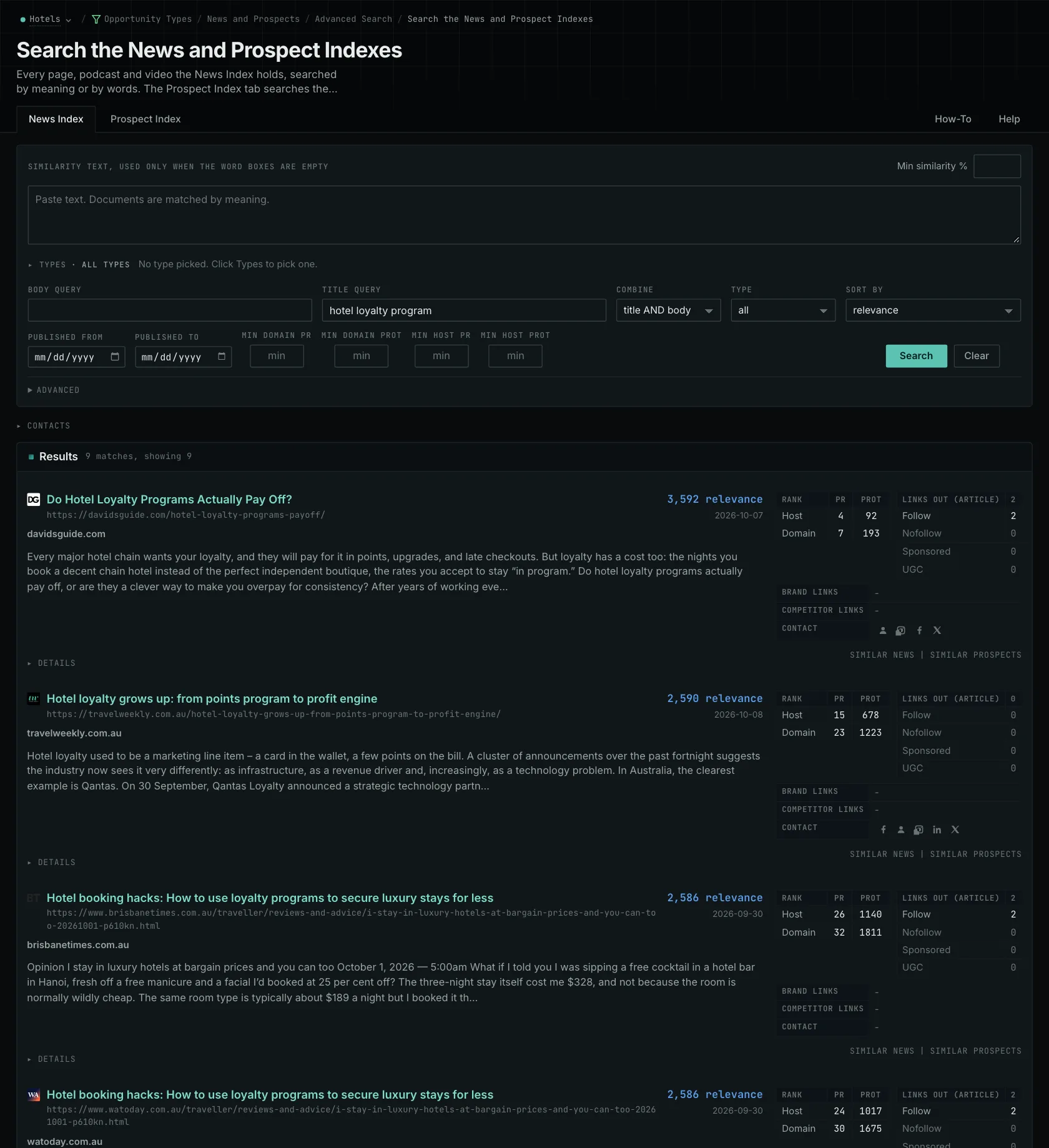
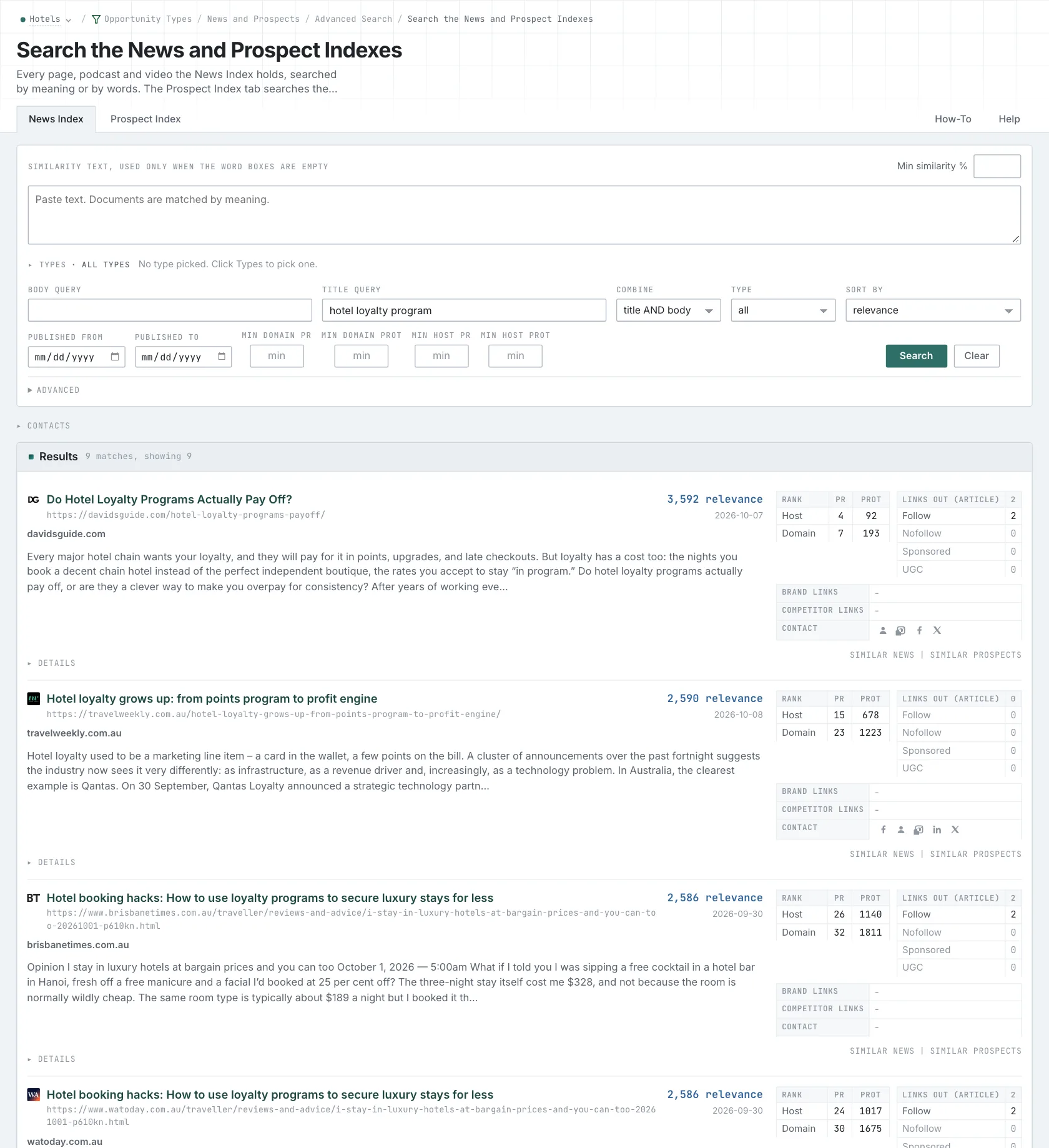
- Open Advanced Search, and open the News Index tab.
- For an exact business, product, or regulation name, type it in Title query or Body query. Put quotes around a phrase. Every word that you type is required, so start with two words.
- For a situation, choose Similarity text in Opportunity vector, and paste a paragraph that describes it in the box.
- Set Published to the period that you research.
- Click Search.
- MCP:
news_search, with{"campaign": 3, "similarity_target": "similarity_text", "similarity_text": "Boutique hotels winning direct bookings from younger travelers in mid-size US cities.", "similarity_score_min": 25, "published_from": "2026-08-01", "sort": "best"}. For a word search, sendtitle_queryorbody_query. - API:
POST https://api.oppalerts.com/v1/news/search, with the same JSON body.
2. Read the questions in the news
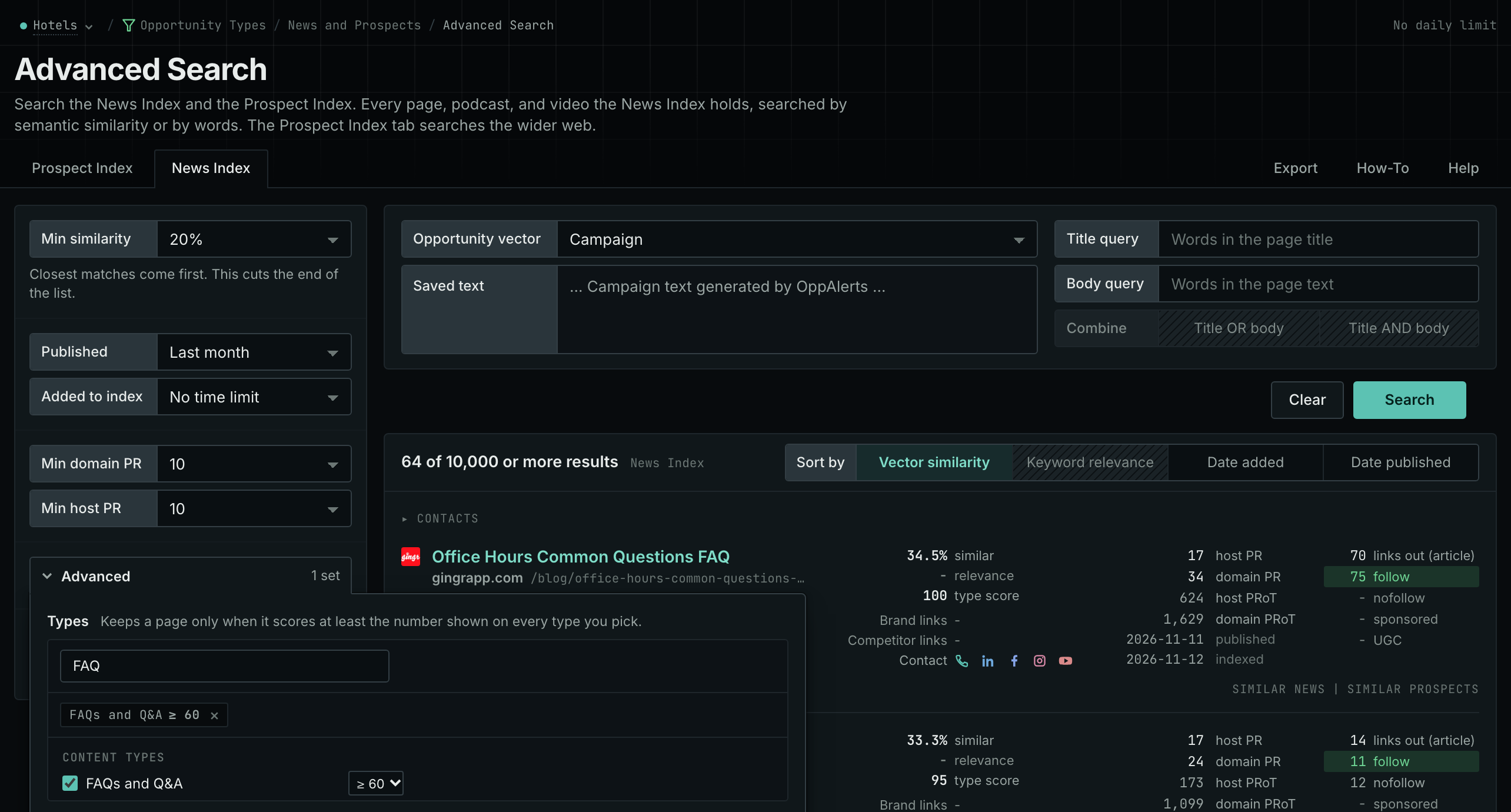
- Open Advanced Search, and open the News Index tab. In Opportunity vector, choose Campaign.
- Click Advanced. In Types, tick FAQs and Q&A, and choose a minimum score, for example 60.
- Set Published to Last week or Last month, and click Search. The rows show the news pages, podcasts, and videos that answer questions about your market.
- Open the pages. Note the questions, the evidence, and the experts that they quote.
- MCP:
news_search, with{"campaign": 3, "similarity_target": "campaign", "similarity_score_min": 25, "published_from": "2026-11-01", "type_scores": [{"content_type": "faqs-and-q-and-a", "type_score_min": 60}], "sort": "best"}. - API:
POST https://api.oppalerts.com/v1/news/search, with the same JSON body.
3. Get the new industry pages every day
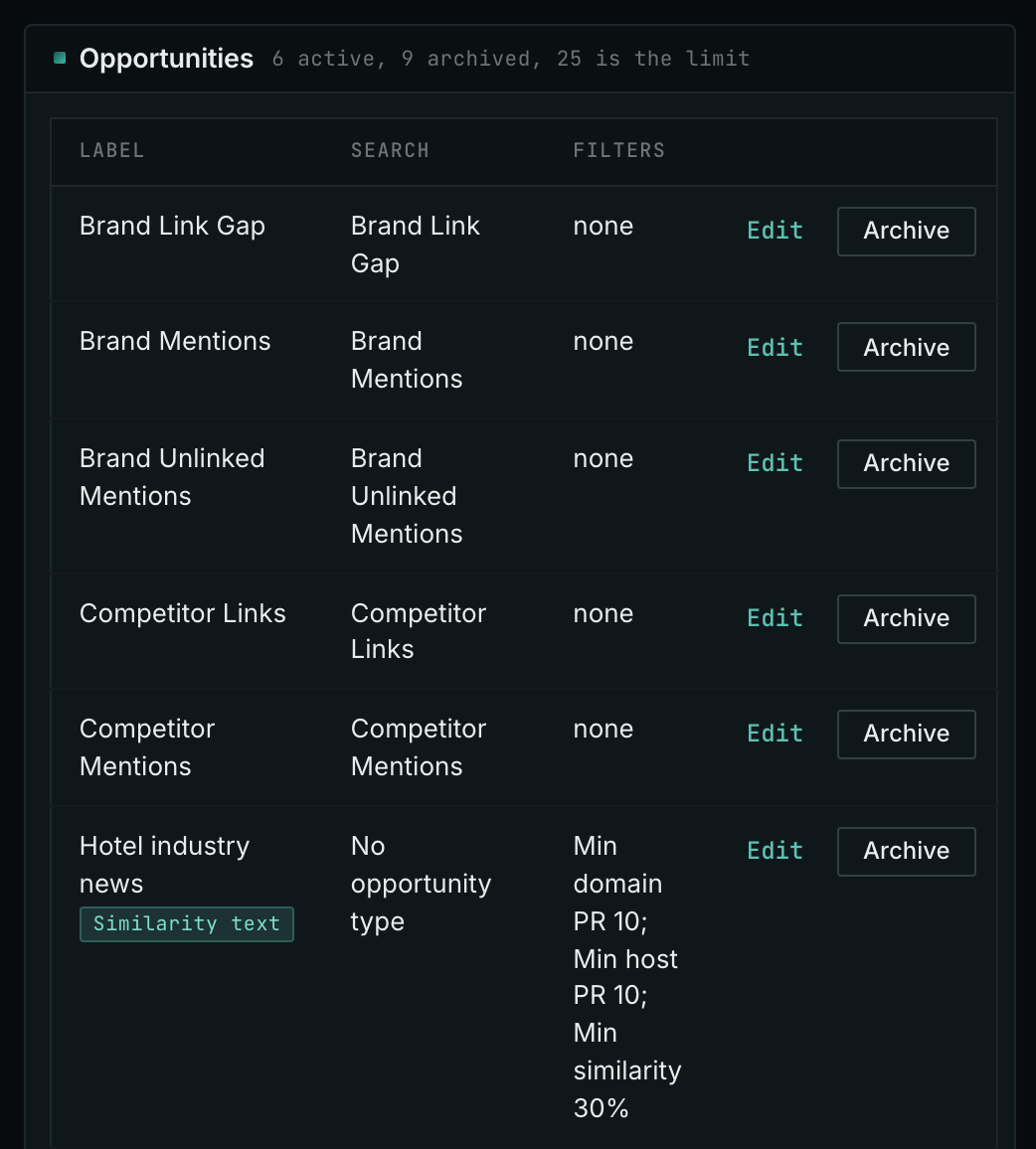
- In Edit Campaign, open the Opportunities tab.
- Add an opportunity. In Search for, choose No opportunity type. It finds the pages nearest to the Opportunity vector.
- In Opportunity vector, keep Similarity text, and paste a short description of the subject that you follow.
- Open the Daily Email tab, tick the box, choose the hour, and click Save.
- Each day, the Dashboard tab and the daily opportunities email show the new pages: the pages that came into the indexes in the last 24 hours.
- MCP:
campaigns_saved_opportunitiesgives the ID of each saved opportunity. Thennews_opportunitiesandprospects_opportunitiesgive the pages of 1 to 7 days, with{"campaign": 3, "opportunity": 1, "date_from": "2026-08-26", "date_to": "2026-09-01"}. For one day, send the same day indate_fromanddate_to. - API:
POST https://api.oppalerts.com/v1/news/opportunitiesandPOST https://api.oppalerts.com/v1/prospects/opportunities, with the same JSON body.
How to judge the results
- Check the published date. Use Published for the period that you research. Open the source to confirm the date before you call a page recent. The indexed date is only the date that the page came into the index.
- Compare two searches. Compare a category search with a situation search. Different queries return different pages, so an article missing from one result set may still be in the index.
- Know the limits. Results cover only pages OppAlerts has collected. Social media and review sites are not monitored.
- Read how the article explains the problem. A report explaining effects on service provides more context than a vendor feature announcement. Record the question addressed, the evidence, and the experts quoted.
- Use the reading in your brief. If customers also ask about covering sudden absences, use the research to identify a practical explanation you can support.
- Look for repeat coverage. Repeated coverage may make a publication worth approaching. Check its current editorial requirements first.
- Keep the useful sources. Save useful sources alongside the questions they leave unanswered.