Documentation / How-To Guides / How to Find Expert Roundup Opportunities
How to Find Expert Roundup Opportunities
Find journalists and publishers who ask experts in your field for comments.
Expert roundups publish several people's answers to the same question. Contributing a short answer grounded in your experience can introduce you to a publication's readers. Use the three workflows below to find roundups, interview requests, and the publications behind them in OppAlerts.
- Which pages collect comments from experts? The Expert Roundups and Interview Opportunities opportunity types.
- Which roundups are about my topic? Advanced Search, with words and the expert types.
- Which roundups are new today? A saved opportunity and the daily opportunities email.
1. Search the expert opportunity types
The Experts group has three opportunity types:
- Expert Roundups: content that collects advice, predictions, or opinions from several experts. Pages with words such as "expert roundup", "ask the experts", and "experts weigh in".
- Interview Opportunities: publishers and programs that interview people in the industry, with wording such as "apply to be interviewed".
- Expert Directories: lists of named specialists. Writers use them to find experts.
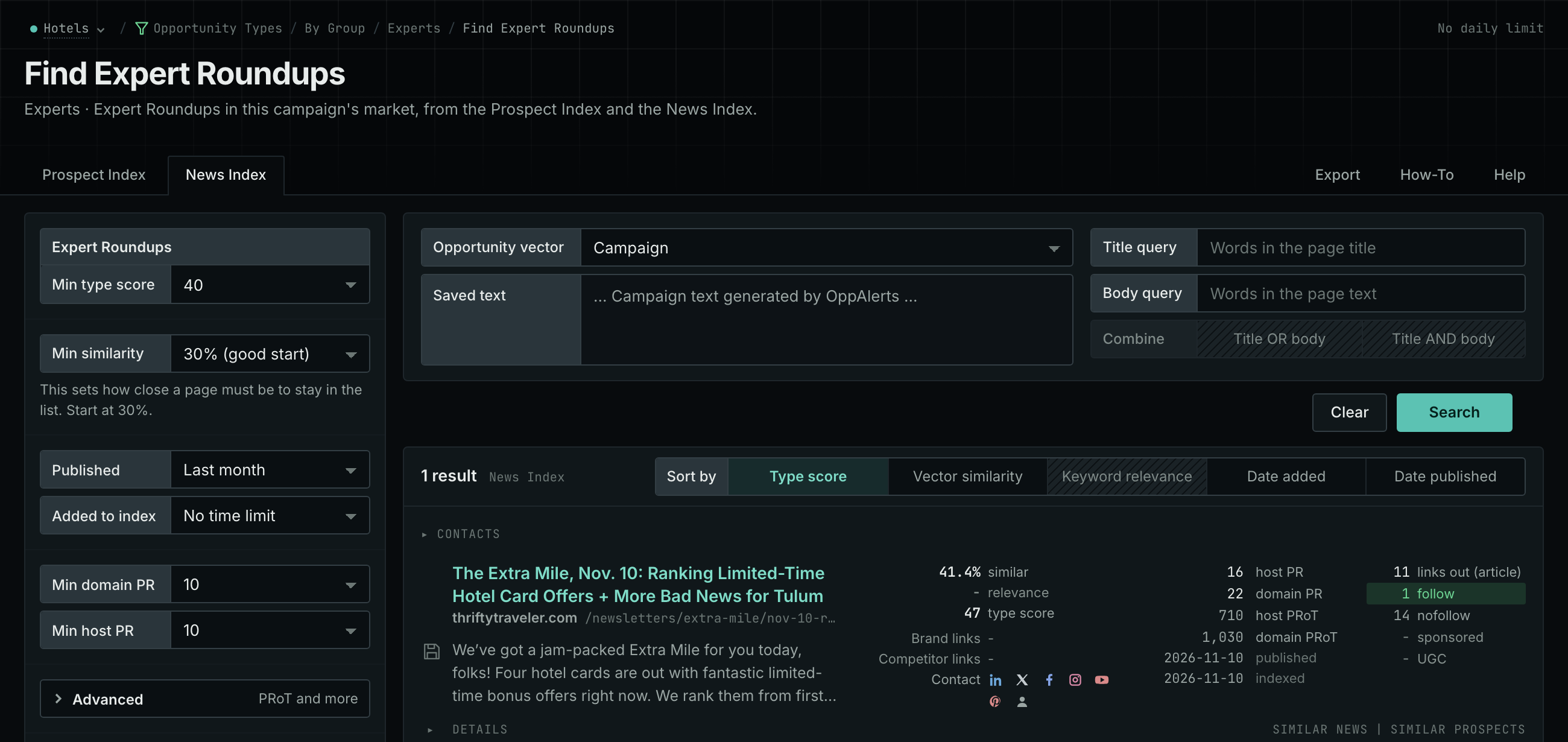
- Open Opportunity Types in the menu of the web app.
- Choose Experts, then choose Expert Roundups.
- Read the News Index tab. Set Published to the last few weeks to see the current roundups.
- Read the Prospect Index tab for the publications that make roundups. To see only the pages that came into the index recently, set Added to index.
- Click Vector similarity in Sort by to put the pages nearest to your market first.
- Do the same for Interview Opportunities.
- MCP:
news_searchandprospects_search, with{"campaign": 3, "similarity_target": "campaign", "published_from": "2026-10-15", "type_scores": [{"opportunity_type": "experts/roundups-and-panels", "type_score_min": 50}], "sort": "type_score"}. Forprospects_search, sendindexed_fromin place ofpublished_from: it counts from the date that the page came into the index. - API:
POST https://api.oppalerts.com/v1/news/searchandPOST https://api.oppalerts.com/v1/prospects/search, with the JSON body of each tool.
2. Find the roundups about your topic
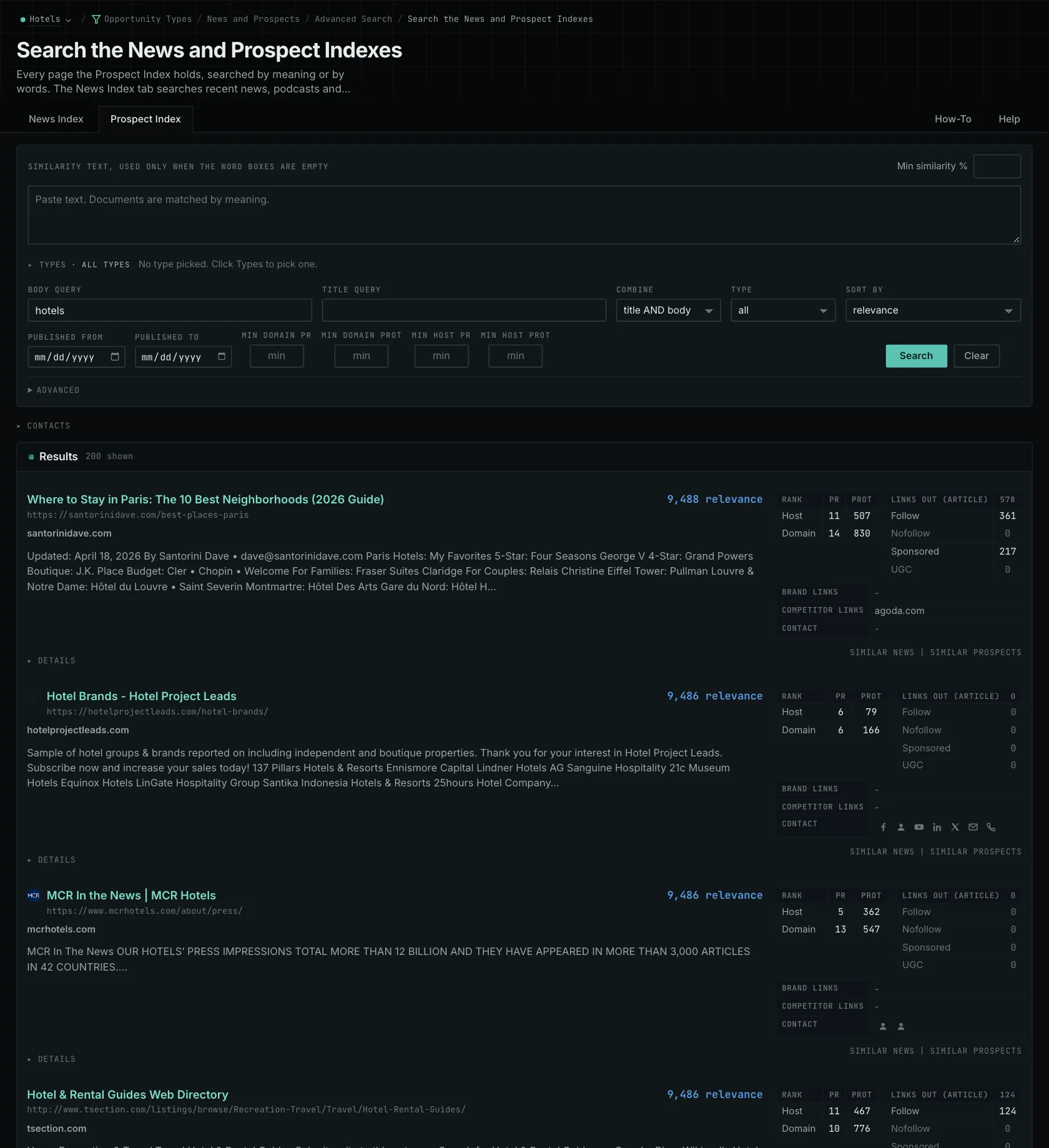
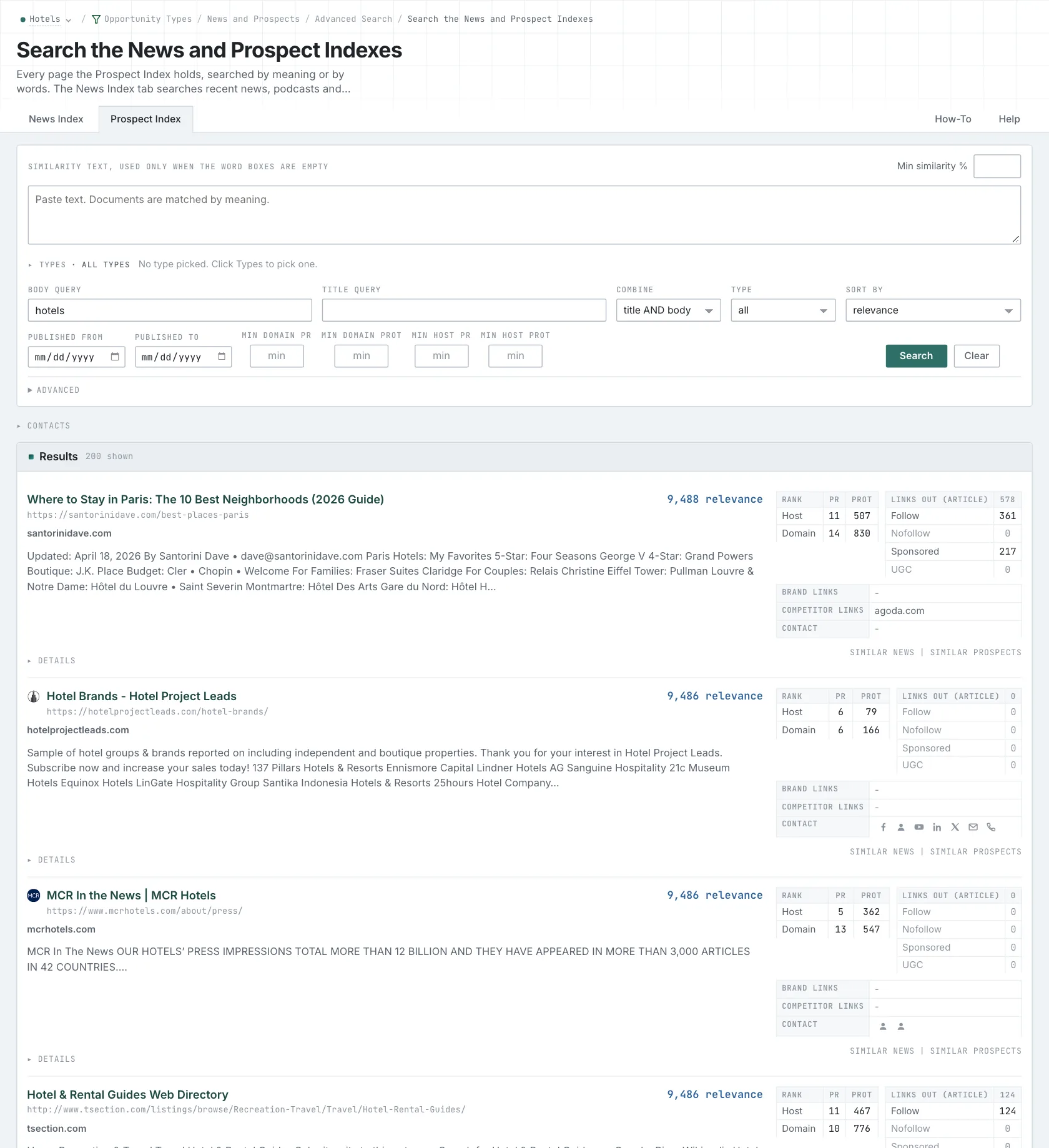
- Open Advanced Search, and open the News Index or the Prospect Index tab.
- In Opportunity vector, choose Campaign.
- In Body query, type a word of your subject. Every word that you type is required, so use few words.
- Click Advanced. In Types, tick Expert Roundups and choose its minimum score.
- Click Search.
- MCP:
news_searchandprospects_search, with{"campaign": 3, "similarity_target": "campaign", "type_scores": [{"opportunity_type": "experts/roundups-and-panels", "type_score_min": 50}], "sort": "best"}. - API:
POST https://api.oppalerts.com/v1/news/searchandPOST https://api.oppalerts.com/v1/prospects/search, with the same JSON body.
3. Get the new roundups every day
Requests for comments have short deadlines. The daily opportunities email shows new requests while they are still open.
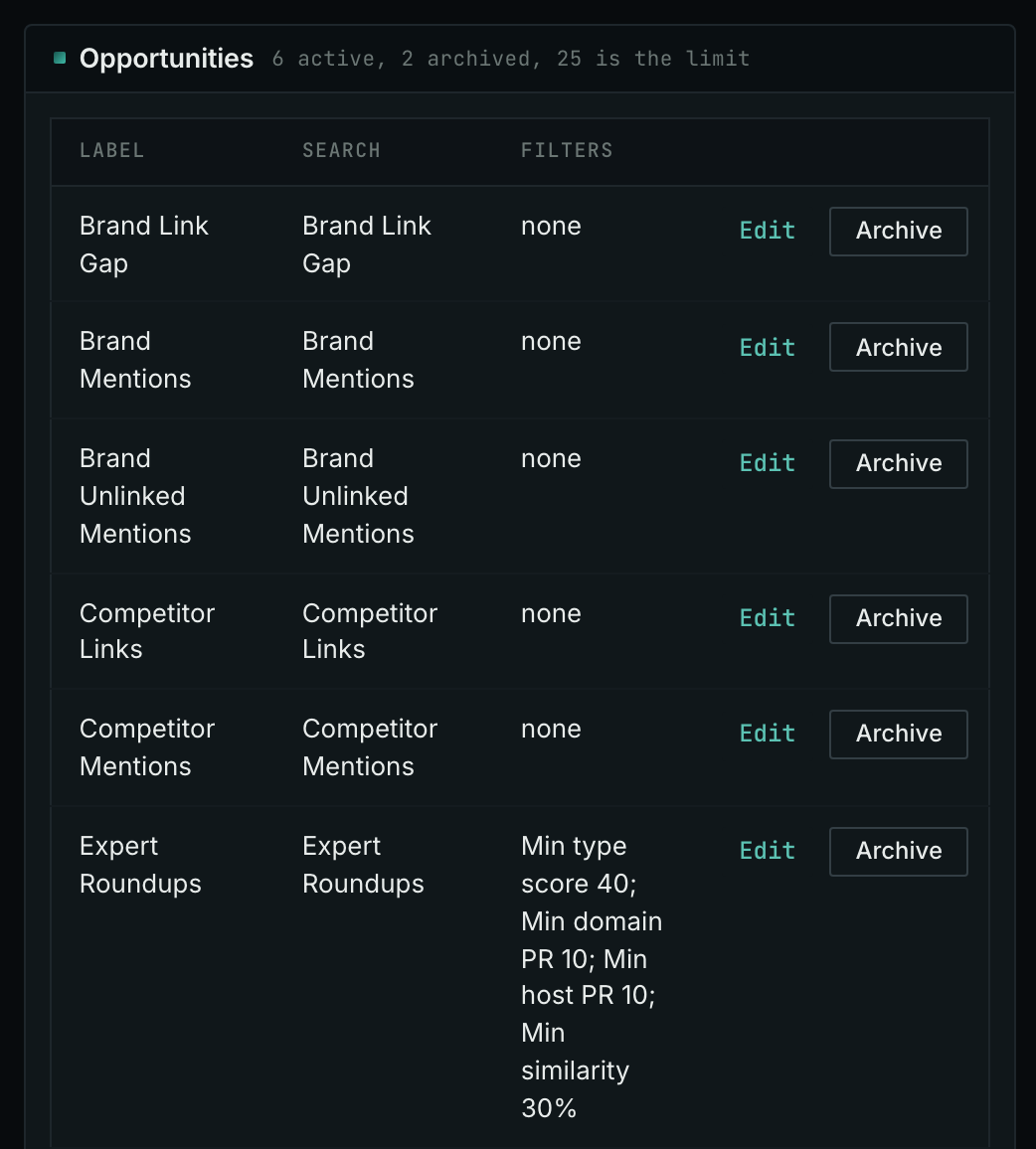
- Open your campaign in Edit Campaign, and open the Opportunities tab.
- In Search for, choose Expert Roundups, in the Experts group. In Opportunity vector, choose Campaign. Click Add opportunity.
- Open the Daily Email tab, tick the box, choose the hour, and click Save.
- Each day, the Dashboard tab and the daily opportunities email show the new pages: the pages that came into the indexes in the last 24 hours.
- MCP:
campaigns_saved_opportunitiesgives the ID of each saved opportunity. Thennews_opportunitiesandprospects_opportunitiesgive the pages of 1 to 7 days, with{"campaign": 3, "opportunity": 1, "date_from": "2026-08-26", "date_to": "2026-09-01"}. For one day, send the same day indate_fromanddate_to. - API:
POST https://api.oppalerts.com/v1/news/opportunitiesandPOST https://api.oppalerts.com/v1/prospects/opportunities, with the same JSON body.
How to judge the results
- Check that the request is open. A published roundup records earlier coverage, not an open request for comments. Check the current question, deadline, and submission instructions before writing an answer.
- Answer the question that the writer asks. If a writer asks about problems when changing scheduling systems, use relevant experience. For example, explain a problem you encountered moving availability data between systems and how you checked it.
- Make each claim clear without the rest of the text. The writer may use only part of your answer. Put any conditions next to the claim they qualify so the advice remains accurate when excerpted.
- Obey the word limit. A two-sentence limit leaves room for several experts. Choose one decision you can explain within that space; a longer answer makes the editor search for your point.
- Give the editor what the credit needs. Read recent roundups of the publication to see how it names the experts. Then send the name, the role, the company, and the link that the instructions ask for.
- Check who the publication serves. Old link measures tell you about the website. The current articles and the request tell you more about the editorial standards.
- Know what OppAlerts does not give. Results contain pages, without journalist profiles or coverage topics. Use a media database to find an individual reporter.
- Track the result. Record the submission and the publication as two separate events.