Documentation / How-To Guides / How to Find Event Speaking Opportunities
How to Find Event Speaking Opportunities
Find conferences and events in your market that accept speakers.
To propose a talk, you need a subject you can explain, an audience that needs it, and an event accepting submissions. This guide covers three ways to find speaking opportunities in OppAlerts, then explains what to check before applying by the deadline.
- Which events ask for speakers? The Speaker Proposals and Calls for Papers opportunity types.
- Which calls are about my topic? Advanced Search, with words and the event types.
- Which calls are new today? A saved opportunity and the daily opportunities email.
1. Search the event opportunity types
Use these opportunity types in the Events group to research speaking opportunities:
- Speaker Proposals: events that accept presentation proposals. Pages with words such as "call for speakers", "apply to speak", and "speaker application".
- Calls for Papers: conferences and workshops that ask for papers, abstracts, or posters.
- Conferences & Shows and Event Calendars: the events of your market, and the calendars that list them. Use them to find events that you can watch for the next call.
- Meetups, User Groups: smaller local or online groups. They can also need speakers.
- Open Opportunity Types in the menu of the web app.
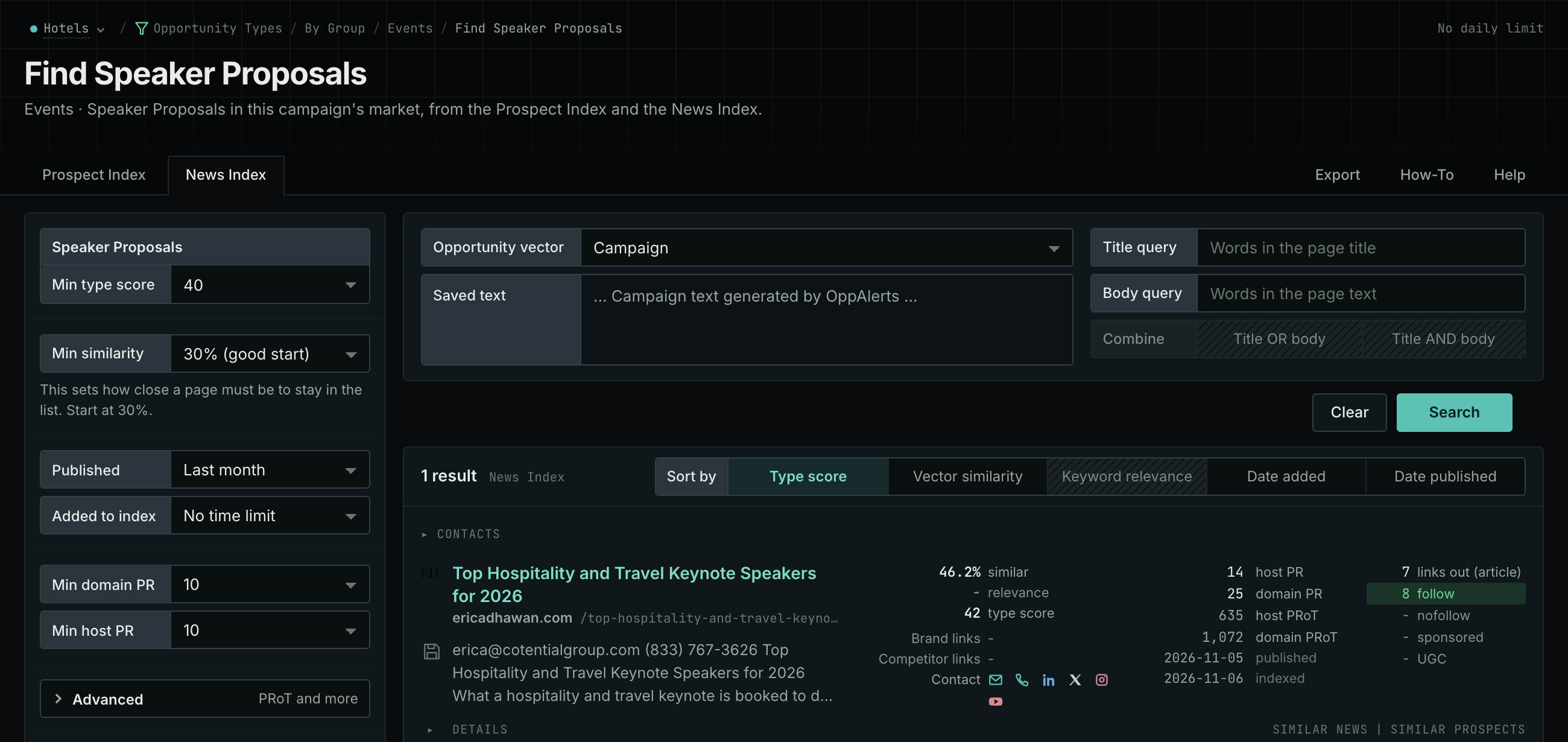
- Choose Events, then choose Speaker Proposals.
- Read the News Index tab first. Set Published to the last few weeks. A new call for speakers is often in the news.
- Read the Prospect Index tab for the speaker pages of all dates. To see only the pages that came into the index recently, set Added to index.
- Click Vector similarity in Sort by to put the events nearest to your market first.
- Do the same for Calls for Papers.
- MCP:
news_searchandprospects_search, with{"campaign": 3, "similarity_target": "campaign", "published_from": "2026-10-15", "type_scores": [{"opportunity_type": "events/speaker-proposals", "type_score_min": 50}], "sort": "type_score"}. Forprospects_search, sendindexed_fromin place ofpublished_from: it counts from the date that the page came into the index. - API:
POST https://api.oppalerts.com/v1/news/searchandPOST https://api.oppalerts.com/v1/prospects/search, with the JSON body of each tool.
2. Find the calls about your topic
In Advanced Search, you can add words to an opportunity type search or search multiple types together.
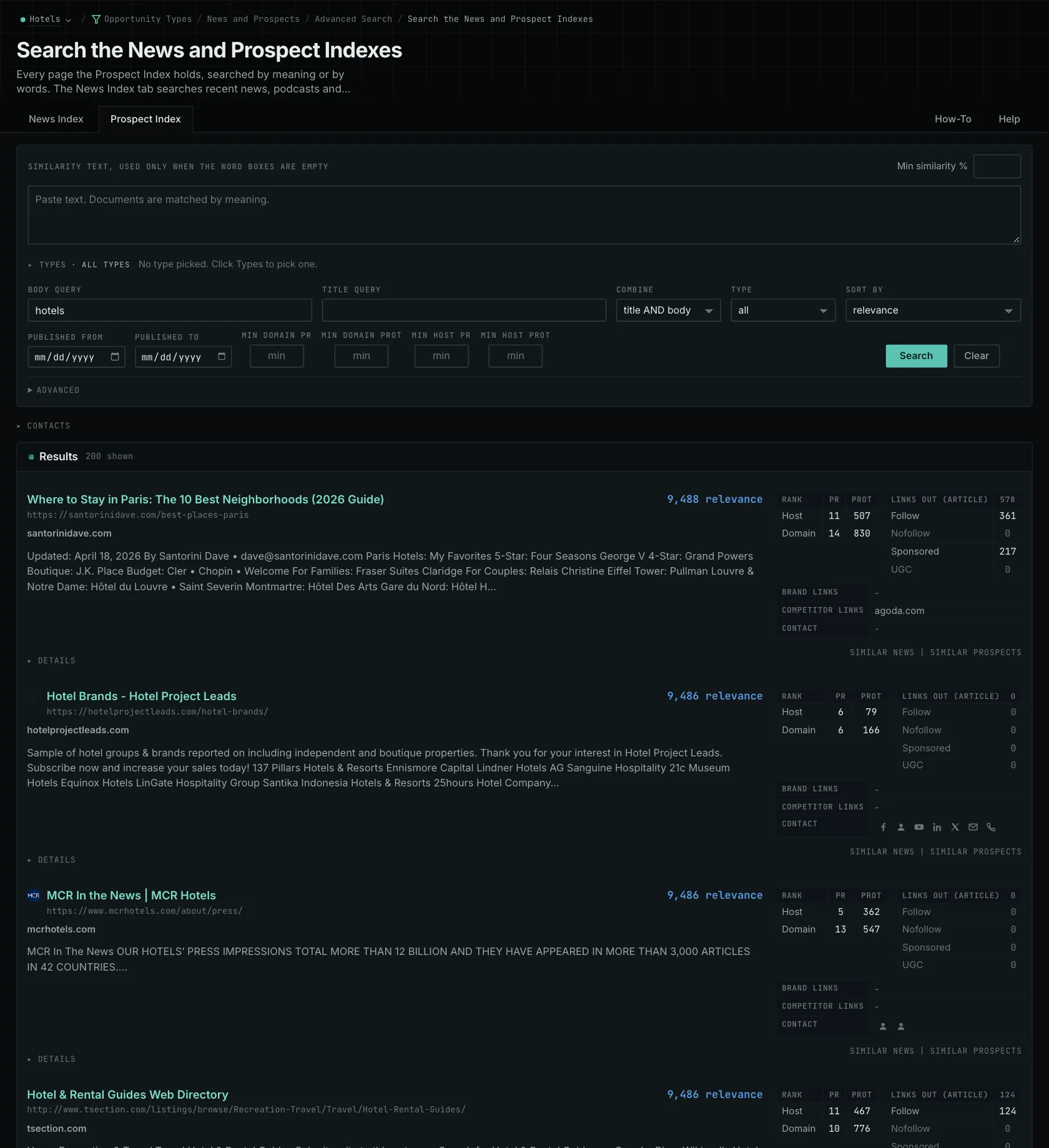
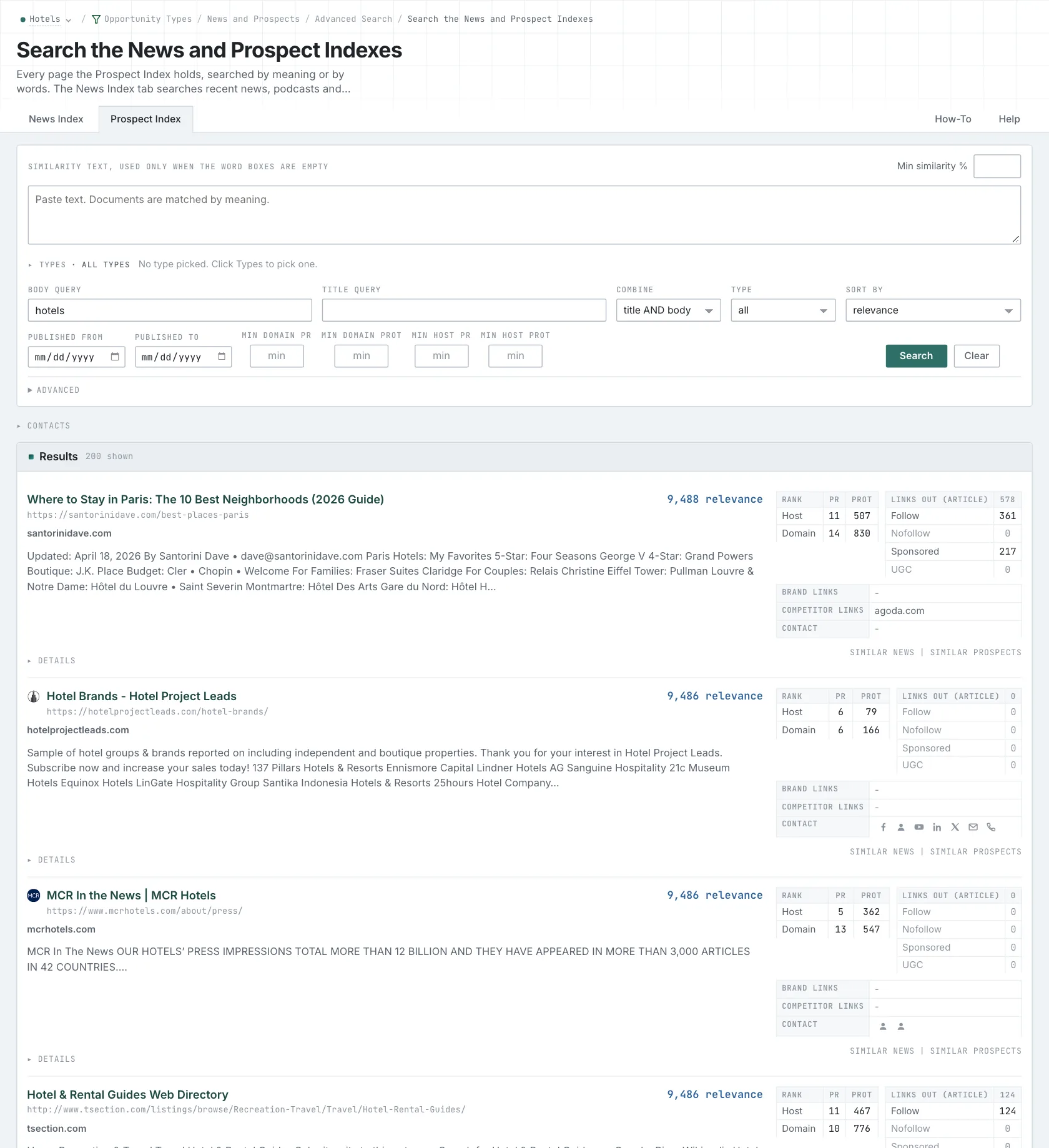
- Open Advanced Search, and open the News Index or the Prospect Index tab.
- In Opportunity vector, choose Campaign.
- In Body query, type a word of your subject. Every word that you type is required, so use few words.
- Click Advanced. In Types, tick Speaker Proposals and choose its minimum score.
- Click Search.
- MCP:
news_searchandprospects_search, with{"campaign": 3, "similarity_target": "campaign", "type_scores": [{"opportunity_type": "events/speaker-proposals", "type_score_min": 50}], "sort": "best"}. - API:
POST https://api.oppalerts.com/v1/news/searchandPOST https://api.oppalerts.com/v1/prospects/search, with the same JSON body.
3. Get the new calls for speakers every day
Calls for speakers have submission windows. The daily opportunities email brings new calls to your attention while there is still time to apply.
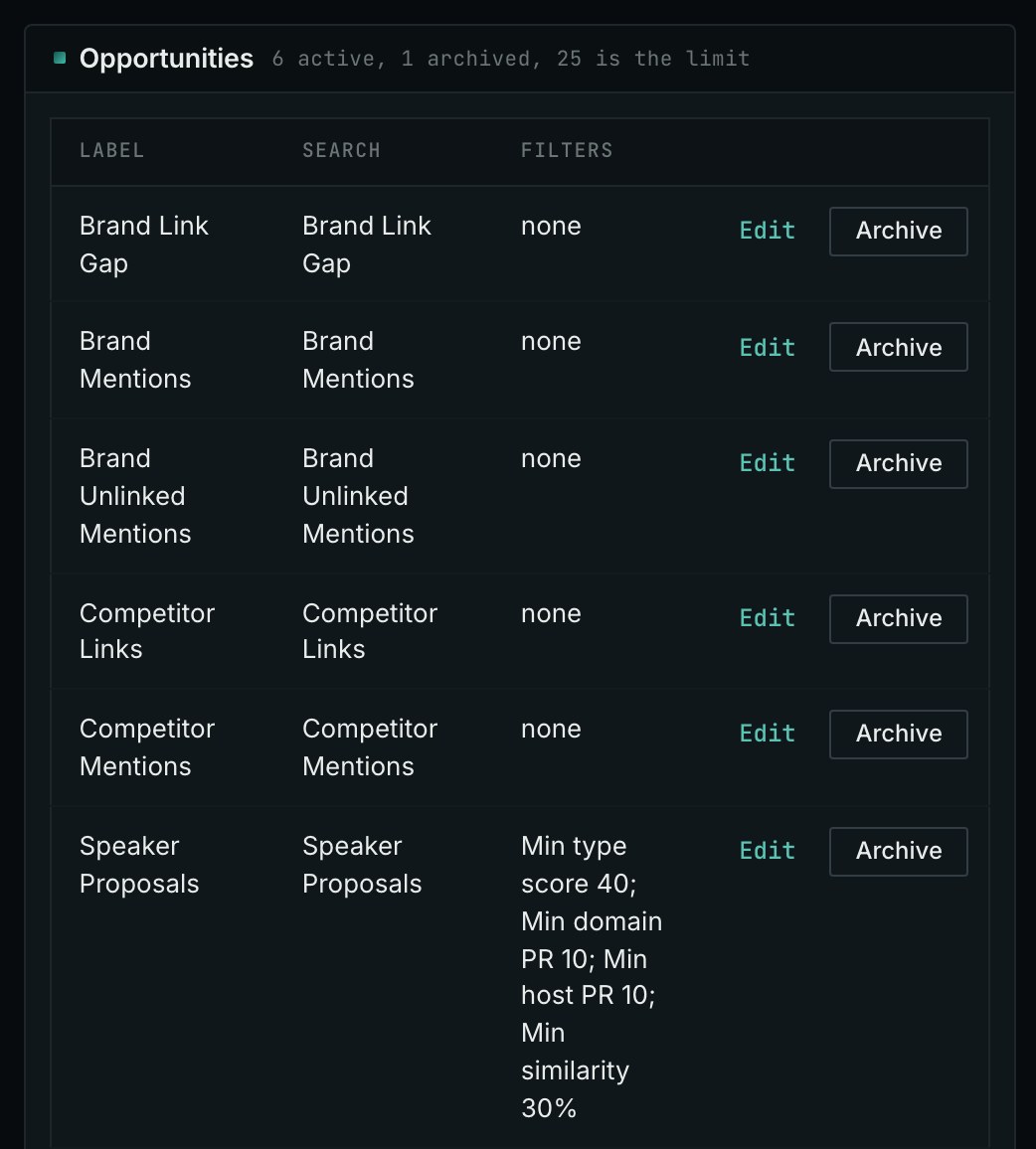
- Open your campaign in Edit Campaign, and open the Opportunities tab.
- In Search for, choose Speaker Proposals, in the Events group. In Opportunity vector, choose Campaign. Click Add opportunity. Add a second one for Calls for Papers if you want both.
- Open the Daily Email tab, tick the box, choose the hour, and click Save.
- Each day, the Dashboard tab and the daily opportunities email show the new pages: the pages that came into the indexes in the last 24 hours.
- MCP:
campaigns_saved_opportunitiesgives the ID of each saved opportunity. Thennews_opportunitiesandprospects_opportunitiesgive the pages of 1 to 7 days, with{"campaign": 3, "opportunity": 1, "date_from": "2026-08-26", "date_to": "2026-09-01"}. For one day, send the same day indate_fromanddate_to. - API:
POST https://api.oppalerts.com/v1/news/opportunitiesandPOST https://api.oppalerts.com/v1/prospects/opportunities, with the same JSON body.
How to judge the results
- Check the year and the closing date first. An event months away may already have closed its call for speakers. Results can include old calls and past programs, so check the submission deadline to confirm that you can still apply.
- Read the tracks and the session formats. Match the proposal to the available time: a 15-minute session can cover one important decision, while a 45-minute workshop can cover a full project.
- Write for the audience of the track. Explain the working conditions for a technical audience and the reasons behind a decision for a management audience. The same project can support two different talks.
- Say what the attendees will learn. State the question, the evidence from your work, and what the attendees can use after the talk. Send the biography or the recordings that the organizer asks for.
- Read the commercial rules. Some calls do not allow product demonstrations. Some events sell speaking slots in sponsorship packages, with different terms. Check the attendance fees, the travel costs, and the disclosure rules before you accept.
- Ask what the event publishes. Last year's speaker pages, links, or recordings do not establish what the event will publish this year. Confirm where the material will appear, which permissions you need, and how long it will remain online.
- Keep a closed call on your list. If the call has closed, watch the event for the next cycle.