Documentation / How-To Guides / How to Find Op-Ed Opportunities
How to Find Op-Ed Opportunities
Find opinion sections suited to your argument and supporting evidence.
Start an op-ed search with an argument you can support and a reason the publication's readers would care. If your experience shows that a common industry practice creates unnecessary work, explain why it should change, why people still use it, and when your alternative applies. The three workflows below use OppAlerts to find suitable publications and current news relevant to that argument.
- Which publications accept opinion articles? The Op-Eds opportunity type.
- What is the current news about my argument? Advanced Search, News Index tab.
- Which opinion pages are new today? A saved opportunity and the daily opportunities email.
1. Search the op-ed opportunity types
Use these opportunity types in the Media group to find opinion sections and their publications:
- Op-Eds: publications that accept opinion essays, commentary, and letters from outside experts. Pages with words such as "opinion submission", "guest commentary", and "letter to the editor".
- Newspapers, Press: national, regional, local, and business newspapers.
- Trade Magazines: print and digital magazines of your market.
- Open Opportunity Types in the menu of the web app.
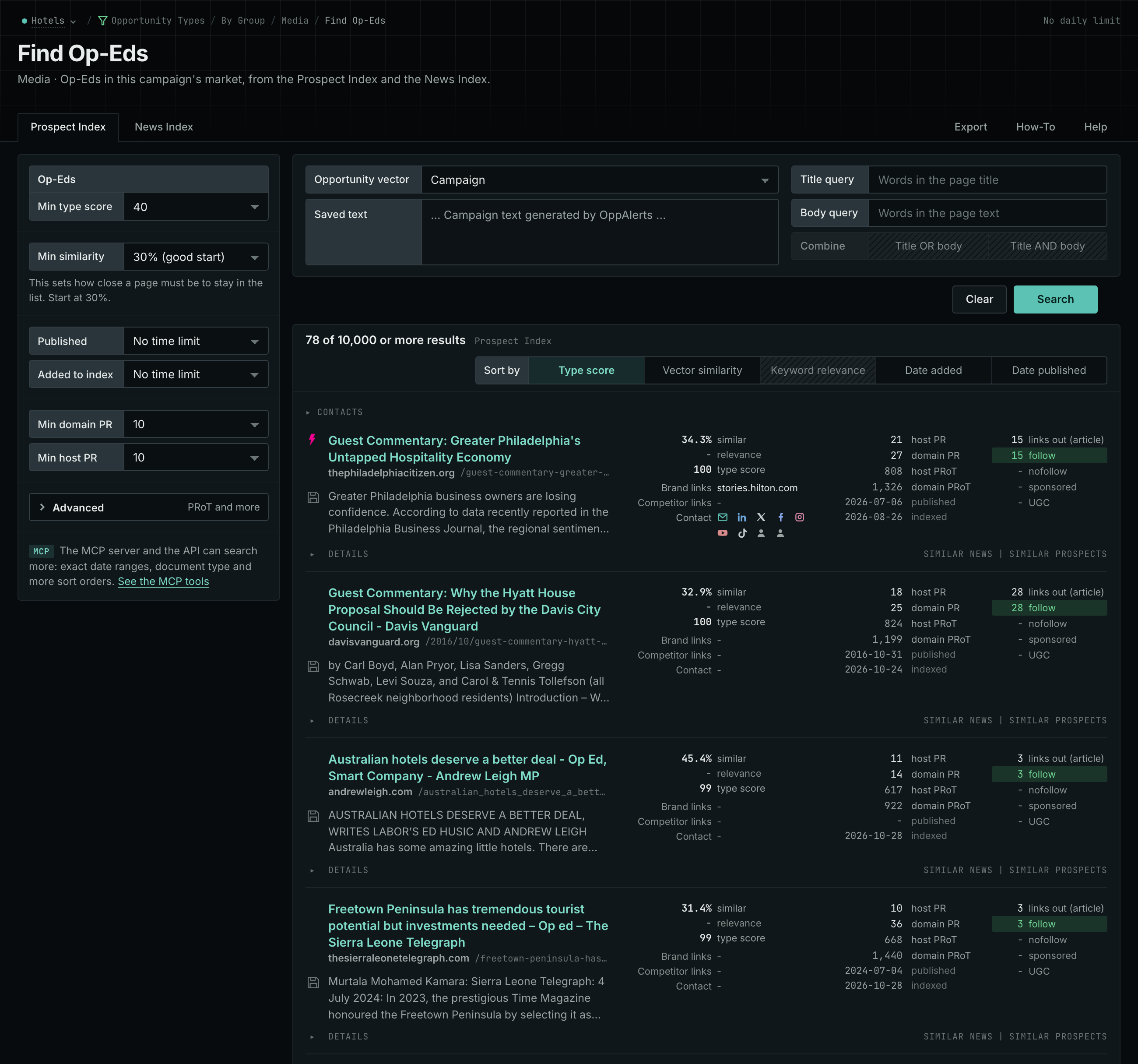
- Choose Media, then choose Op-Eds.
- Read the Prospect Index tab for the contributor pages and the editorial policies. These pages often have no published date, so do not set Published on this tab.
- Read the News Index tab for recent opinion articles. Set Published to the last few weeks.
- Add the publications that fit to the Publishers box on the Settings tab of Edit Campaign. Then every report labels them.
- MCP:
prospects_searchandnews_search, with{"campaign": 3, "similarity_target": "campaign", "pr_domain_min": 10, "type_scores": [{"opportunity_type": "media/op-eds", "type_score_min": 50}], "sort": "type_score"}. - API:
POST https://api.oppalerts.com/v1/prospects/searchandPOST https://api.oppalerts.com/v1/news/search, with the same JSON body.
2. Read the current news about your argument
Search the news for material semantically similar to your argument. A recent event or data release can explain why the argument matters now.
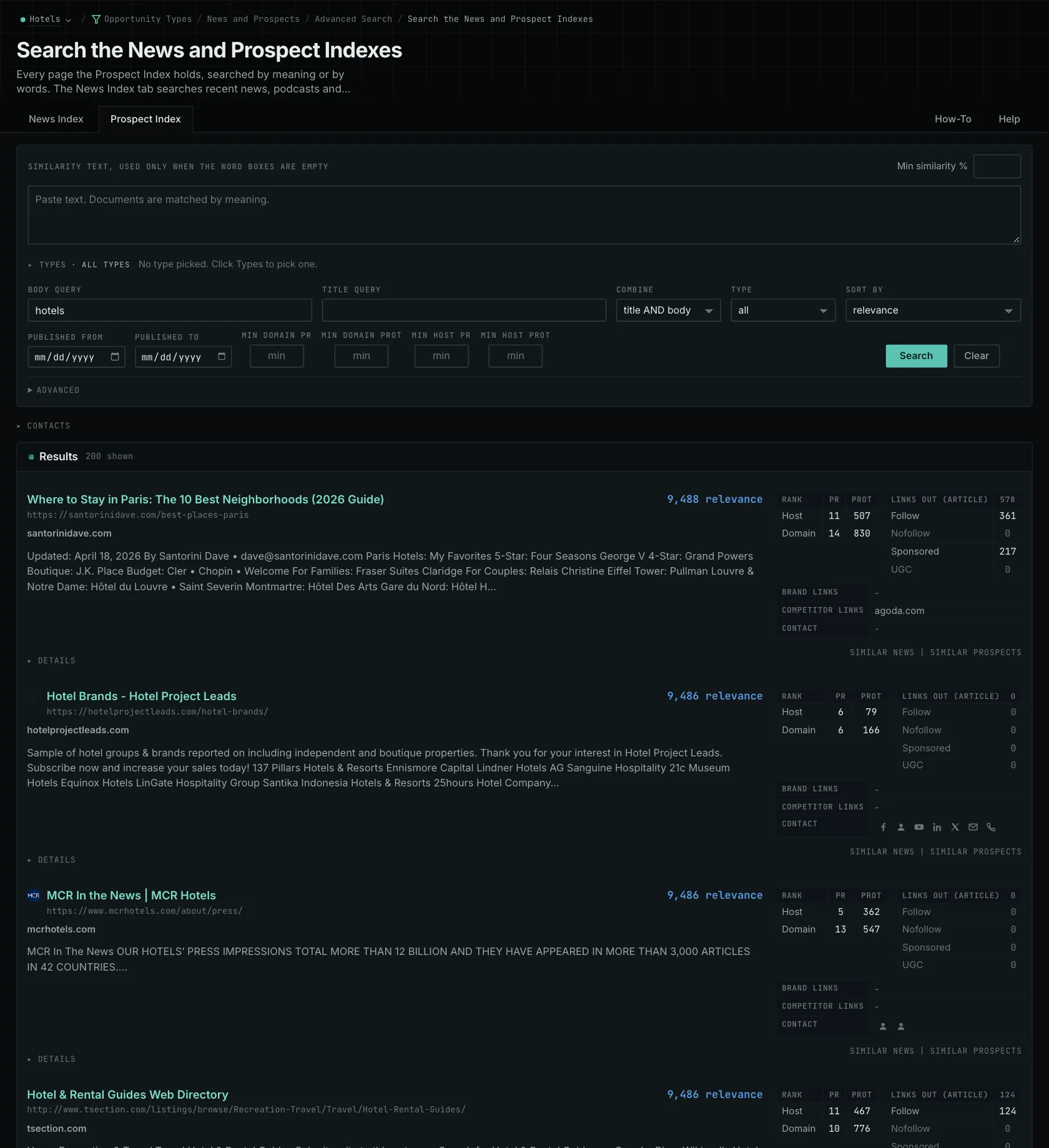
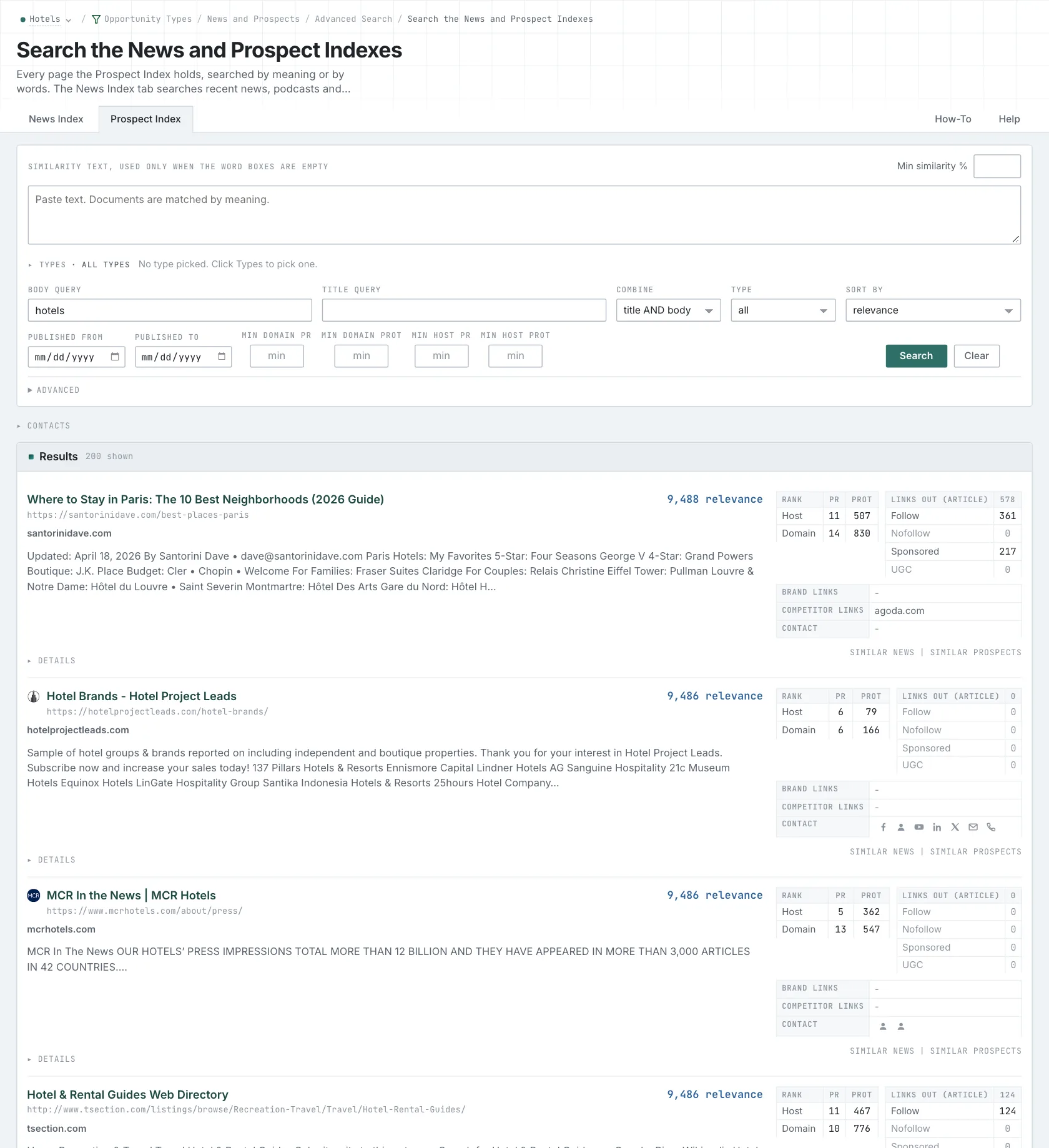
- Open Advanced Search, and open the News Index tab.
- In Opportunity vector, choose Similarity text. Paste a short summary of your argument in the box.
- Set Published to Last month.
- Click Search.
- Open the sources, and check their dates.
- MCP:
news_search, with{"campaign": 3, "similarity_target": "similarity_text", "similarity_text": "Boutique hotels winning direct bookings from younger travelers in mid-size US cities.", "similarity_score_min": 25, "published_from": "2026-08-01", "sort": "best"}. - API:
POST https://api.oppalerts.com/v1/news/search, with the same JSON body.
3. Get the new opinion pages every day
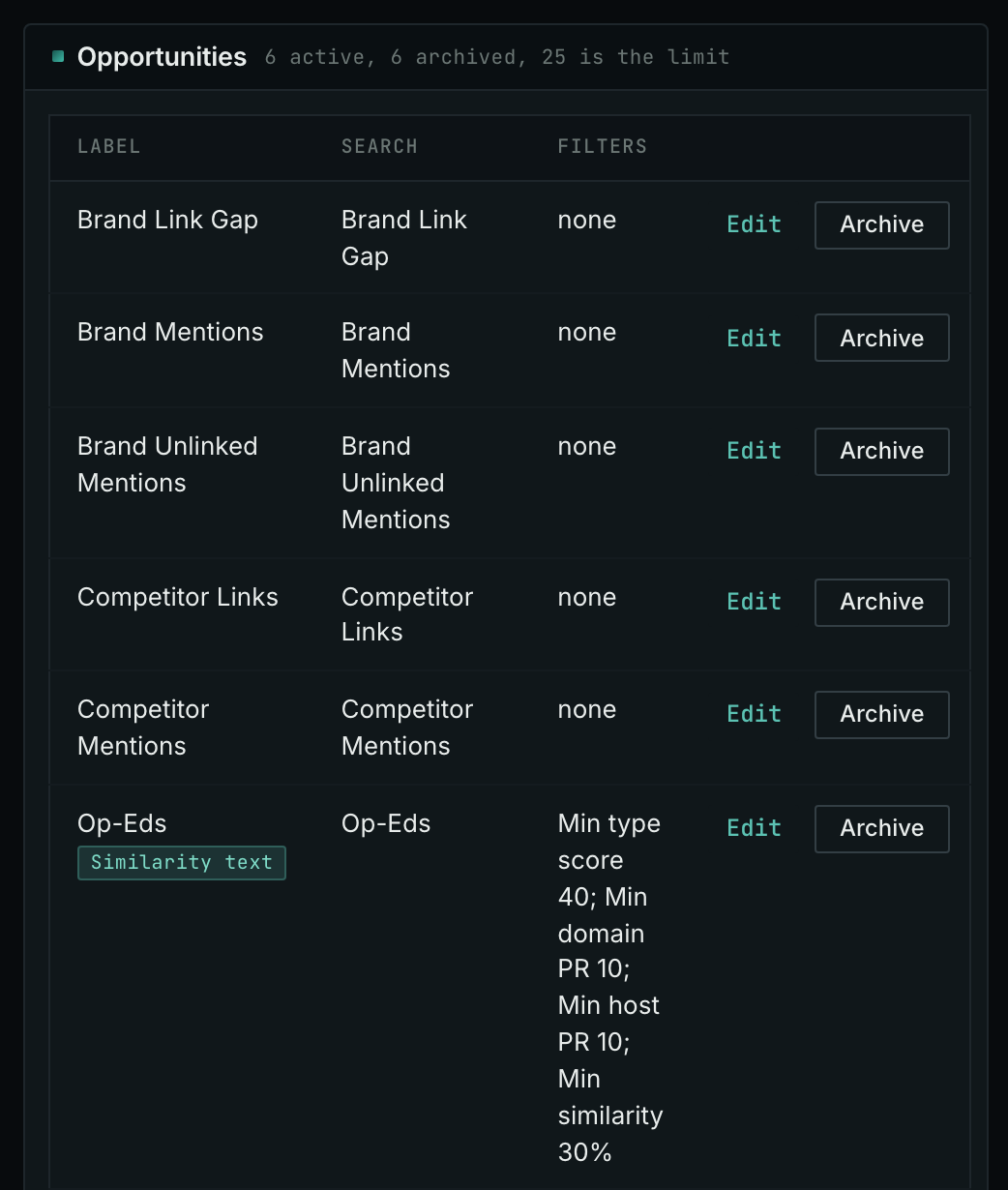
- In Edit Campaign, open the Opportunities tab.
- In Search for, choose Op-Eds, in the Media group.
- In Opportunity vector, keep Similarity text and write a short summary of your argument. Or choose Campaign to use your campaign. A Similarity text with an empty box is refused.
- Click Add opportunity.
- Open the Daily Email tab, tick the box, choose the hour, and click Save.
- Each day, the Dashboard tab and the daily opportunities email show the new pages: the pages that came into the indexes in the last 24 hours.
- MCP:
campaigns_saved_opportunitiesgives the ID of each saved opportunity. Thennews_opportunitiesandprospects_opportunitiesgive the pages of 1 to 7 days, with{"campaign": 3, "opportunity": 1, "date_from": "2026-08-26", "date_to": "2026-09-01"}. For one day, send the same day indate_fromanddate_to. - API:
POST https://api.oppalerts.com/v1/news/opportunitiesandPOST https://api.oppalerts.com/v1/prospects/opportunities, with the same JSON body.
How to judge the results
- Read recent opinion articles with the instructions. They show the questions that the publication covers and the evidence that its contributors use.
- Check that the author can contribute. Some sections exclude commercial contributors or require disclosure of the author's company. Check word count, exclusivity, format, and response time as well. Your submission must meet these conditions even when the audience fits.
- Connect the argument to the news. Explain how new findings about the cost of an industry practice support your proposed change. For an argument tied to a current event, check whether the publication's response time allows it to remain timely.
- Use evidence that you can defend. Address an objection an expert might raise, and state the conditions in which the current practice works well. Those qualifications make the argument precise without requiring an absolute claim.
- Agree the credit and the links before you send. Check the rules for the biography, company name, and article links separately. Both the author and the company must be prepared to answer questions about the position after publication.
- Measure the results separately. Record the later traffic, citations, and invitations as separate results.