Site Info: Multi-Site lets you look up several websites at once. Each host gets a row with its available page records, email addresses, phone numbers, social accounts, and feeds. You can use that overview to decide which contact details to open next.
Imagine you've found ten publications that could be interested in a commercial heating case study. You've read their work and checked that they reach the right audience. Now you need to find out how to submit your idea to each one. This is where the bulk lookup saves you time.
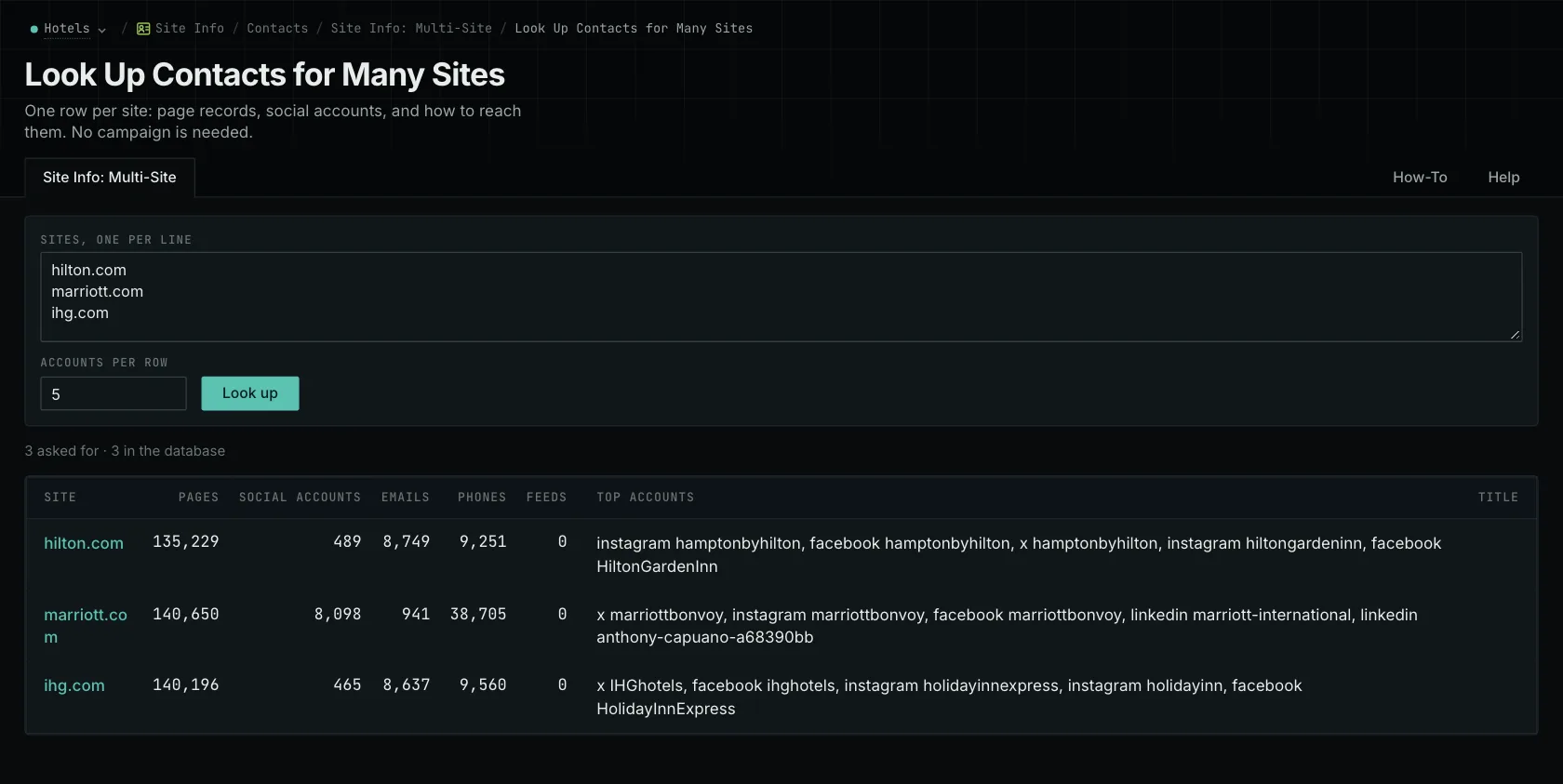
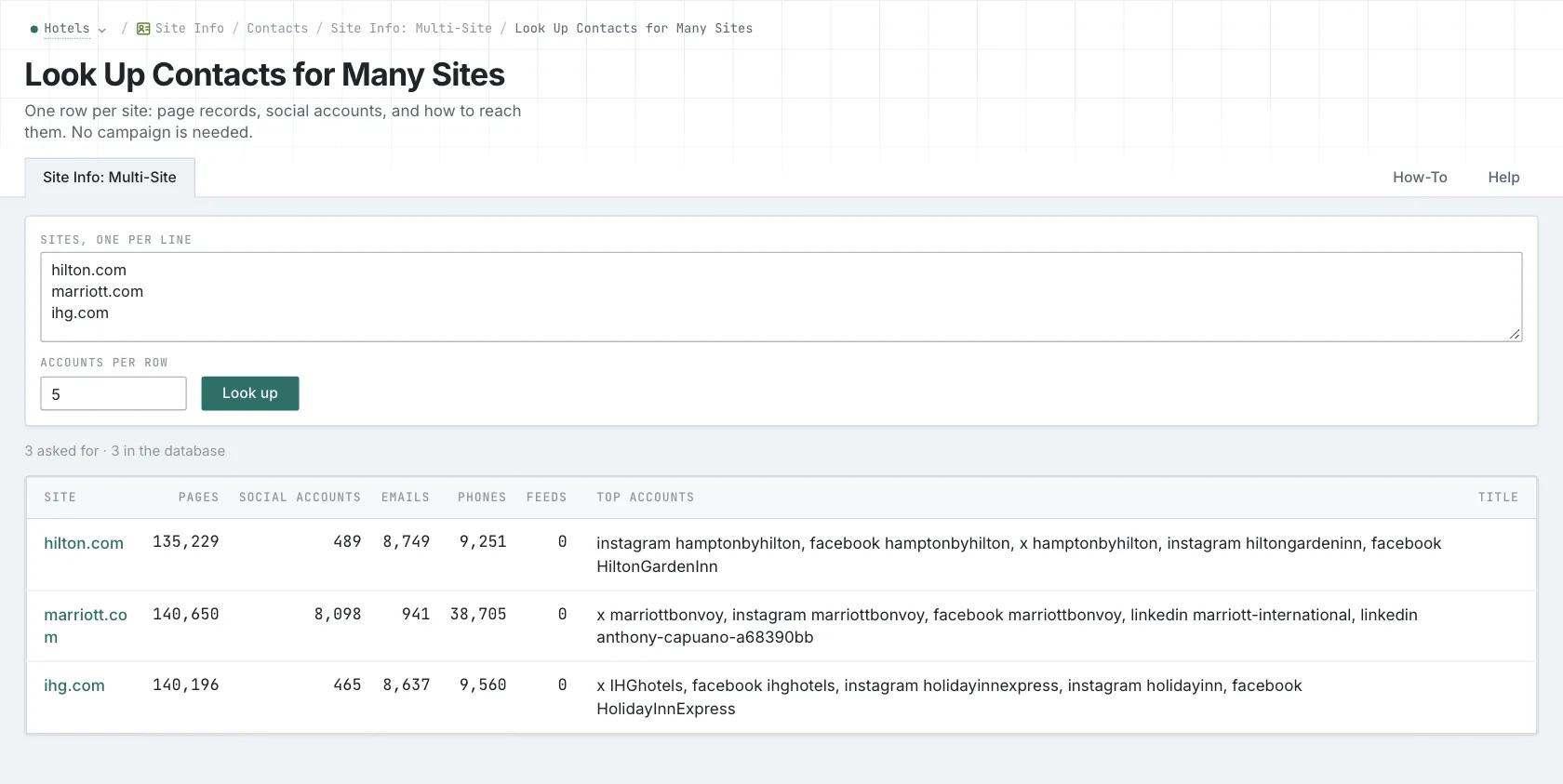
Look up your shortlist
Paste up to ten sites, one per line. If you enter more, OppAlerts shows the supplied and allowed counts and asks you to shorten the list before running the lookup. It doesn't run a partial search. For a longer list, work through batches of ten or fewer.
Look for the details that fit your proposal. One site might have a submissions page, another a partner page, and another a general email address. Select the site name to open its individual record, then follow the relevant link to the current website.
The first publication might want the building owner's permission and a before-and-after energy comparison. The second might only accept contributions from association members. The third might ask for a short outline by email. You can find the starting points together, then follow each publication's process.
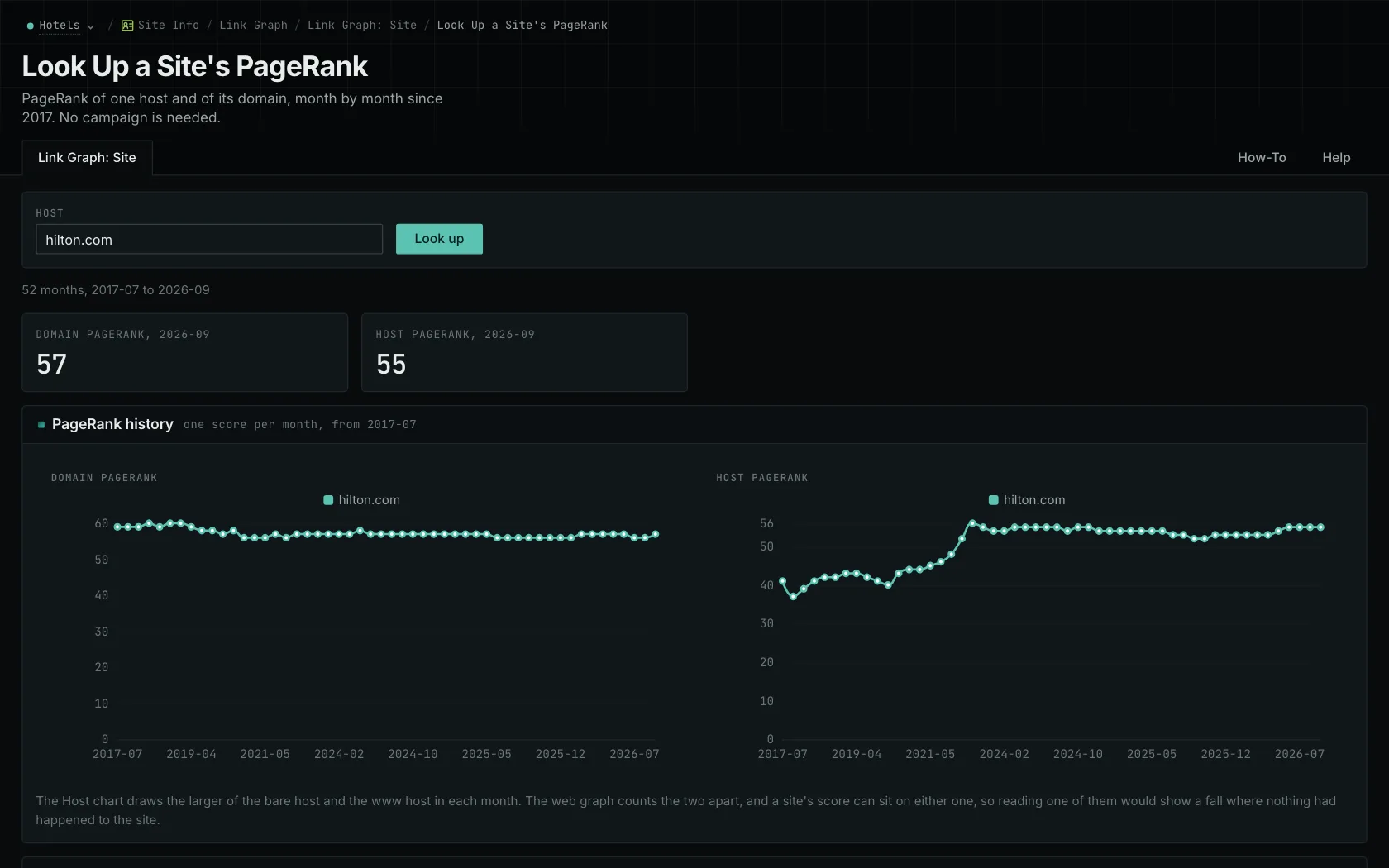
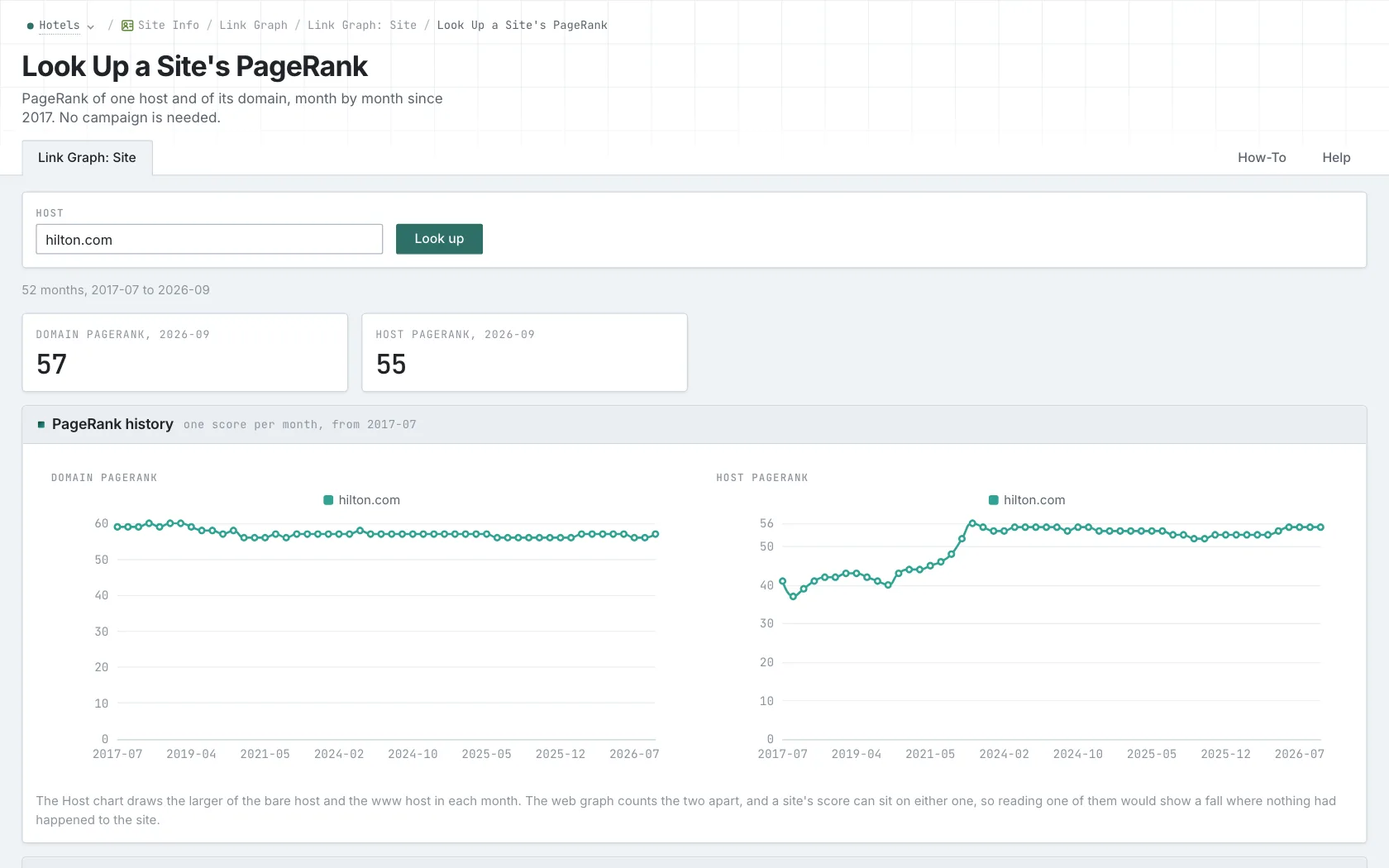
Open the details behind the counts
A row may show a few examples alongside a larger total. Open the full record to see the other entries. The Pages count includes collection records and repeat observations, so it isn't a count of unique pages currently on the site.
An email address can also appear in several records. Those occurrences may all lead to the same contact. Check that the address is appropriate for your proposal and still appears on the current site. The guide to website contact data explains the records and why a listed address doesn't guarantee delivery.
If the row has no contact information, visit the site. It may use a submission form, or the collection may simply have limited coverage. An empty record doesn't tell you that the business has closed or that you can't contact it.
Prepare the next step for each publication
You can also compare the sites' link histories with Link Graph: Multi-Site. That gives you another part of your research alongside the contact information. Read the current publications too, so you understand what they cover and how your proposal fits.
For each site you want to approach, note the submission route, required evidence, and permissions. You now have the information you need to prepare a proposal for that publication.
See how OppAlerts fits your work.
Tell me what you are working on and what you need to find out. I can walk you through the relevant reports and explain what OppAlerts can help you do.
You can explore the demo first, or use this form to ask about a task or arrange a demonstration with me.