Before you put a question in a content brief, look at where it came from. Did a customer ask it in a forum? Did a writer cover it in an article? Or did an LLM suggest it? BuzzSumo and OppAlerts give you different sources to work with. They also give you different ways to research the people and publications you might contact.
Imagine you're writing about a recurring customer complaint. Reading the original discussion helps you understand what happened and why it was frustrating. An AI-suggested question might give you another angle to explore. But it doesn't tell you that a customer actually asked it. You need to know that before you build the brief around it.
OppAlerts publishes this comparison. The features and prices below come from research done in September 2026. Check the current plans before you buy.
Start with the source of the question
BuzzSumo describes its Content Analyzer as an index of billions of items you can search by topic, URL, or domain. Trending Feeds covers posts from the previous 24 hours. Question Analyzer draws on forums and Q&A sources, including Amazon, Reddit, and Quora. For that customer complaint article, you can open the original discussion and see what people actually said.
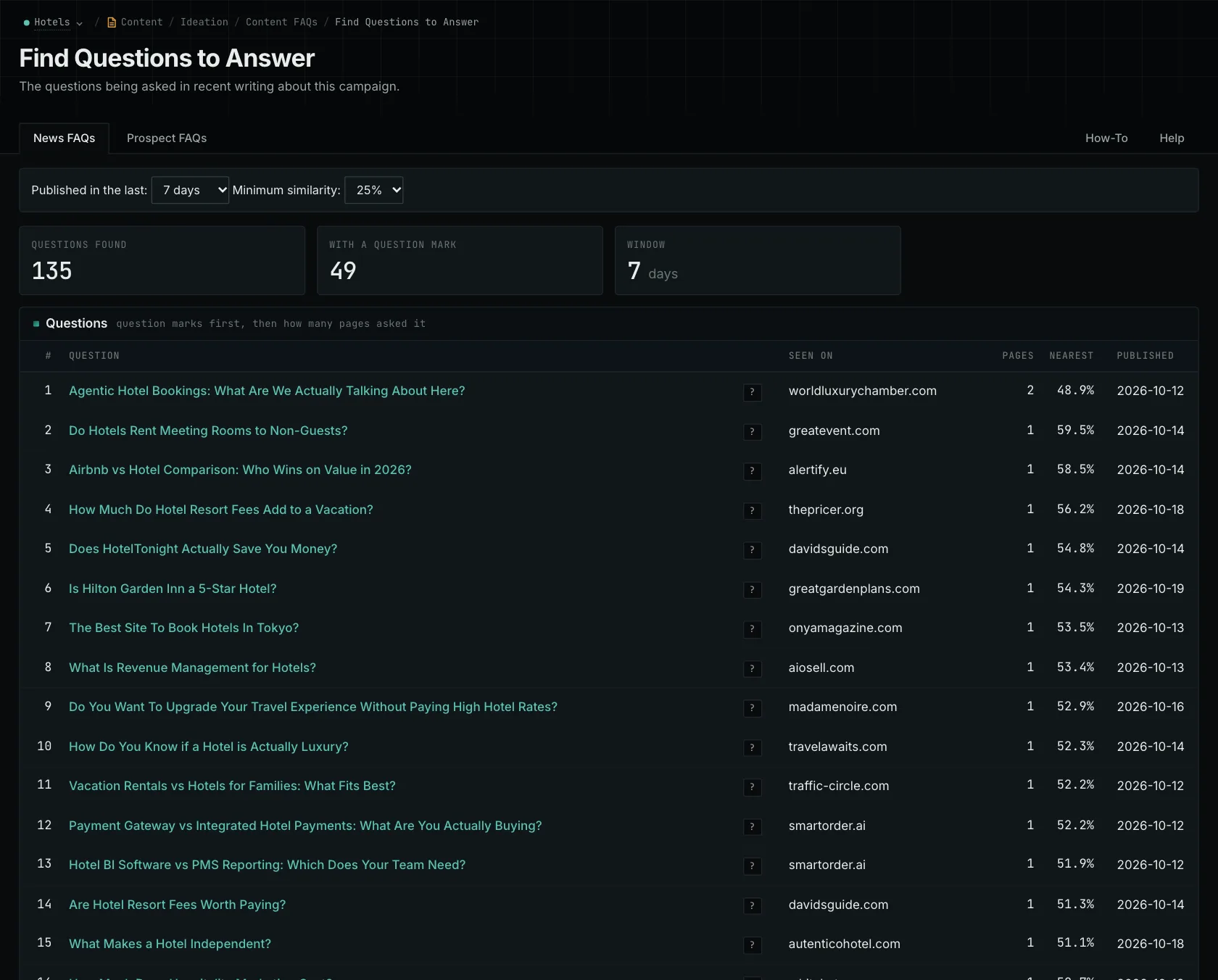
OppAlerts Content FAQs gives you two sources of questions: News FAQs shows questions from the titles of indexed news pages, and Prospect FAQs shows them from pages in the Prospect Index. Read both to see how publishers discuss the topic. Keep track of where each question came from.
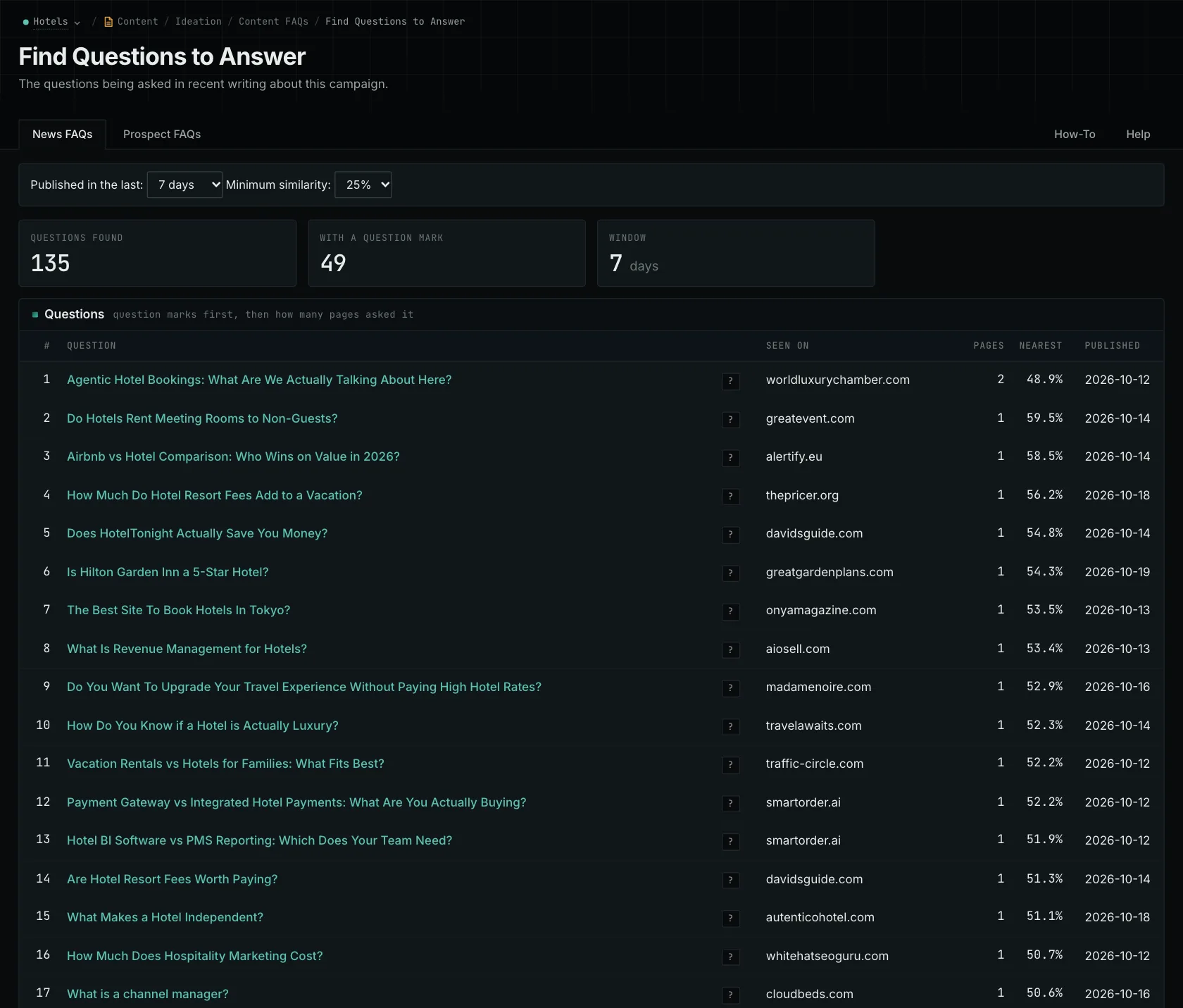
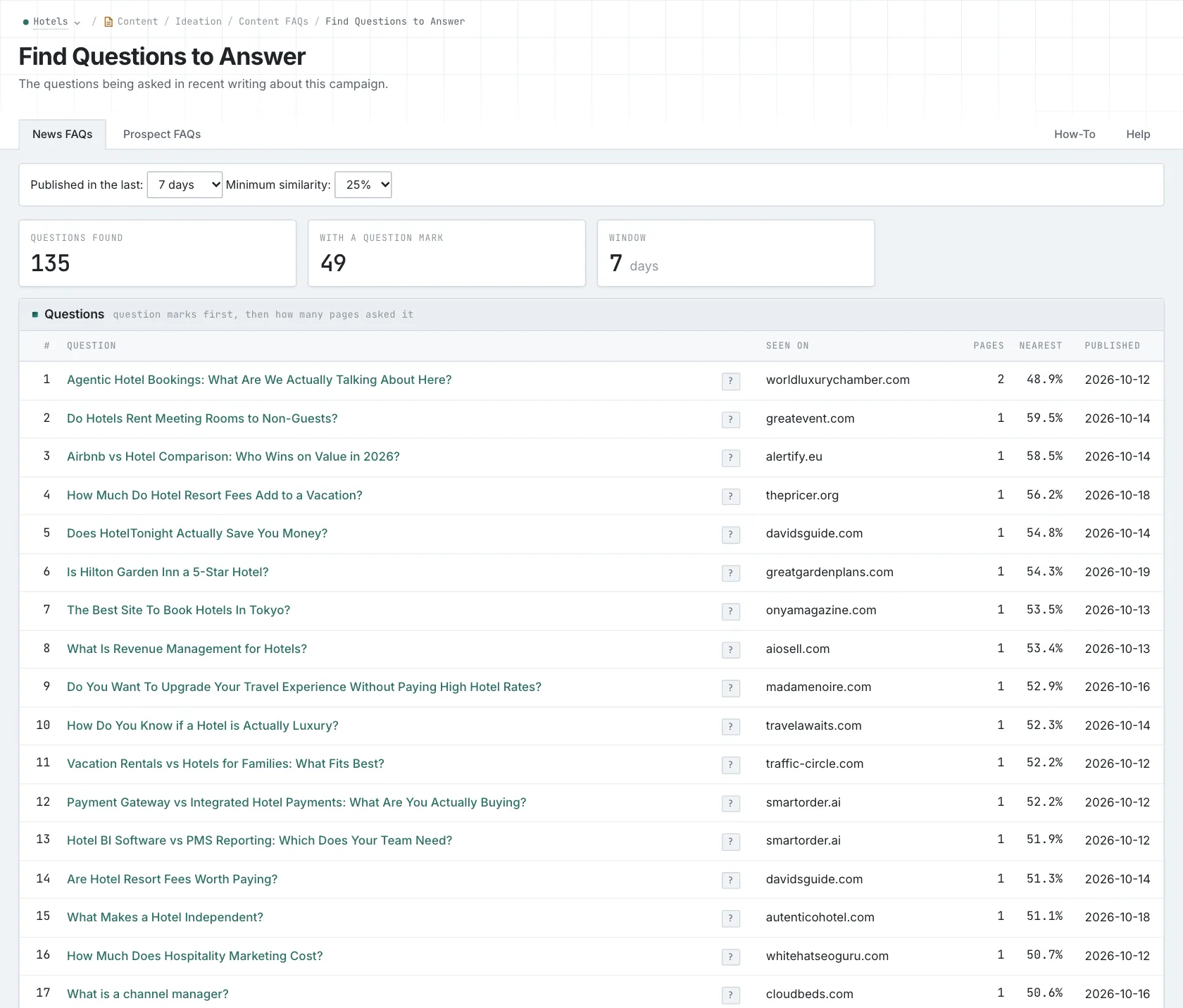
A forum post tells you that someone asked a question there. An LLM suggestion tells you what the model produced from its input. Neither tells you how much demand there is across your whole audience. Read the source, then decide whether the question belongs in your article.
OppAlerts doesn't rank content by social engagement or have a feed of viral posts. If you just need to follow a few publications, you can also look at services built for following selected sources.
Figure out who you need to contact
BuzzSumo's PR & Comms offer includes a Media Database for finding journalists who cover your brand, market, or competitors. Its Coverage Reports describe publication data, social engagement, mention count, where the mention appears in an article, and excerpts. Slack integration is also listed. These tools help when you need to know which reporters cover a subject and what they've written.
With OppAlerts Site Info, you start with a website. It returns the available published contact pages, email addresses, phone numbers, and social profiles stored for that site. It doesn't have reporter profiles, beats, or publication rosters, and it doesn't check whether an address is current or deliverable. You can use it to look for a known publication's submission process. You still need to do the journalist research to build a media list.
Look at the rest of the work and the plan limits
The BuzzSumo plans in the research were $199, $299, and $499 per month, billed yearly. Content Creation included one user and two alerts. PR & Comms included five users and five alerts. If you expect to do a lot of searching, check how many searches your plan includes and when that allowance resets.
The BuzzSumo pricing page reviewed didn't describe a backlink index, link gaps, opportunity-type prospect searches, or PageRank history. OppAlerts provides those research tools. You can search for publication types by meaning or keyword, compare observed competitor links, and find brand mentions without links. PageRank history shows domain and host measurements. For each month's host point, it uses whichever available value is larger: the bare host or www.
OppAlerts campaign research shows which businesses AI models recommend. The Content Optimizer compares your draft with categories. Your campaign description gives the broader research context.
Which one fits your work?
If you need social engagement data, forum questions, trending content, or journalist research, look at BuzzSumo. If you need questions from search and tools to investigate publications, look at OppAlerts. Start with the sources your writer needs, then work through what you'll need to know before contacting anyone.
Other alternatives
To compare journalist databases, coverage research, and published website contacts, see the digital PR research tools. The content research guide covers questions, engagement, and editorial research.
You can also read about Content FAQs and what Site Info returns.
See all comparisons and alternatives.
See how OppAlerts fits your work.
Tell me what you are working on and what you need to find out. I can walk you through the relevant reports and explain what OppAlerts can help you do.
You can explore the demo first, or use this form to ask about a task or arrange a demonstration with me.