Content FAQs shows you questions from the titles of indexed news pages and pages in the Prospect Index. You can see how each question is worded and where it came from, then decide which ones your content should answer.
For example, “How much does maintenance cost?” and “Is maintenance worth the cost?” are related questions, but they need different answers. The first needs prices and terms. The second needs an explanation of what the buyer gets and what the alternatives are. Keeping the original wording helps you see that difference.
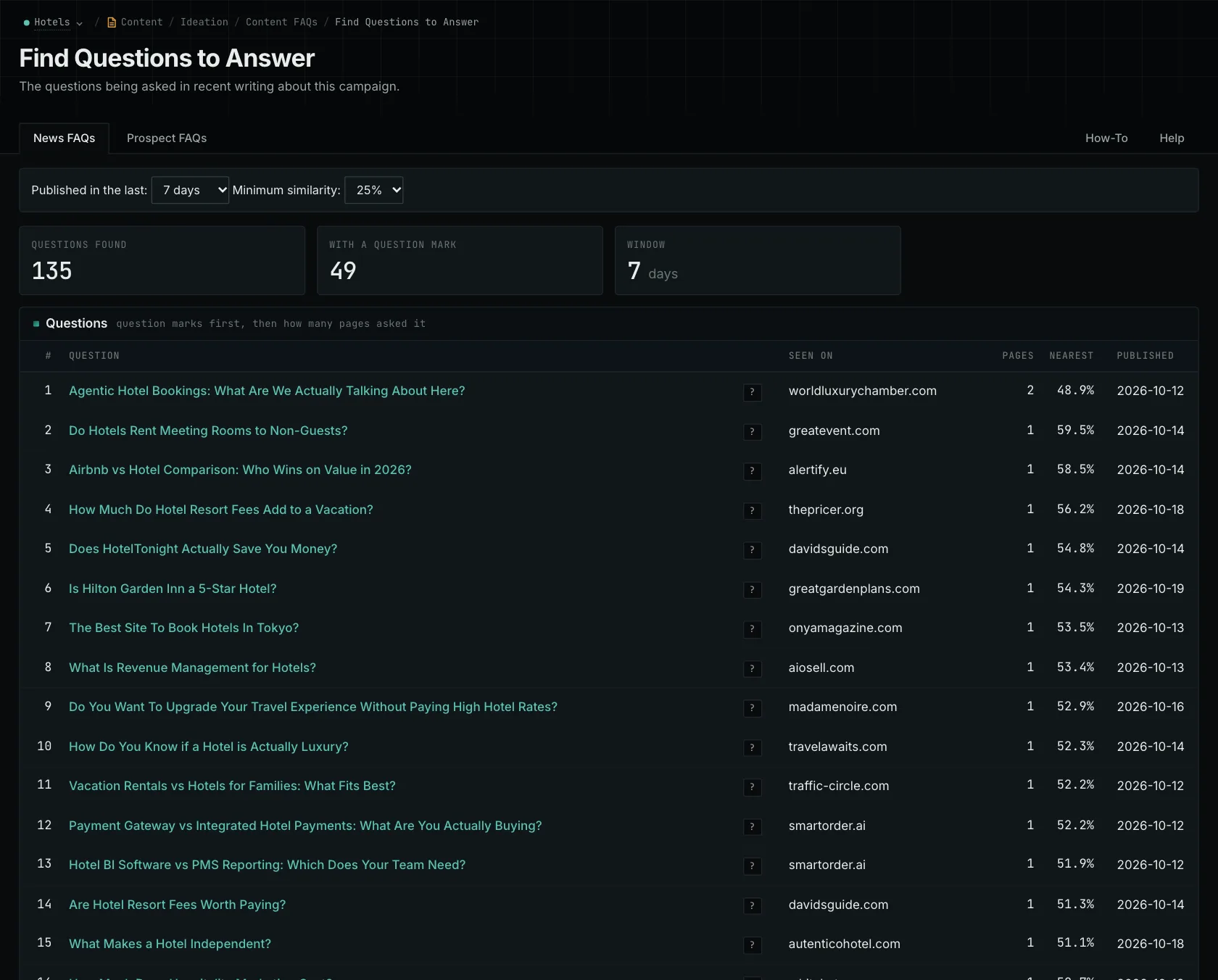
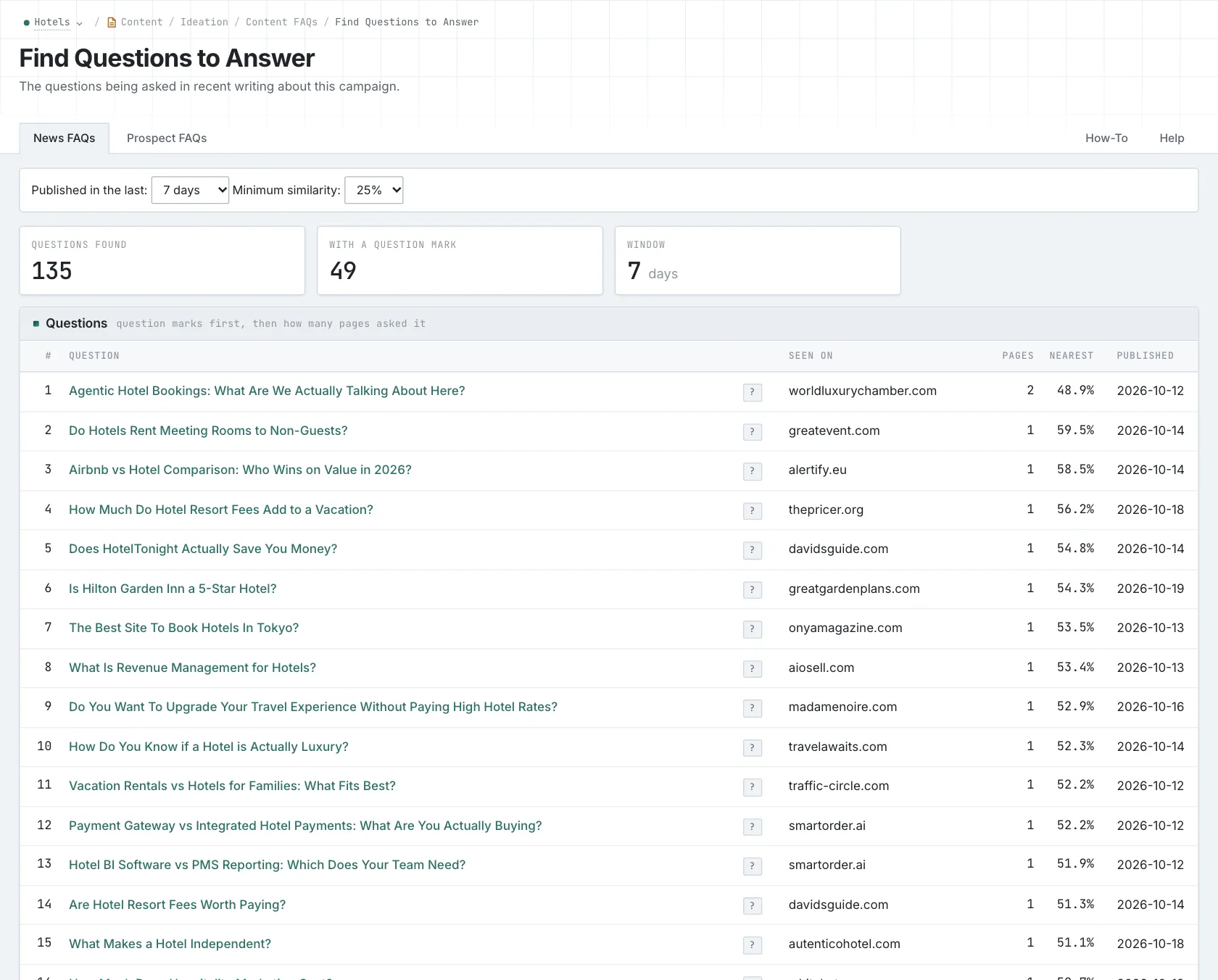
Explore two sources of questions
News FAQs and Prospect FAQs show questions used in the titles of pages in their respective indexes. Open the pages to see how each question is answered and who the explanation is written for.
Looking across both views helps you spot different ways of asking about the same subject. A news article and a prospect page might ask the same question. That gives you two examples to read, but it doesn't tell you how often buyers ask it.
Decide what your answer needs to explain
Start with the buyer. A homeowner asking about the cost of one maintenance visit needs different information from a facilities manager comparing annual contracts. Choose whose question you're answering, then read the existing material from that person's perspective.
Next, gather the facts. For the cost question, that might be current prices or the factors used to prepare a quote. For the value question, you'll need the services included, the exclusions, and the alternatives. If those details are missing, give the team a research task before asking someone to write the answer.
You can answer both questions on one page when they help the same buyer make a decision. Explain the cost first, then use those terms to compare what the buyer receives. Keep both questions in the brief so each gets answered.
Give the writer the question, the intended reader, and the facts they need. Content Types can help you research existing explanations. Once there's a draft, Content Optimizer can help you check its subject and audience.
Read more about researching customer questions, Content Types, and Content Optimizer.
See how OppAlerts fits your work.
Tell me what you are working on and what you need to find out. I can walk you through the relevant reports and explain what OppAlerts can help you do.
You can explore the demo first, or use this form to ask about a task or arrange a demonstration with me.