A resource page helps readers find useful guides, tools, or datasets. If you've published something that serves the same purpose, investigate whether it belongs on the list. Compare what your resource does with what the page promises its readers.
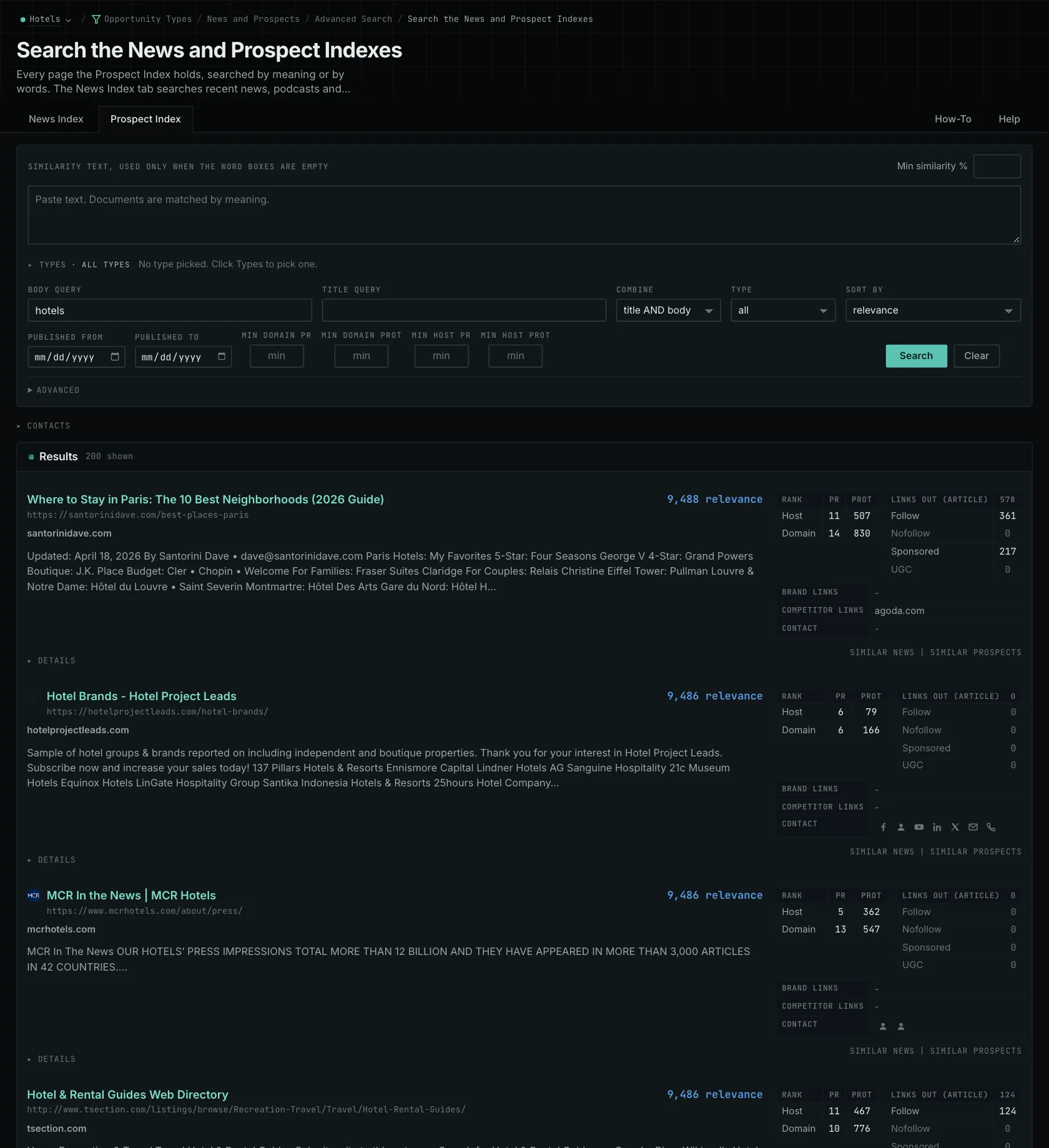
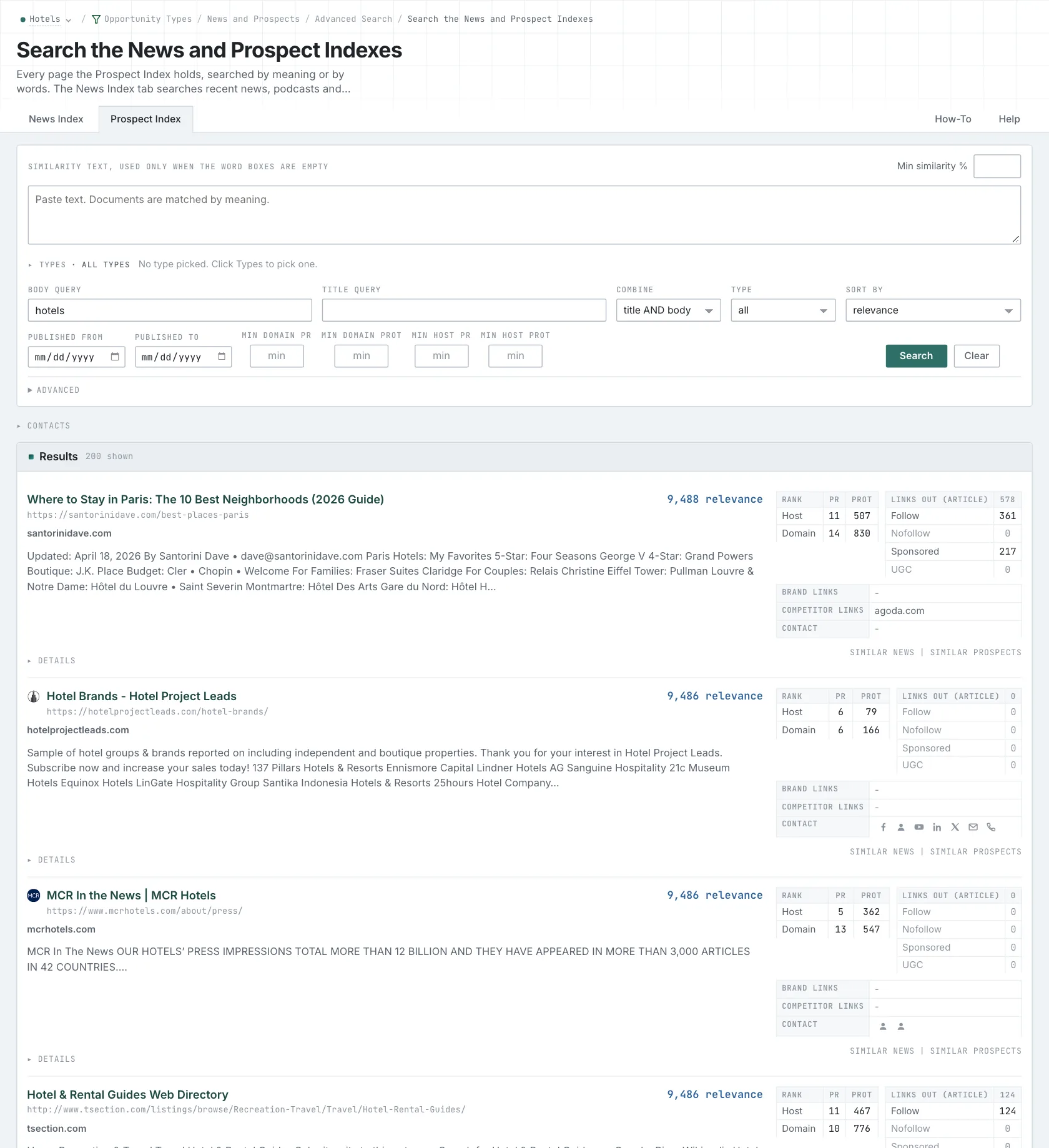
Search the Prospect Index by opportunity type for resource and link pages. Use competitor link gaps to find more examples with observed links to your competitors. The two searches work from different criteria, so each can find pages the other misses.
Imagine a staff-scheduling resource list that only includes free templates. Your paid scheduling product covers the same subject, but it doesn't meet that rule. If you also offer a free template that qualifies, suggest that specific page.
Open several entries. Check what they help readers do, whether they're accessible, and what the list says about additions. An old publication date doesn't make a maintained list unsuitable. Many prospect pages have no publication date, and the indexed date only tells you when they were collected.
Check whether the curator accepts suggestions
Look for a current suggestion form or contributor address. Recent additions and current site activity help you assess maintenance. Investigate broken entries, but don't assume they mean nobody will respond or the whole site is abandoned.
For the template example, send the template's own URL so the curator and readers can go straight to it. Explain which section it fits and what it helps someone do that the existing entries don't already cover.
Check the inclusion rules even when a form is available. A list limited to independent research won't accept a marketing overview. If competitors appear together, read whether membership, payment, or another condition explains their inclusion.
Follow the submission and follow-up instructions. Keep the request and any confirmed addition in your own work records. Finding a candidate page doesn't establish that its curator will reply or maintain a link indefinitely.
Explain where the resource belongs and how it helps readers. If you don't yet have a suitable resource, address that before sending a request.
Related reading: searching by opportunity type, qualification, finding the ones competitors hold.
See how OppAlerts fits your work.
Tell me what you are working on and what you need to find out. I can walk you through the relevant reports and explain what OppAlerts can help you do.
You can explore the demo first, or use this form to ask about a task or arrange a demonstration with me.