A list of topics only gets you so far. Your writer needs to know what the reader is asking and what evidence you have to answer it. OppAlerts helps you research those questions, look at how other pages explain the subject, and compare a draft with its intended topic or audience.
Take a warranty page. If the brief just says to write about warranties, the writer still has to choose the problem. Ask them to explain exclusions using approved support examples, and now they have a question to answer and material to work with.
Start by checking where the research questions came from. News and prospect content show how publishers already discuss the subject.
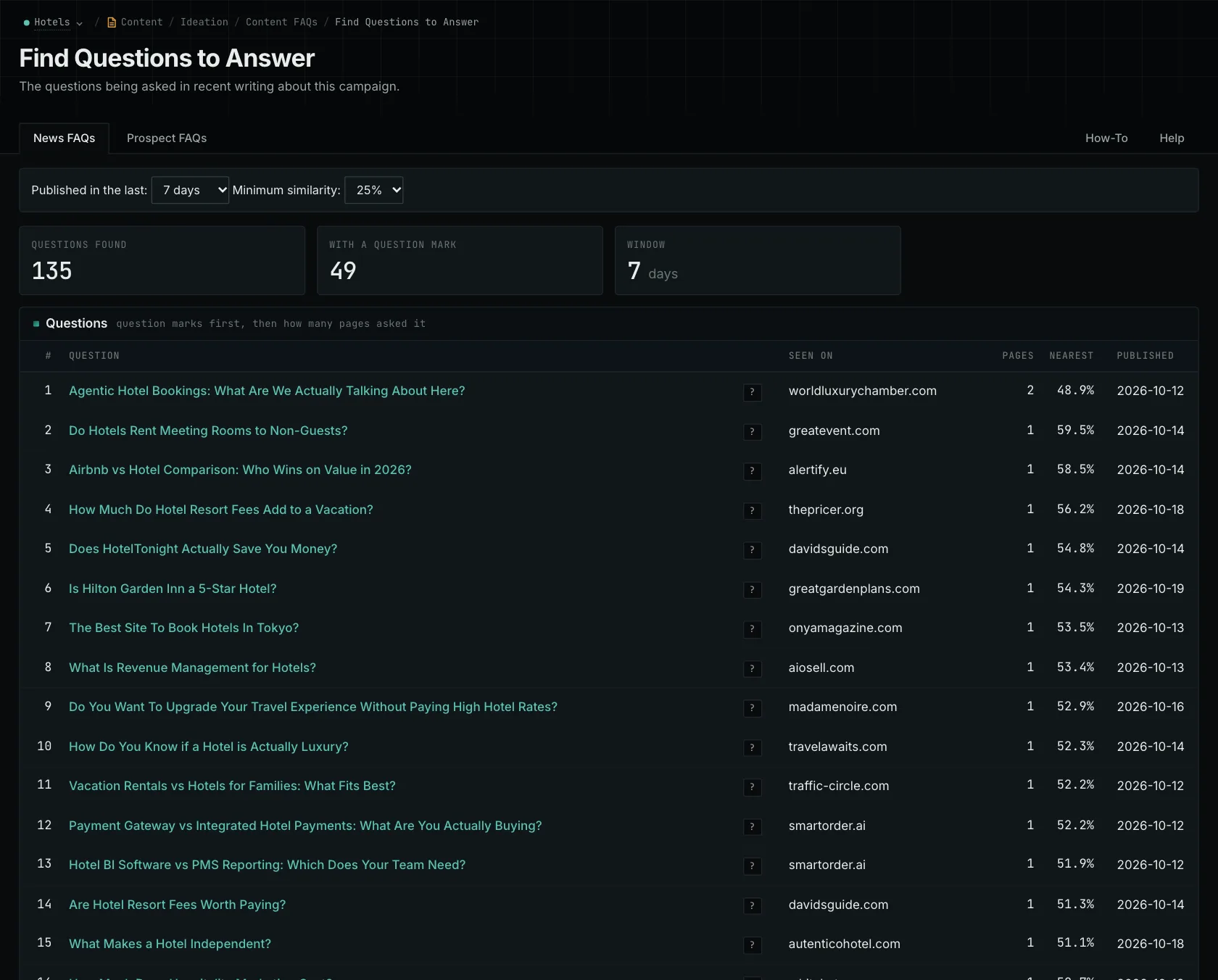
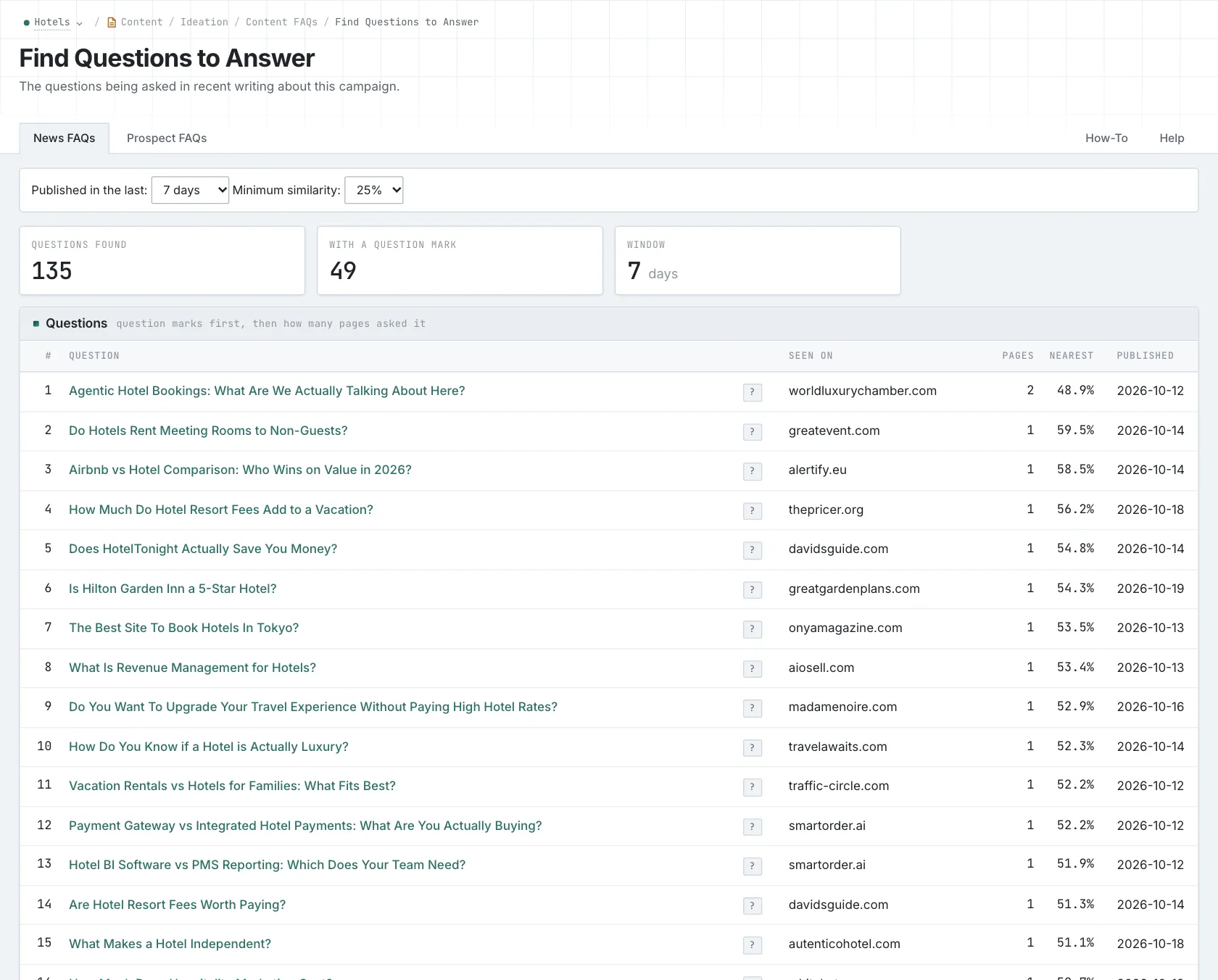
For the warranty page, keep the difference between eligibility and consequences clear. Someone asking whether something is covered needs a different explanation from someone asking what happens if it isn't. Both may belong on the same page. Check them against the questions your customers actually ask before you commission the work.
Give the writer a specific question to answer
Use Content Types to look at guides, FAQs, reports, and resource lists. A guide needs conditions and steps the reader can follow. A report needs a defined dataset and method. Read examples to work out what your material can contribute, then build the brief around that contribution.
For the exclusions guide, identify the support cases and current terms the writer can use. The case shows how a condition applies; the terms establish the rule. Check both for accuracy and approval before making them part of the brief.
Choose the intended topic or audience category as part of the assignment. When the draft arrives, compare it with that category and investigate anything unexpected. If most of the text explains how the supplier administers warranties, it may still leave the buyer wondering whether they're covered.
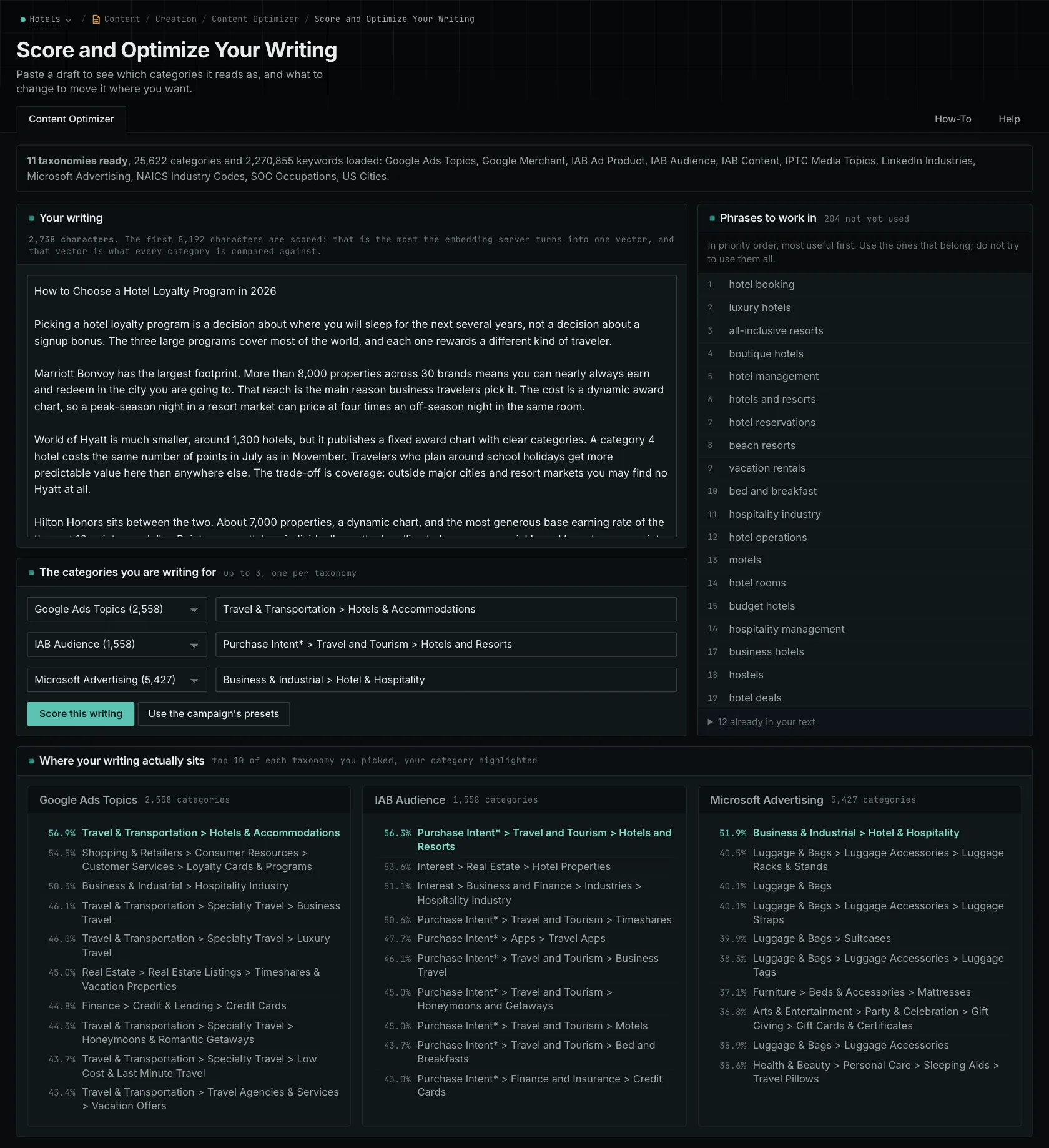
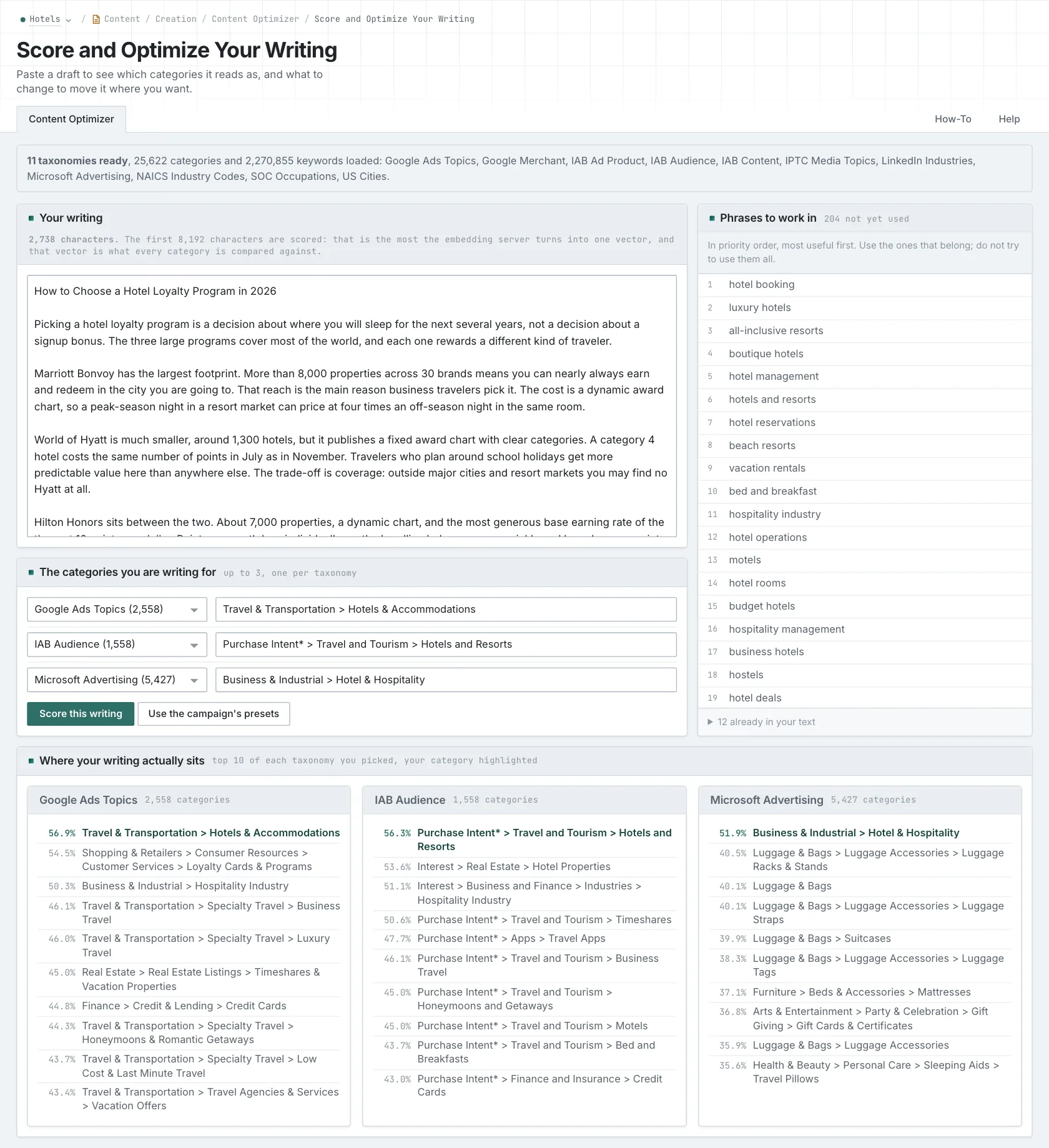
You can use the same approach with pages built from a template. Similar category results give you a reason to read what differs between them; they don't prove the pages are duplicates. Keep shared explanations where they help several readers. Create separate pages when different questions or evidence justify them.
Your team still chooses the assignment and does the writing. OppAlerts doesn't write, rewrite, publish, or send content-decay alerts. A comparison score helps with review, but it doesn't certify quality or predict search performance.
For this warranty page, the approval question is straightforward: does it explain the exclusions and their consequences using current evidence?
Related reading: the writer's view, Content FAQs, deciding what to rewrite.
See how OppAlerts fits your work.
Tell me what you are working on and what you need to find out. I can walk you through the relevant reports and explain what OppAlerts can help you do.
You can explore the demo first, or use this form to ask about a task or arrange a demonstration with me.