You can get the subject right and still leave the reader without the answer they need. An audience-category comparison gives you another way to look at the draft and check whether it helps the person you wrote it for.
Imagine a school IT director choosing a student information system. You could write pages about hosting architecture, integrations, and vendor certifications. But the director might need to know how much staff time the migration will take and whether the school can still meet its reporting obligations.
Both versions will use words like students, data, and reporting. The words overlap because the buyer and supplier are talking about the same system. What matters is whether the explanation helps the director make that decision.
In Content Optimizer, choose an available category for your intended audience. You can select up to three categories, one per taxonomy. A subject category helps you check the topic; an audience category lets you look at who the text is relevant to. Choose from the brief before you see the results, so you have a clear target to compare against.
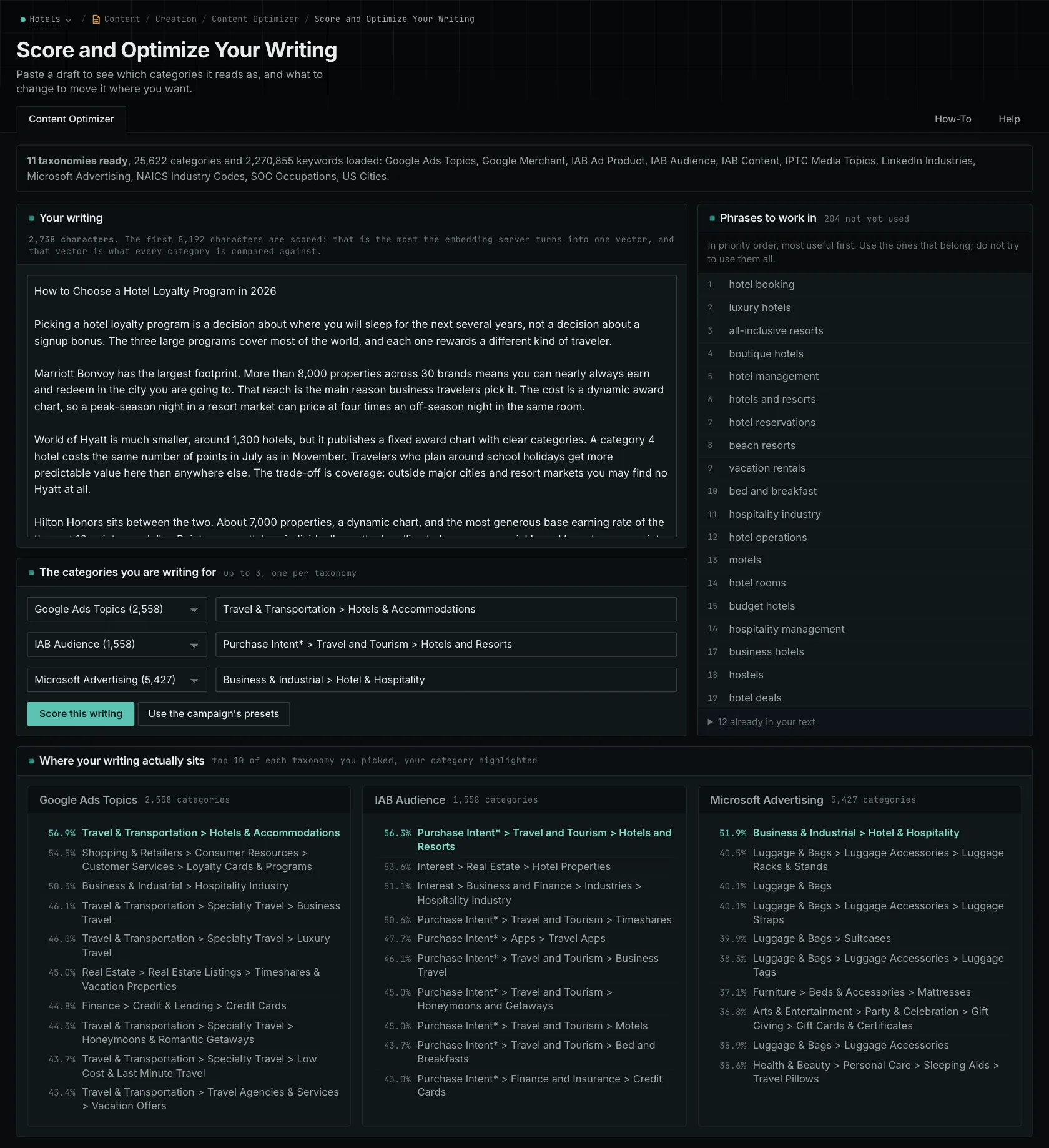
If other audiences appear ahead of yours, go back to the draft. Does it explain why a certification matters to the district? Does it tell the director what happens to the data when the contract ends, or only how the vendor stores it? These are examples of questions to investigate, rather than findings from an actual test here.
Now you have a reason for the revision. Explain who's responsible for what during migration. Connect each certification requirement to a decision the district needs to make. Support the details you add, and cut background that doesn't help the reader. Adding more school-related words won't supply those explanations.
Check the opening and relevant body sections separately on longer pages. When comparing several pages for the same audience, keep your category choices consistent. The results can help you decide what to investigate, but similarity doesn't verify facts or tell you whether the explanation is complete. It only reflects the text you submitted.
Tell the writer exactly what's missing and why the reader needs it. For this guide, that might be an explanation of the staff's responsibilities during migration.
Related reading: what each taxonomy dimension answers, the general draft check, the writer's view.
See how OppAlerts fits your work.
Tell me what you are working on and what you need to find out. I can walk you through the relevant reports and explain what OppAlerts can help you do.
You can explore the demo first, or use this form to ask about a task or arrange a demonstration with me.