To choose an OppAlerts plan, you need to know how many businesses or markets you'll research and how often you'll track their search results. Each plan gives you a number of active campaigns and a weekly allowance for scheduled tracking. You need enough of both.
These are the regular monthly prices in US dollars, with tax included. You pay through Stripe using a credit card or Link. The 14-day free trial of the $247 plan requires a credit card; Link isn't available at the trial checkout.
| Monthly price | Active campaigns | Tracking credits per week |
|---|---|---|
| $997 | 30 | 10,000 |
| $497 | 10 | 3,000 |
| $247 | 3 | 1,000 |
Work out how many tracking credits you need
One credit covers one prompt or keyword sent to one provider on one scheduled day. For each item, the weekly calculation is providers chosen × days ticked. Prompts and keywords use the same allowance, so add them together.
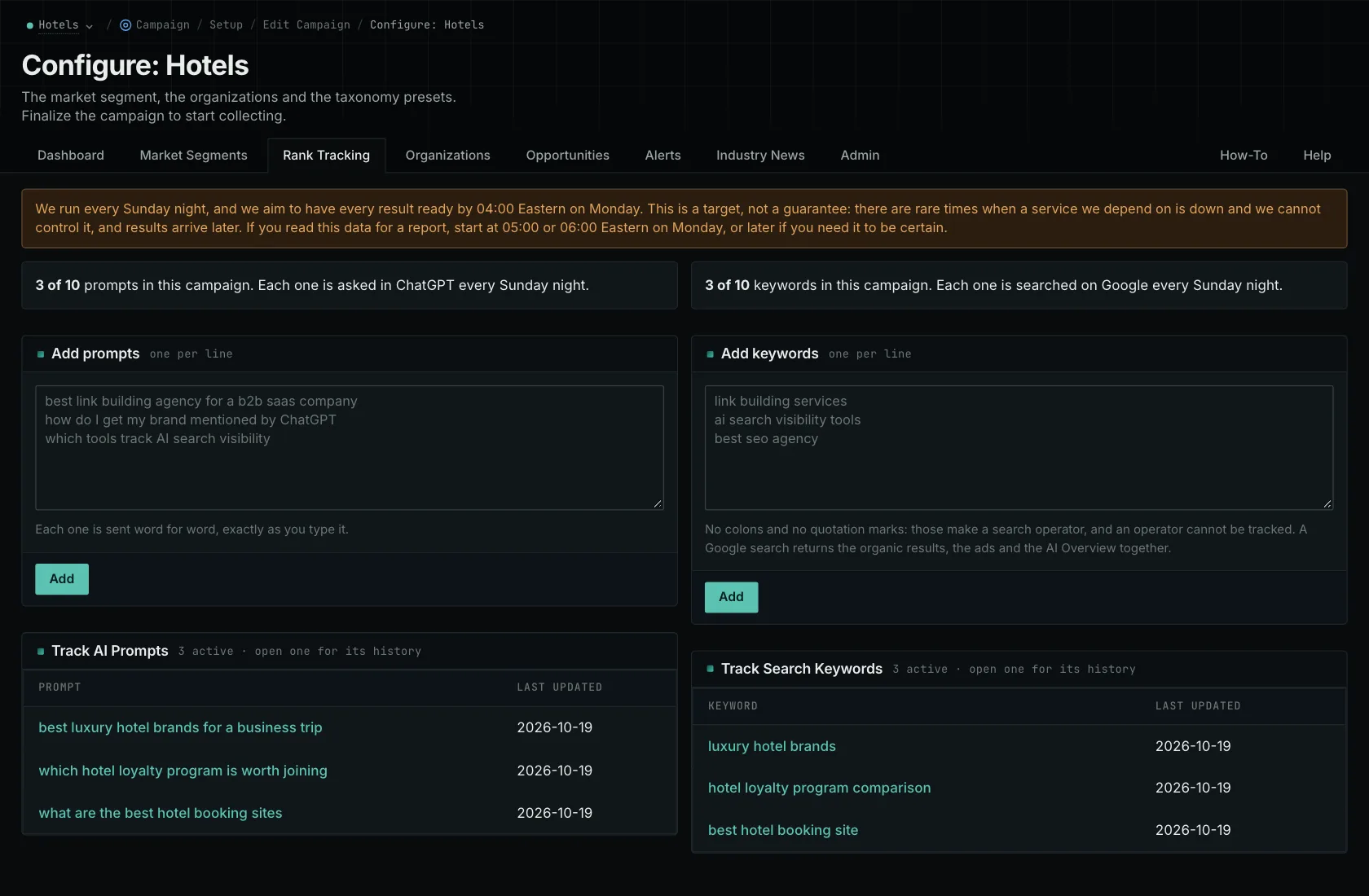
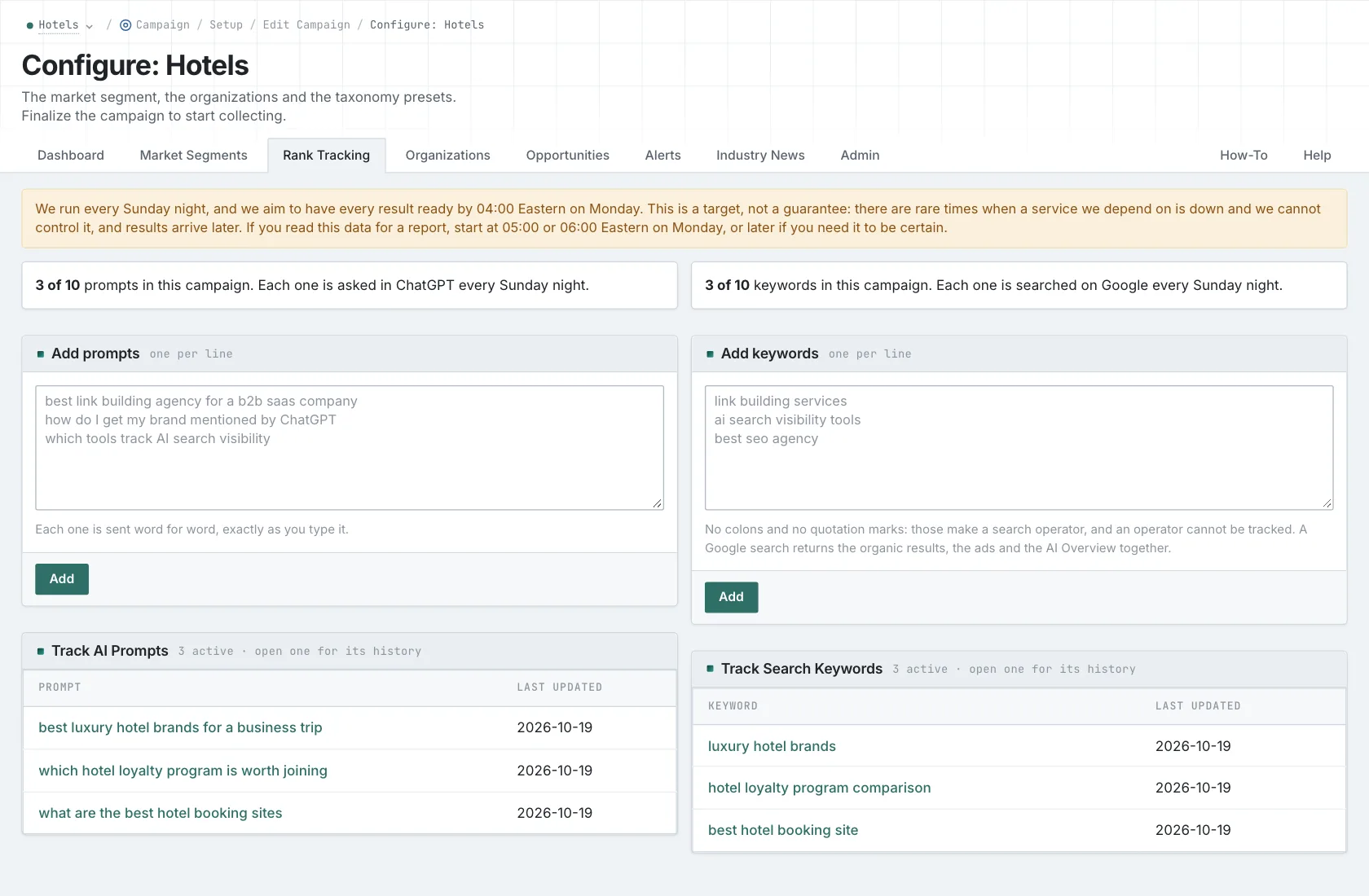
You can track prompts on ChatGPT, Gemini, and Google AI Mode, and keywords on Google and Bing. With a Google keyword request, you get the available organic results, ads, and AI Overview together. The Overview doesn't take an extra call.
Let's say you're tracking 100 prompts on three providers, five days a week. That's 1,500 credits. Now add 200 keywords on two engines, also five days a week. That's another 2,000, bringing your weekly total to 3,500.
Frequency makes a big difference
Now imagine checking a much larger set once a week. Eight hundred prompts on three providers use 2,400 credits. Add 1,000 keywords on two engines, and that's another 2,000. Your total is 4,400.
You're tracking 1,800 items in that weekly example, compared with 300 in the more frequent one. Six times as many items, for just 900 more credits. That's why you need to work out how often you need the results. Counting prompts and keywords alone won't tell you which plan fits.
For an agency example, take ten clients with 60 prompts on three providers and 100 keywords on two engines, all checked twice a week. Each client uses 760 credits, or 7,600 across all ten. That fits the 10,000-credit allowance. The middle plan has enough campaign slots for those clients, but it doesn't have enough credits for that schedule.
What uses your tracking allowance
A campaign holds the business or client description, brands, and competitors. When you search the stored indexes, look up contacts, run link-gap reports, or score content, you're doing research using the data. Those operations don't use your scheduled tracking credits.
You also need to check staff access separately from campaign capacity and tracking usage. And when you add up the software cost, include anything you'll keep for audits, writing, sending outreach, verifying email addresses, or social listening. The guide to what OppAlerts can replace walks through those details.
Keep access for as long as you need the reports
When paid service ends, access stops and your campaigns are archived. Your campaign and tracking history is kept. Pay again to restore campaigns and their history, up to your plan's campaign limit. You can't open the reports while access is expired.
Excel and CSV exports are coming soon. If you need the history for a client review, make sure your paid access covers that date. Retained records alone won't give you access.
Try the research tools with an assignment you already have, then work out the campaigns and tracking schedule you need. For the remaining details, read the usage FAQ, agency calculation, and subscription terms.
See how OppAlerts fits your work.
Tell me what you are working on and what you need to find out. I can walk you through the relevant reports and explain what OppAlerts can help you do.
You can explore the demo first, or use this form to ask about a task or arrange a demonstration with me.