Before you choose an OppAlerts plan for your agency, you need to work out two things: how many client campaigns you need, and how much tracking you plan to do for them. Those are separate calculations. A plan might have room for all your clients and still run out of weekly tracking credits.
Let's walk through that. You could have the same ten clients on the same plan, tracking the same prompts and keywords, and use very different amounts of your allowance. The difference is how often you check them.
Start with the client campaigns
A campaign is where you define a client's market: the business description, brands, and competitors. That gives your campaign research its context. You still choose the individual inputs for tracking, site lookups, and content comparisons.
The regular plans give you 30, 10, or 3 active campaigns, with 10,000, 3,000, or 1,000 weekly tracking credits, respectively. Start by counting the clients you have now and the ones you expect to add. Then work out how much tracking they'll need.
When you archive a campaign, collection stops, its history stays, and the slot becomes available immediately. You can activate no more than your plan's number of campaigns in any seven-day period. Keep that in mind if you're bringing several new clients on at once.
Work out the tracking for one client
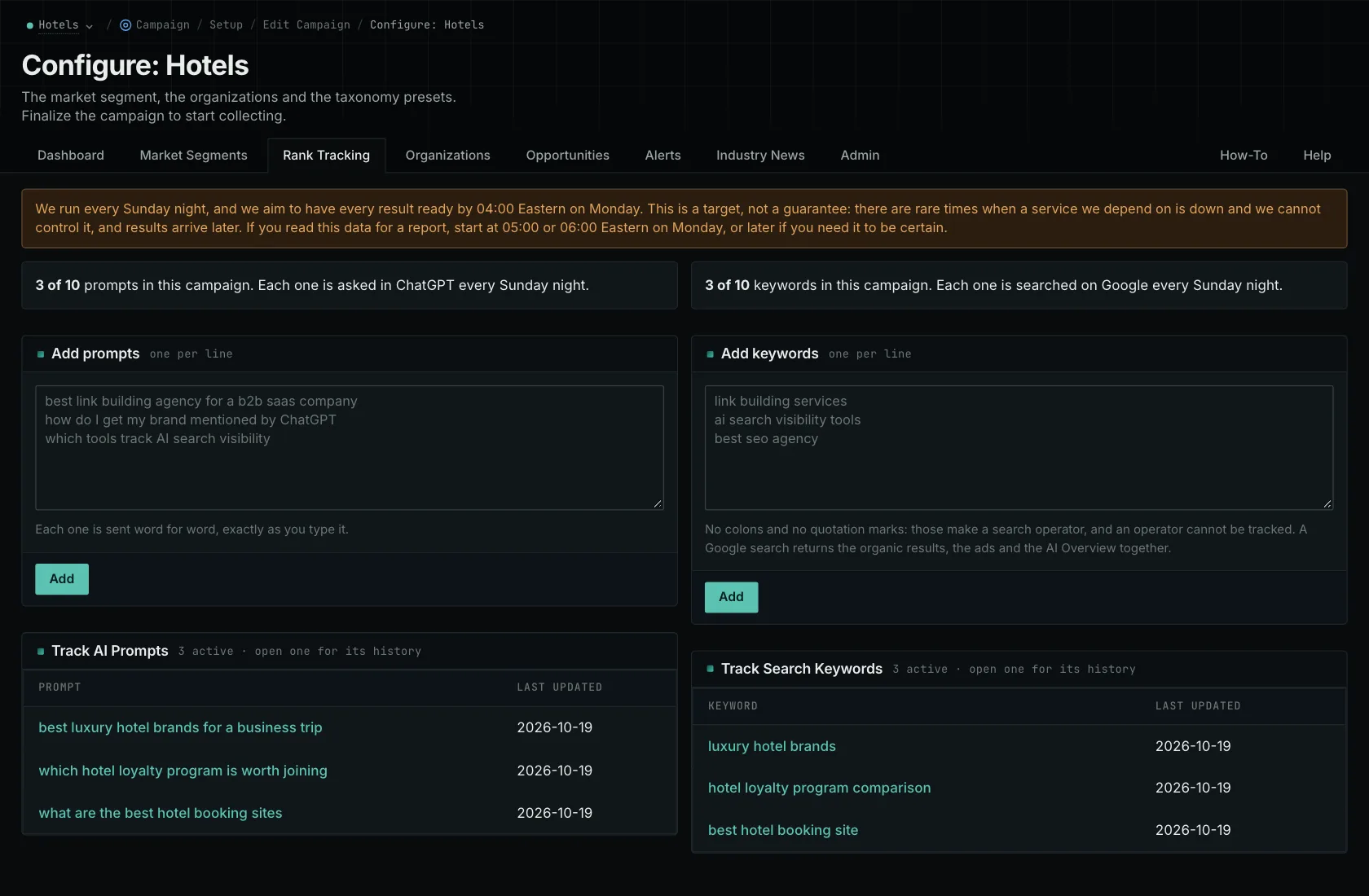
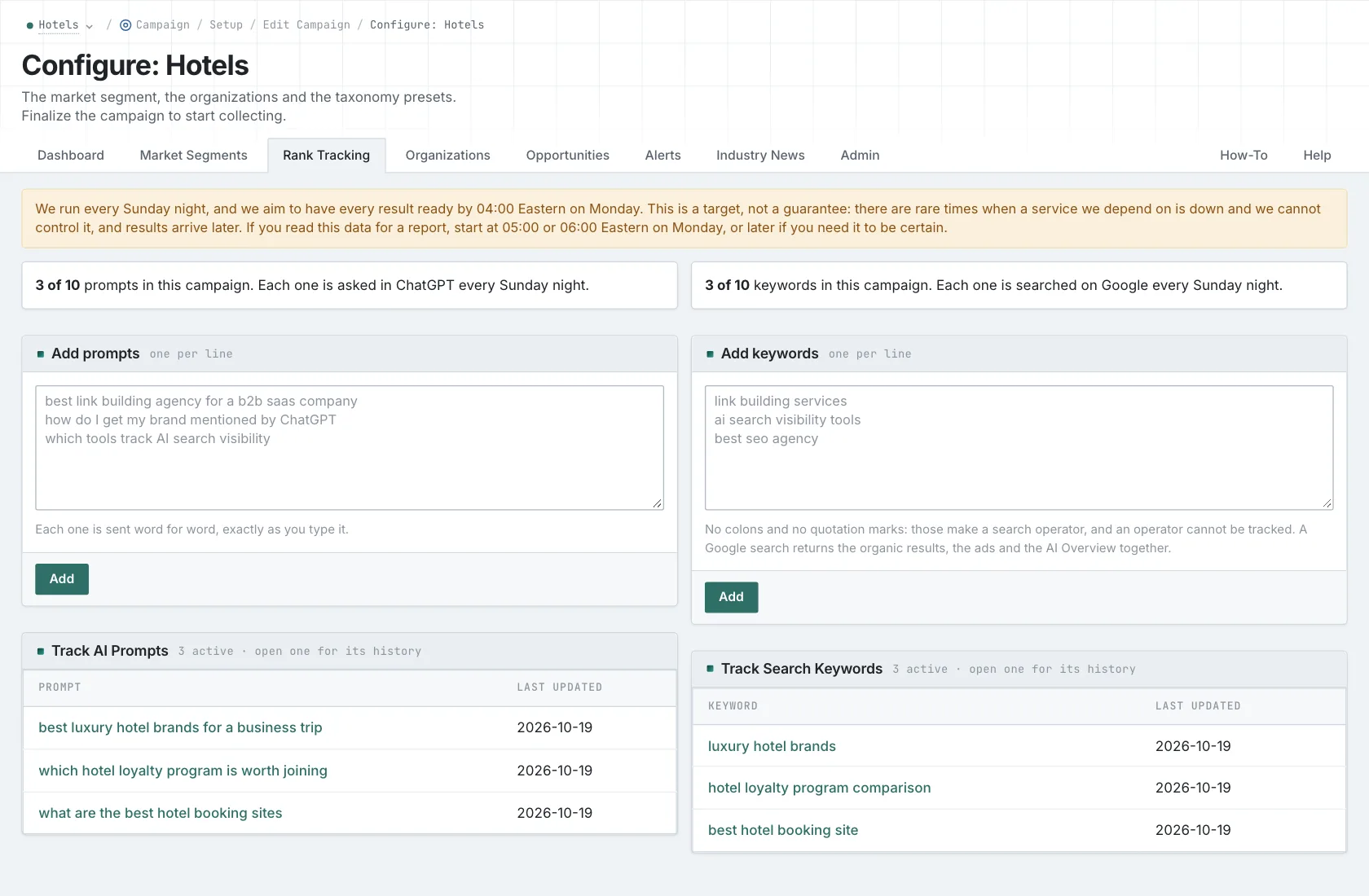
One credit gets you one prompt or keyword sent to one provider on one scheduled day. So imagine a client with 60 prompts, checked on three providers, twice a week. That's 60 × 3 × 2, or 360 credits. Add 100 keywords on two engines twice a week, and that's another 400.
That one client uses 760 credits a week. Ten clients doing the same thing use 7,600. That's within the 10,000-credit allowance, but well over the 3,000 credits that come with ten campaign slots. Having ten slots doesn't mean you have enough credits for everything those ten clients need.
Now take those same clients and change the schedule from two days to five. You're at 19,000 credits. Same clients, same questions, two and a half times the usage. You need to decide how often you'll collect answers before you choose the plan.
You don't have to check everything at the same frequency. If you're investigating a particular question, you might check it more often and leave the others weekly. Start with what the client's report needs to show, then add up the full schedule and check it against your shared allowance.
Put the credits where your clients need them
Your prompts, keywords, and tracking allowance belong to the account. If one client needs more tracking, you can give it to them without buying a separate quota for that client. You can also associate a tracked item with several campaigns. If the question and collection settings are the same, you can collect the answer once and use it in several client reports.
Each campaign applies its own brand and competitor context when you read that answer. But check what the clients actually need. If the wording or collection settings differ, those are separate tracking requirements, and you need to count them separately.
Check how your staff and clients need access
OppAlerts doesn't charge per staff member. But you do need to understand how access works: there's no separate client login, and you can't limit a staff member to particular campaigns. Workspace roles control access. Putting a client's research in its own campaign doesn't give it separate permissions.
If your contract requires a client login, or requires staff access to be limited to one client, you'll need a different arrangement for that. And when you compare other products, include any extra-user charges for everyone who needs to do the work.
Finally, add the tools you'll keep for site audits, sending outreach, verifying email addresses, or social listening. You should be able to explain the cost by pointing to your client list, collection schedule, and access requirements. For the related plan decisions, read the pricing guide, agency overview, and multi-client FAQ.
See how OppAlerts fits your work.
Tell me what you are working on and what you need to find out. I can walk you through the relevant reports and explain what OppAlerts can help you do.
You can explore the demo first, or use this form to ask about a task or arrange a demonstration with me.