Content Types helps you find content in the format you want to research, including how-to guides, reports, glossaries, and resource lists. You can see what's already been published, read how it explains the subject, and decide what your own content should contribute.
Imagine you're planning a guide to choosing a building-maintenance contract. You find several pages listing the usual services. But your buyers also need to know who pays when an emergency call falls outside the contract. That may be an explanation your guide can provide.
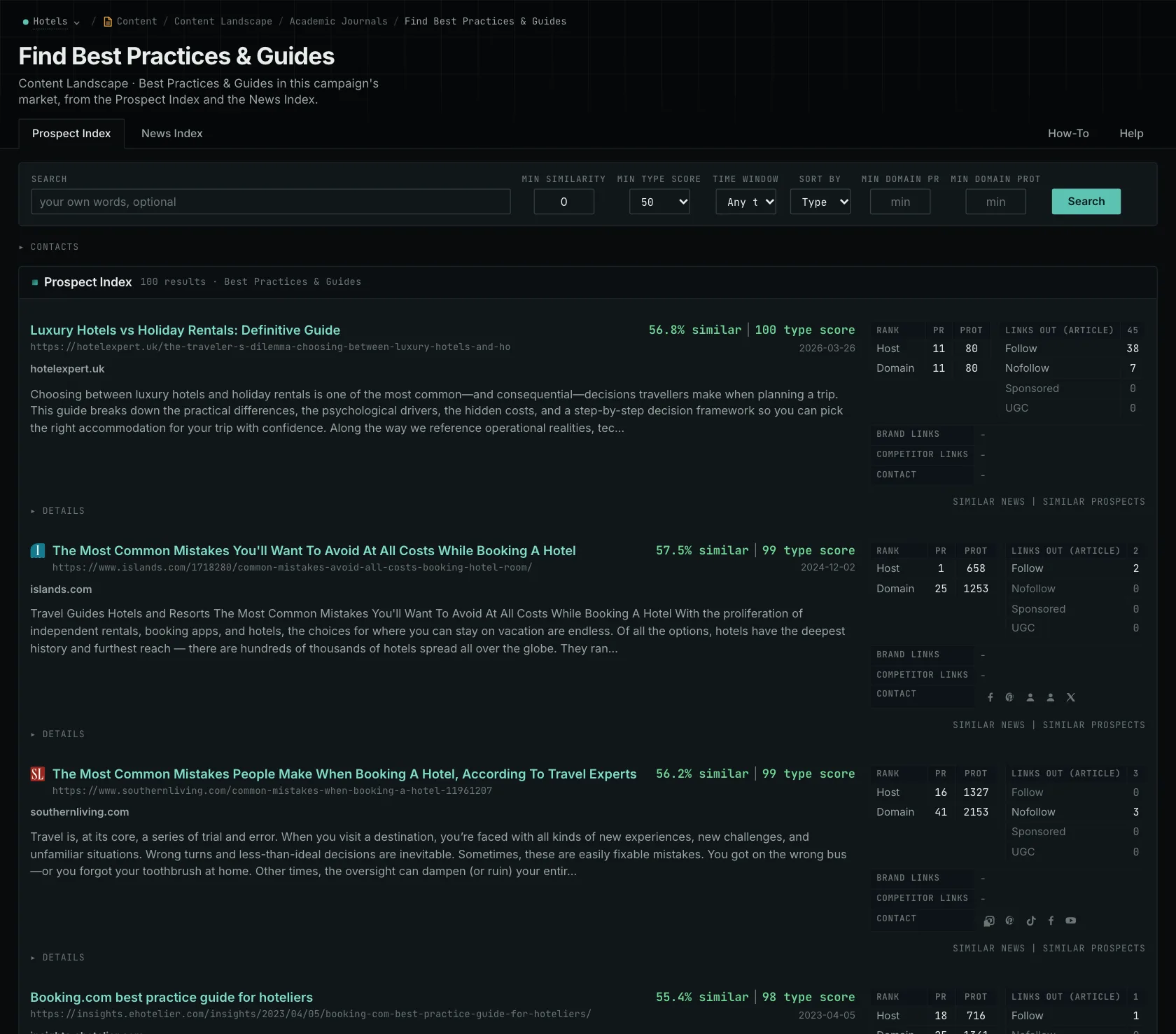
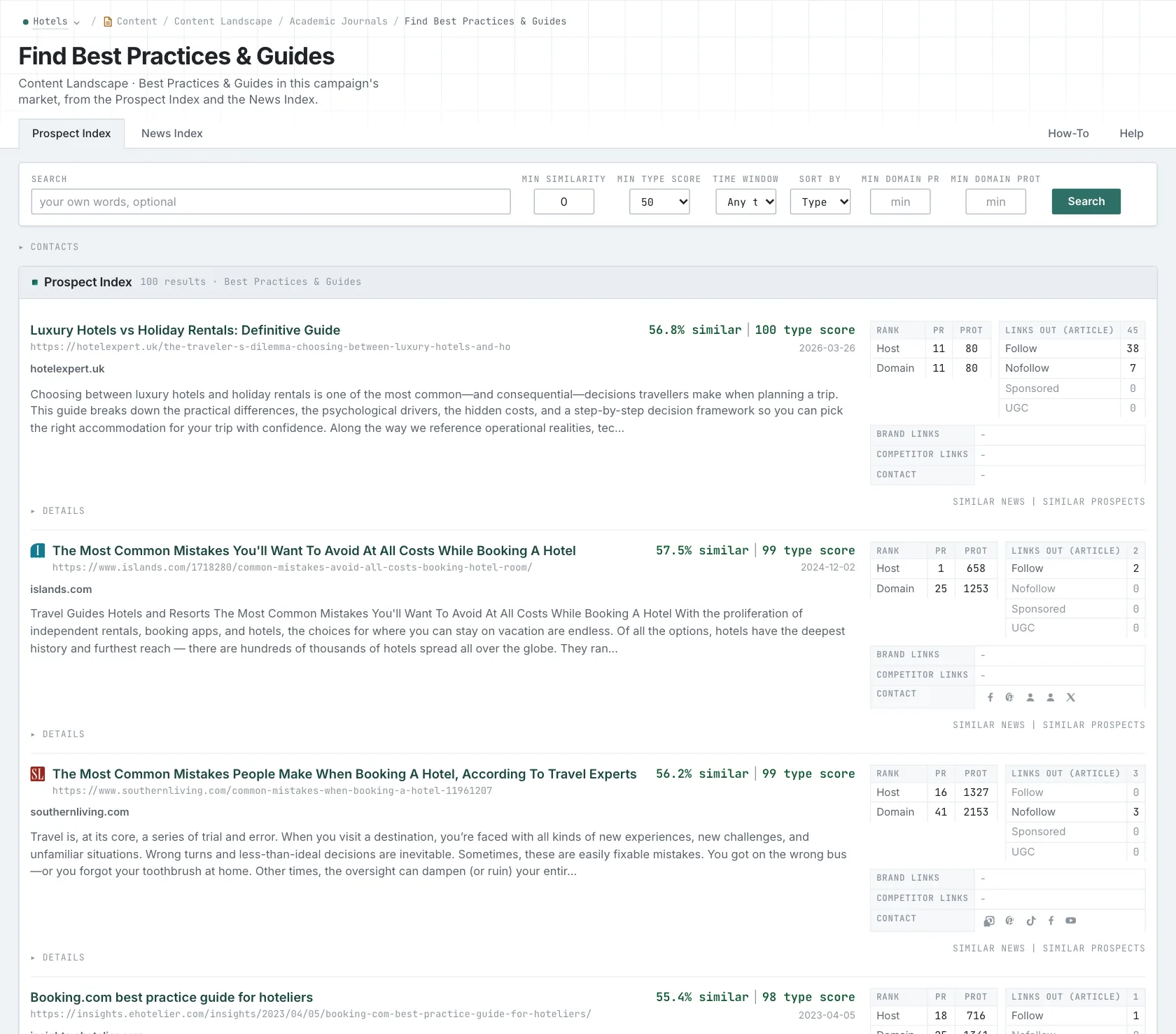
Choose a content type and OppAlerts lists the pages of that content type that are closest in meaning to your campaign. The Prospect Index and News Index views each show pages from their own index, giving you two collections to explore.
Read what the existing content explains
For the maintenance guide, open the pages and look at how they cover exclusions. One may only list service names. Another may show an example and explain when the customer pays separately. Reading both helps you see what's useful and what still needs explaining.
Look for the detail each format needs. A how-to guide should explain the steps and when they change. A report should explain its data and analysis. A glossary should help readers distinguish terms, and a resource list should explain why someone would use each resource.
Keep links to the pages as you build the brief, along with their publication and collection dates. What you find depends on the query, filters, and collection. If one view has no useful results, that doesn't mean nobody has written about the subject.
Give the writer the material to answer the question
For the contract guide, give the writer an approved sample contract and ask them to explain what happens during an after-hours call. Have them identify the relevant exclusion and what the customer needs to ask the provider. Supply the actual terms and costs where available, so the example helps someone understand a real decision.
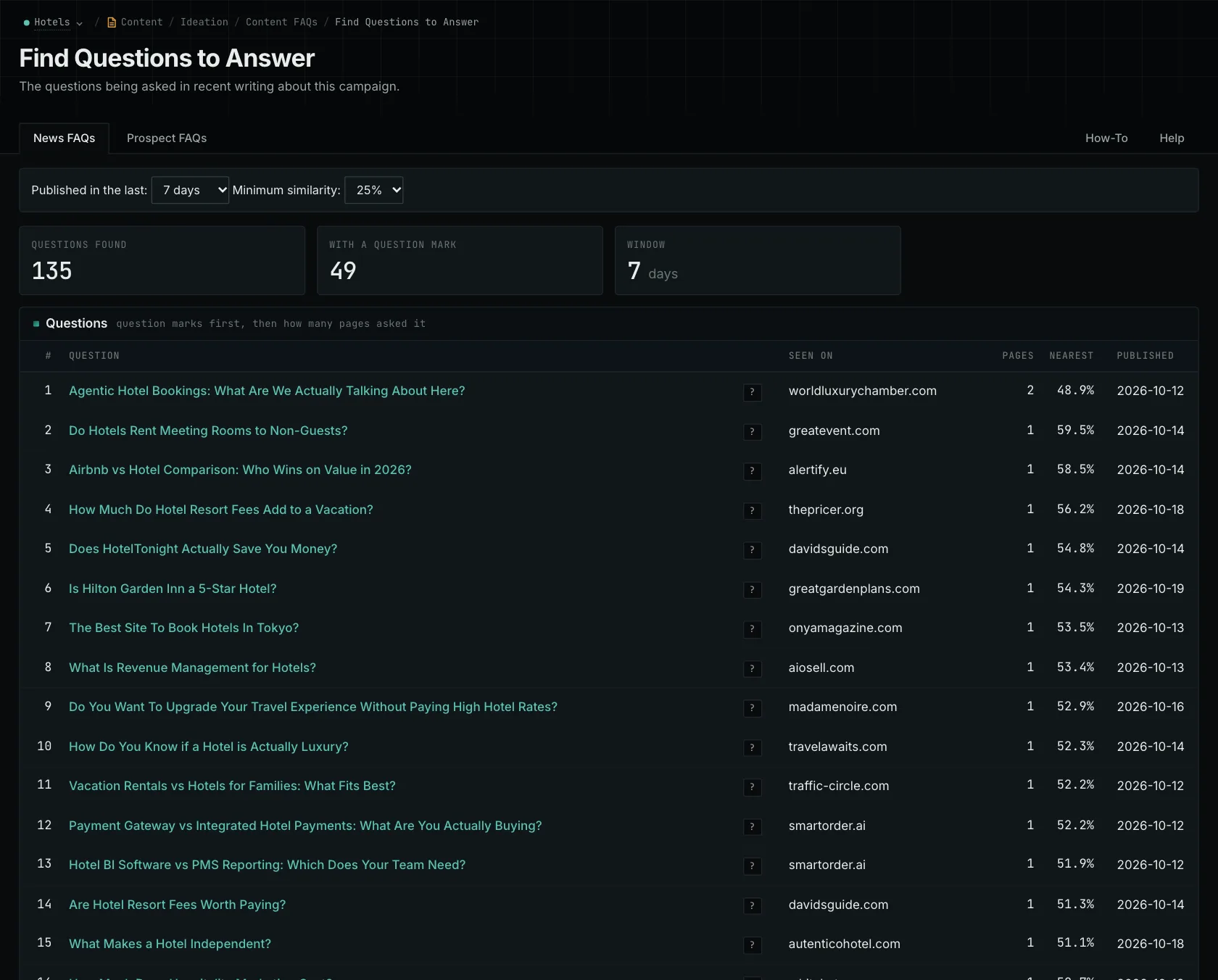
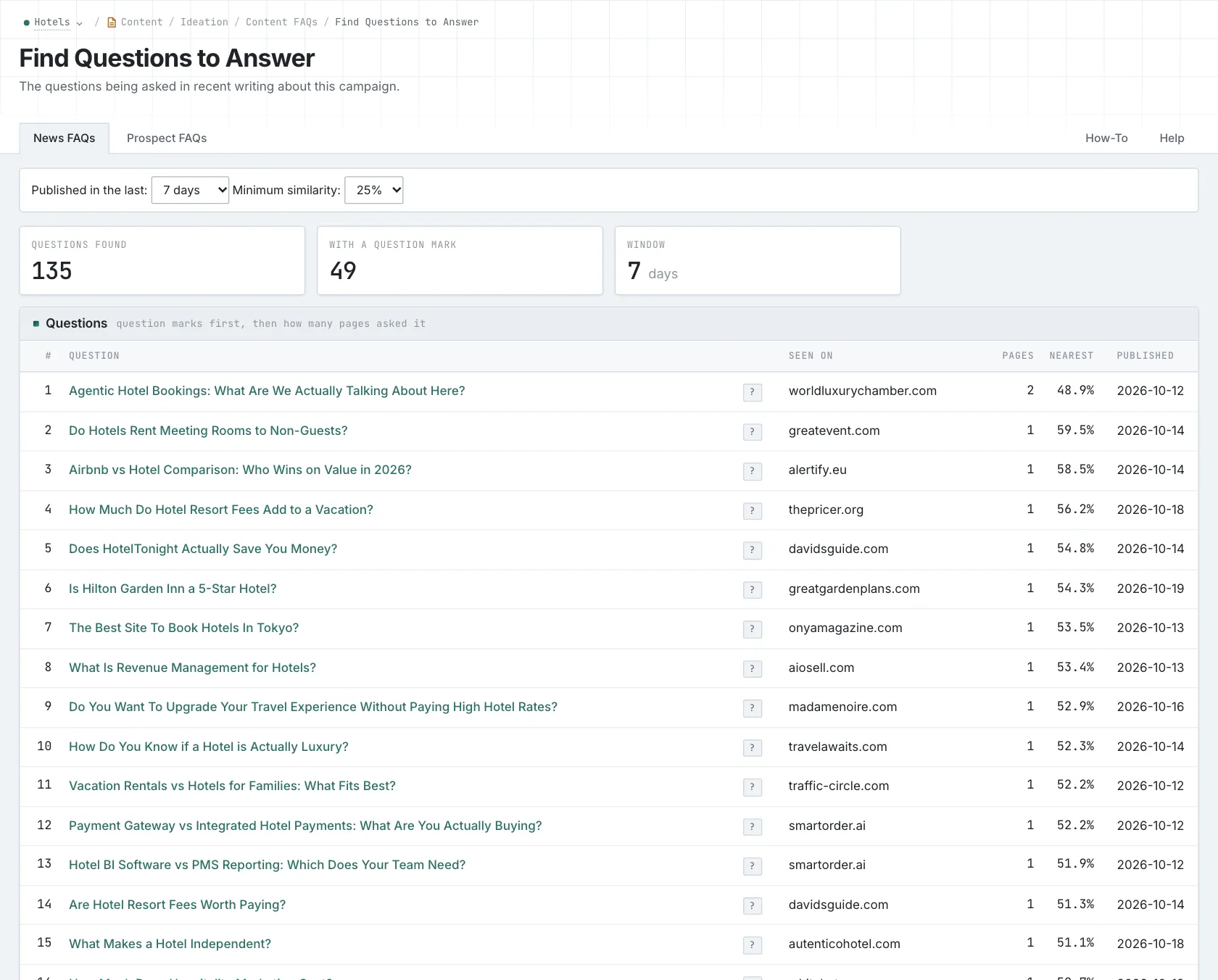
Use Content FAQs to find related questions, then choose the ones your business can answer with useful information. When the draft is ready, Content Optimizer can help you check how closely it matches the intended subject and audience.
Finish the brief with three things: who the piece is for, what it needs to explain, and which facts or sources the writer should use. That gives the writer a clear job and the material to do it.
The content-ideas guide walks through the research process.
See how OppAlerts fits your work.
Tell me what you are working on and what you need to find out. I can walk you through the relevant reports and explain what OppAlerts can help you do.
You can explore the demo first, or use this form to ask about a task or arrange a demonstration with me.