Brand Link Gap finds pages that link to your competitors where OppAlerts hasn't found a link to your tracked sites. You get the actual article, comparison, or resource page to read, so you can see whether your business belongs there too.
Imagine a comparison of restaurant scheduling tools links to two competitors and leaves yours out. If it's written for the restaurants you serve, that could be a useful opportunity. If it only covers software for chains with fifty locations and you serve independent restaurants, you may want to spend your time elsewhere.
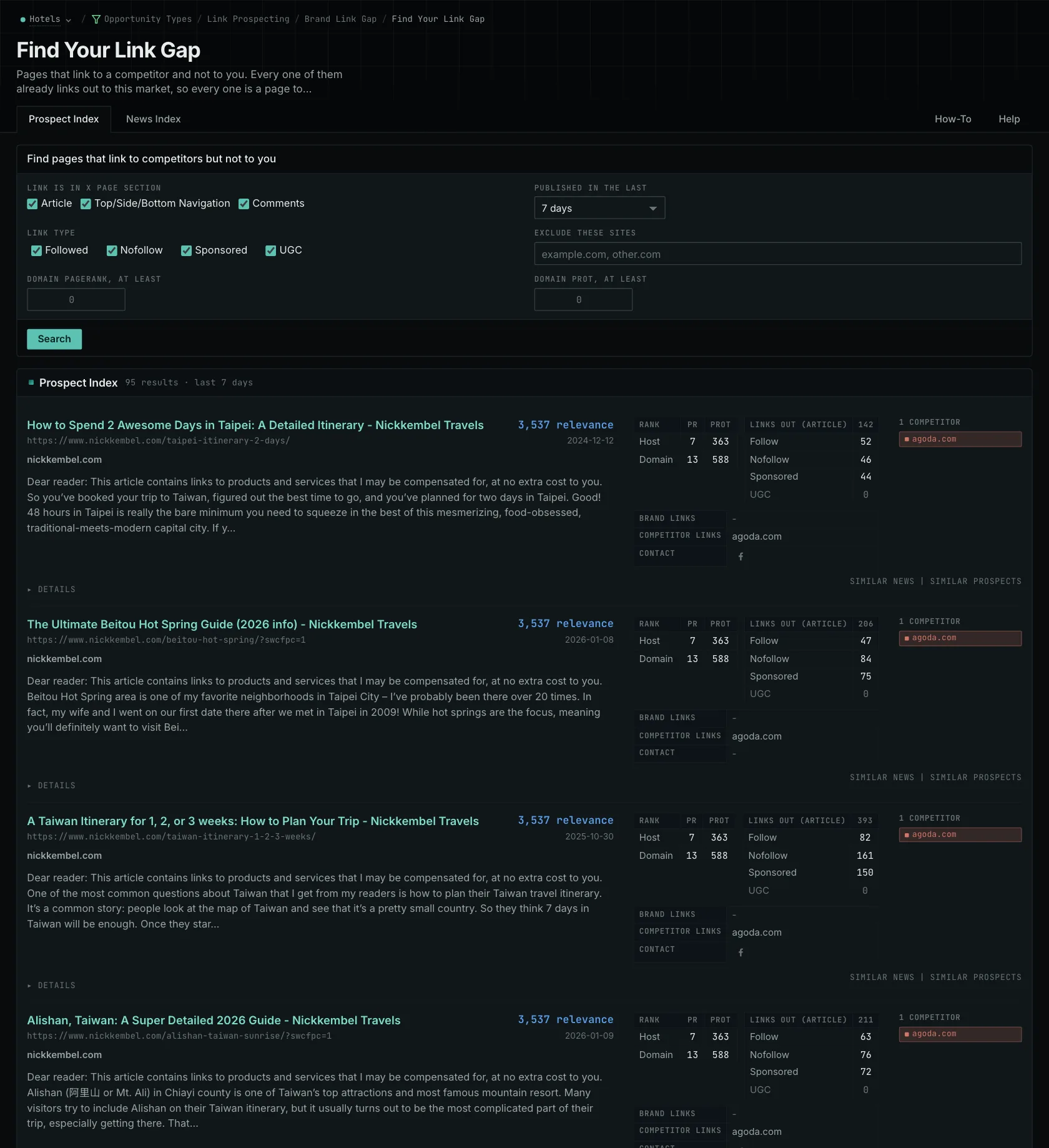
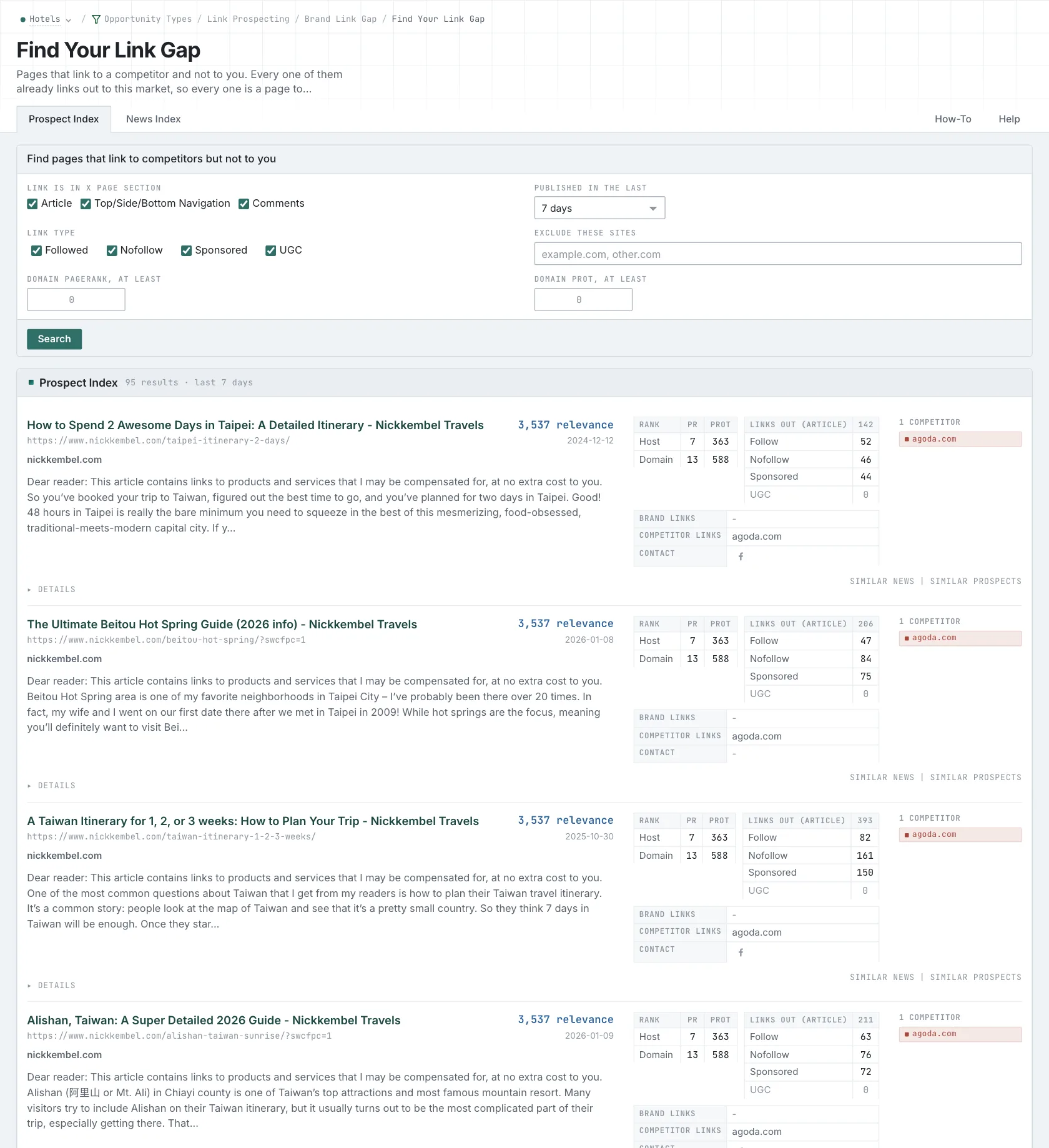
Find pages relevant to your business
The report uses the hosts in the Competitors and Owned Brands boxes on your campaign's Settings tab. Add relevant alternate domains, regional sites, and subdomains to your owned hosts. That lets the search account for links to those sites when it looks for gaps.
Search the Prospect Index for existing resources or the News Index for recent coverage. You can filter links by where they appear: Article, Navigation, or Comments. You can also filter by Followed, Nofollow, Sponsored, or UGC. These filters apply to the links recorded in the index.
For a product comparison, start with article links to find products discussed in the content. A link in the navigation could reflect a broader partnership with the site. And a nofollow link can still send a reader to your product, so look at the page and its audience when deciding whether the coverage matters.
Explain why your business belongs on the page
Read how the author chose the products. Maybe every tool in the comparison supports a particular payroll integration. If yours doesn't, that explains the omission and gives you a reason to look for a different comparison.
If your product does qualify, find something useful to add. Perhaps it handles cancelled shifts across nearby restaurants, and the article doesn't explain how to solve that problem. You can show the author how it works and why it matters to their readers. That gives them a reason to consider your product.
A directory might require membership. A supplier list might be based on commercial agreements. Read the current page to find out what inclusion involves, and check whether your link has already been added since collection. Then decide how to approach the site.
Choose pages or referring sites
Brand Link Gap returns pages from the News and Prospect indexes. Backlink Gap returns referring sites from the backlink database. Each gives you a different way to investigate competitors' links, using different collections. Neither claims to find every link.
If a page already mentions your business and you want to find out whether it links to you, use Brand Unlinked Mentions.
Read more about Brand Unlinked Mentions and choosing competitors for a gap comparison.
See how OppAlerts fits your work.
Tell me what you are working on and what you need to find out. I can walk you through the relevant reports and explain what OppAlerts can help you do.
You can explore the demo first, or use this form to ask about a task or arrange a demonstration with me.