Brand Unlinked Mentions finds indexed pages that name your business where OppAlerts hasn't recorded a link to your owned sites. You can read those mentions and decide whether a link would help the person using the page.
For example, imagine an article quotes your restaurant staffing study but gives readers no way to open it. A link to the study would let them see the sample, questions, and results for themselves. You now have a specific reason to contact the author.
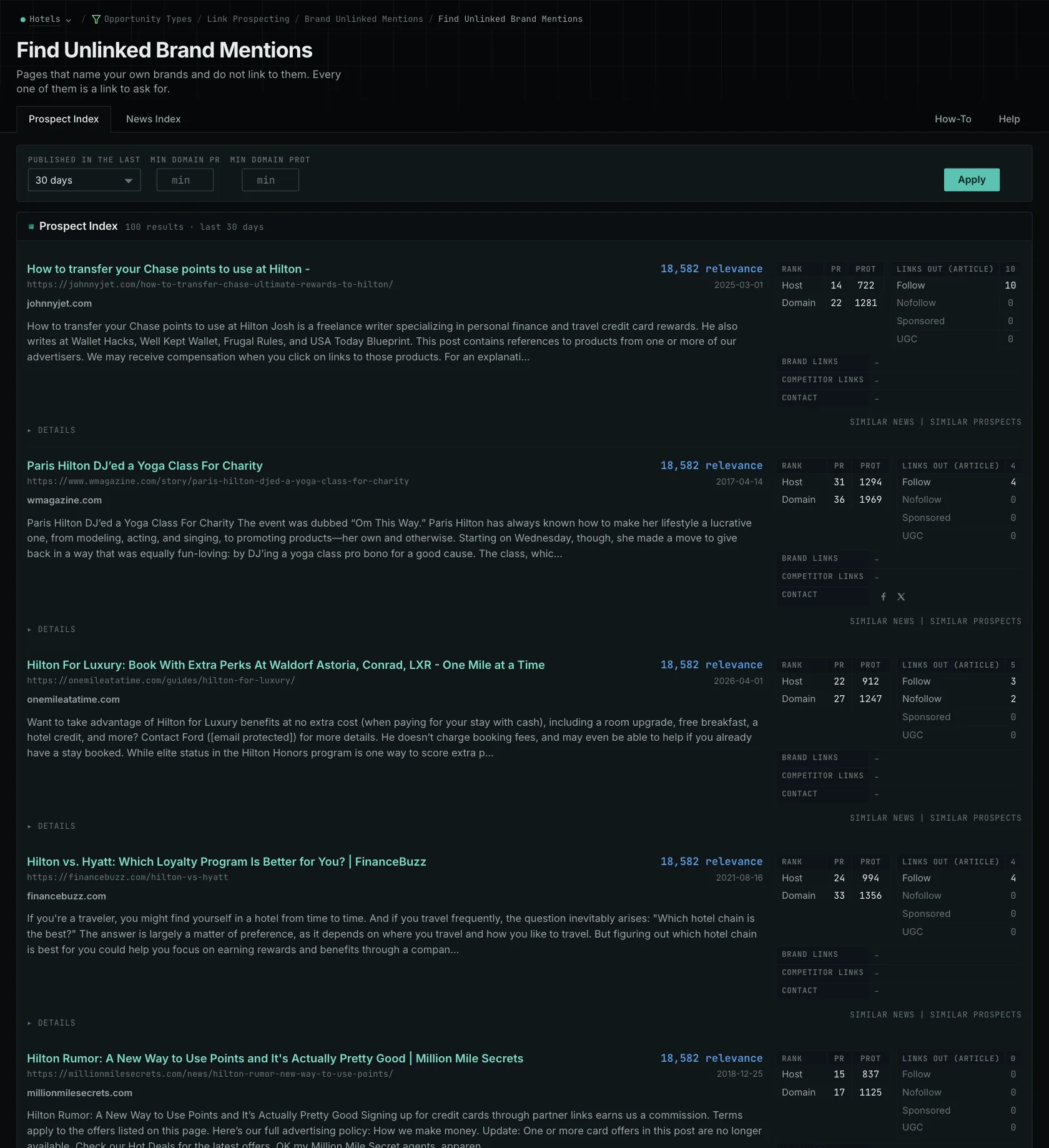
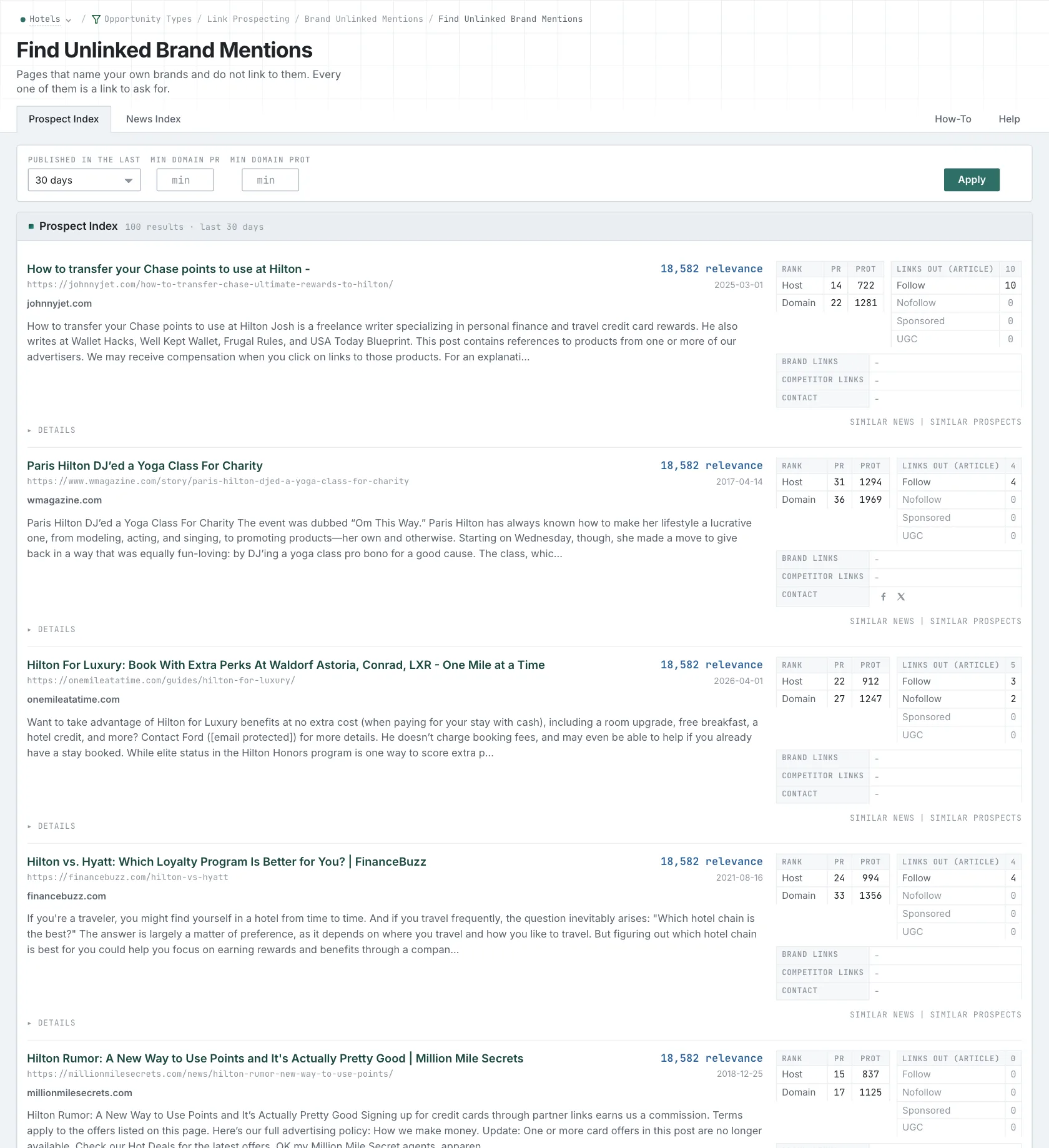
Check the mention and the current page
The report searches your tracked names in stored titles and page content, excluding your own pages. Open the page to confirm that the mention refers to your business. Then visit the live article to check whether the author has added a link since collection.
The link check covers the whole stored page, across sections and link types. If the page has a link to your site in its footer, navigation, or comments, it's excluded even if the sentence about your study has no link. If an expected result is missing, look for links elsewhere on the page too.
Include all relevant owned hosts in your campaign. If your study lives on a regional domain or content subdomain that you haven't added, a page linking there can appear unlinked. Keeping that list complete helps the report recognize the links you already have.
Choose a link that completes the reference
For the staffing-study example, send the author the study's URL. That takes readers directly to the methods and findings the article describes. Linking to the homepage would leave them to find the report themselves.
Some mentions won't need a link. A passing reference might give the reader no reason to visit your site. Critical coverage may call for a different response, and an old page may no longer have an editor maintaining it. Read the context before deciding what to do.
When a request makes sense, keep it specific: identify the sentence referring to your study and provide the URL where readers can open it. Check that the destination works and use the publication's current contact instructions. OppAlerts helps you find and research the mention; you'll send the request yourself.
Search the News and Prospect collections
News and Prospect results have separate tabs. There isn't a search-result tab for this report, because titles and snippets don't show all the links on a page. The report uses the available indexed coverage, so an empty list doesn't mean every mention on the web already links to you.
If the page links to competitors and doesn't mention your business, use Brand Link Gap to investigate whether you belong in the coverage.
Read more about working through unlinked mentions, the difference between mentions and links, and Brand Link Gap.
See how OppAlerts fits your work.
Tell me what you are working on and what you need to find out. I can walk you through the relevant reports and explain what OppAlerts can help you do.
You can explore the demo first, or use this form to ask about a task or arrange a demonstration with me.