A link prospecting tool helps you find places where your business could contribute or receive a relevant reference. Try following one prospect all the way through: find the page, check whether you qualify, and work out how to contact the publisher.
Imagine a directory links to two competitors. Open it to find out why they're included. It might list association members, businesses in a particular region, or participants in an event. Those requirements tell you whether there's an opportunity for your business too.
OppAlerts publishes this guide and is included in it. Prices and allowances come from September 2026 research.
Try different ways of finding prospects
Semrush, Ahrefs, and OppAlerts offer link-gap research using recorded links to selected competitors and your site. That can reveal shared sources. A relevant podcast won't appear through a competitor link that isn't in the comparison data, so use other searches to explore beyond those links.
Majestic offers allowances of one million, 20 million, and 100 million analyzable backlinks for your own analysis and prospecting. Ahrefs Brand Radar also advertises web-mention tracking and prospect discovery. Check those tools if they're already part of your subscription.
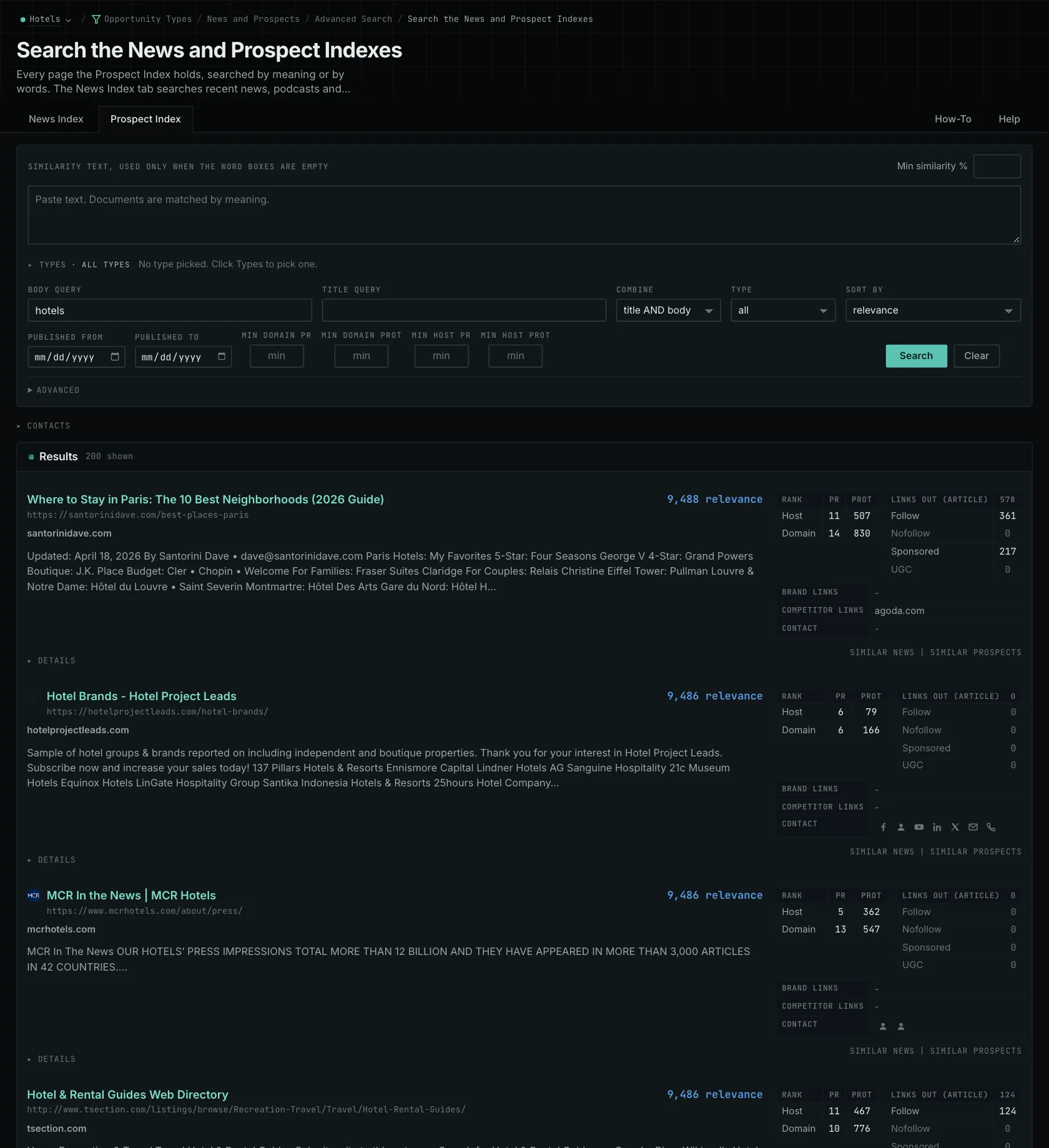
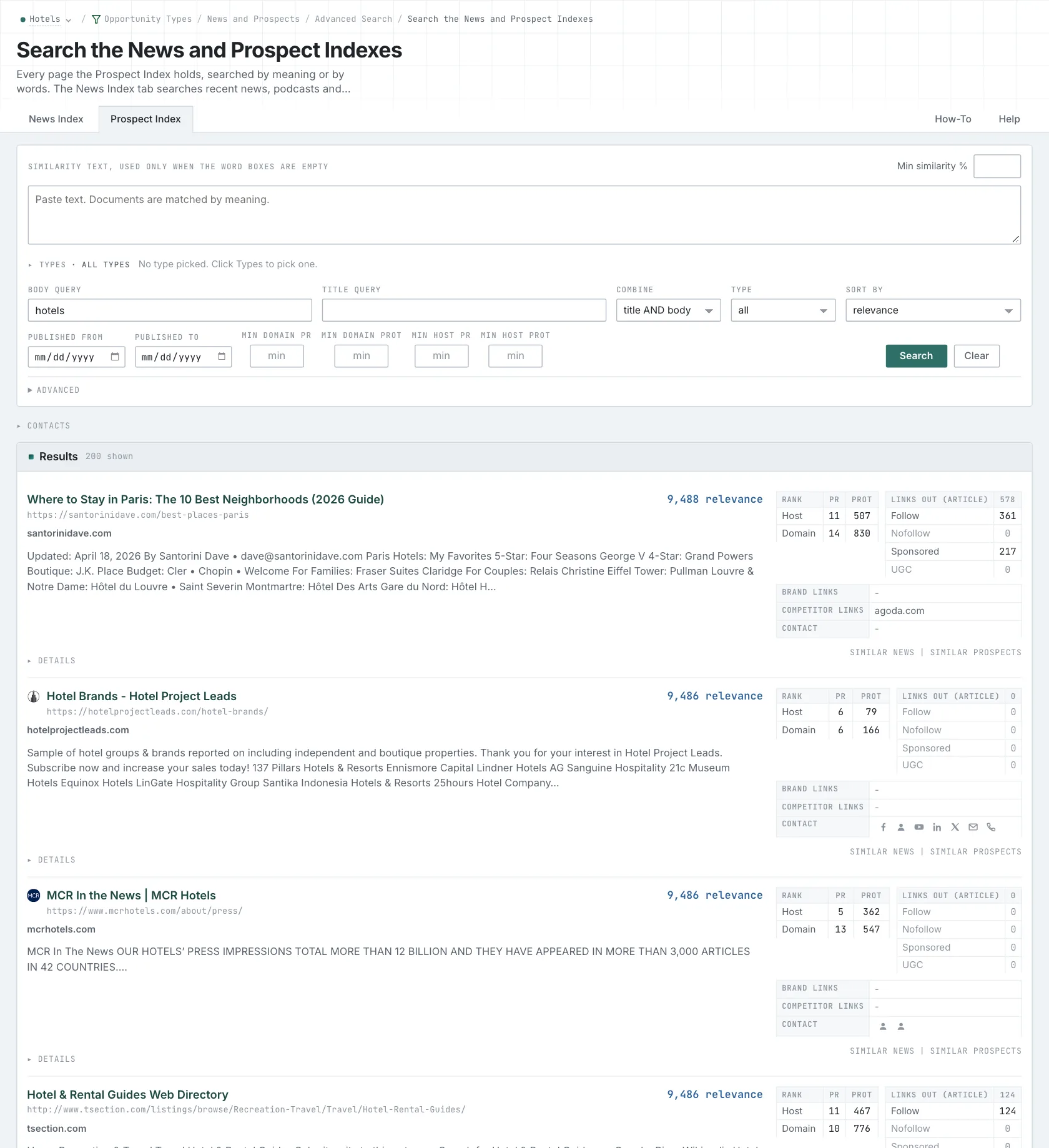
The OppAlerts Prospect Index lets you search by meaning or words and choose opportunity types: contributions, resource lists, expert roundups, podcasts, directories, awards, and speaking submissions. Start with the kind of opportunity you want, then read the matching pages to check the fit.
Find out whether you can participate
Read the page's requirements. A directory can cover your industry but serve a region you don't operate in. A resource page might accept only certain contributions. Those details explain which prospects are worth pursuing.
OppAlerts' monthly PageRank history adds host and domain link-graph records where available. Use a change in the history as a reason to investigate the site and its links. You'll still need to assess its content, audience, and inclusion rules; the chart doesn't establish editorial quality or explain a change by itself.
For our directory, confirm that your business qualifies and find out what to submit. The prospect evaluation guide walks through that research before you contact the publisher.
Choose how to make contact
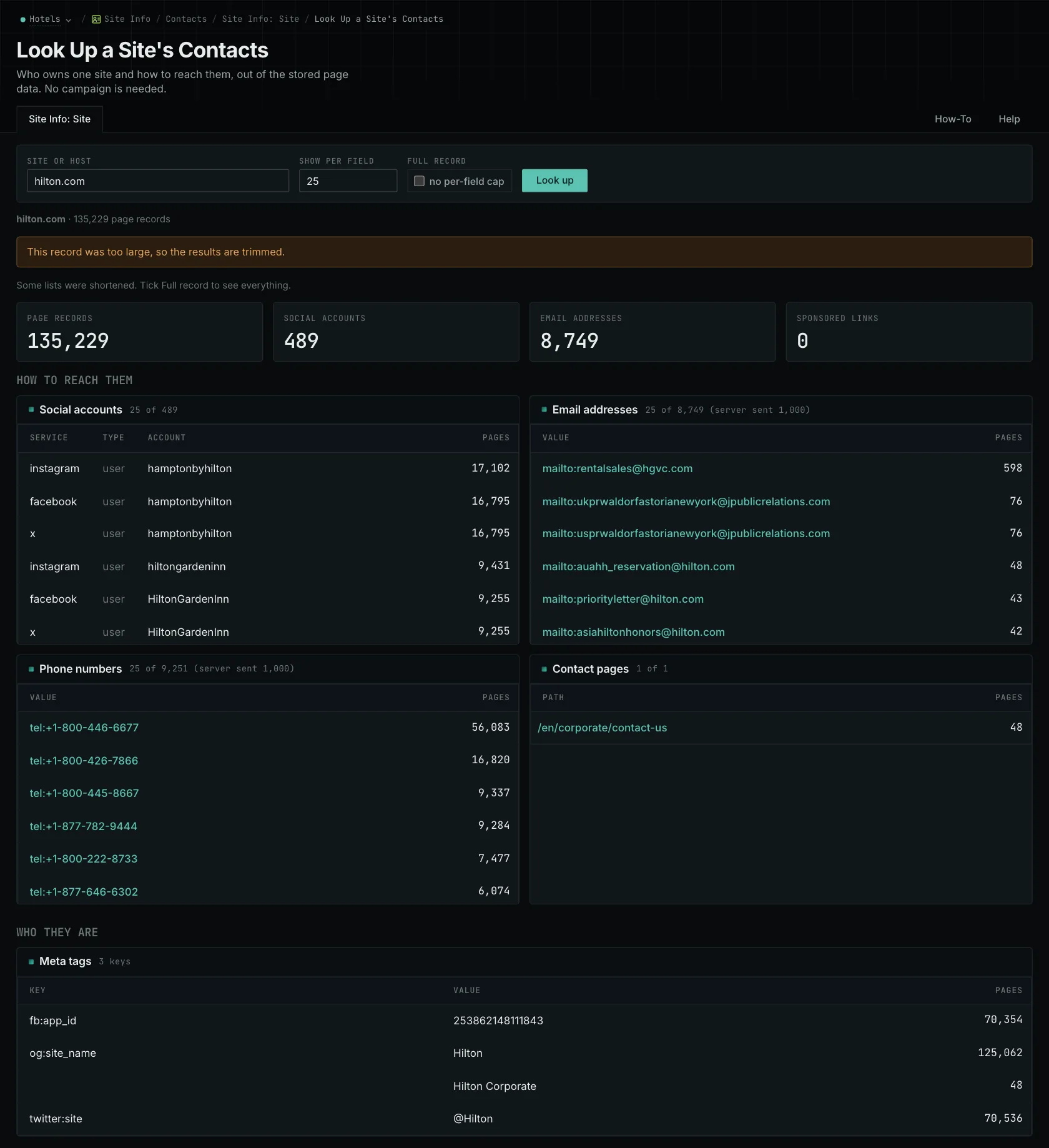
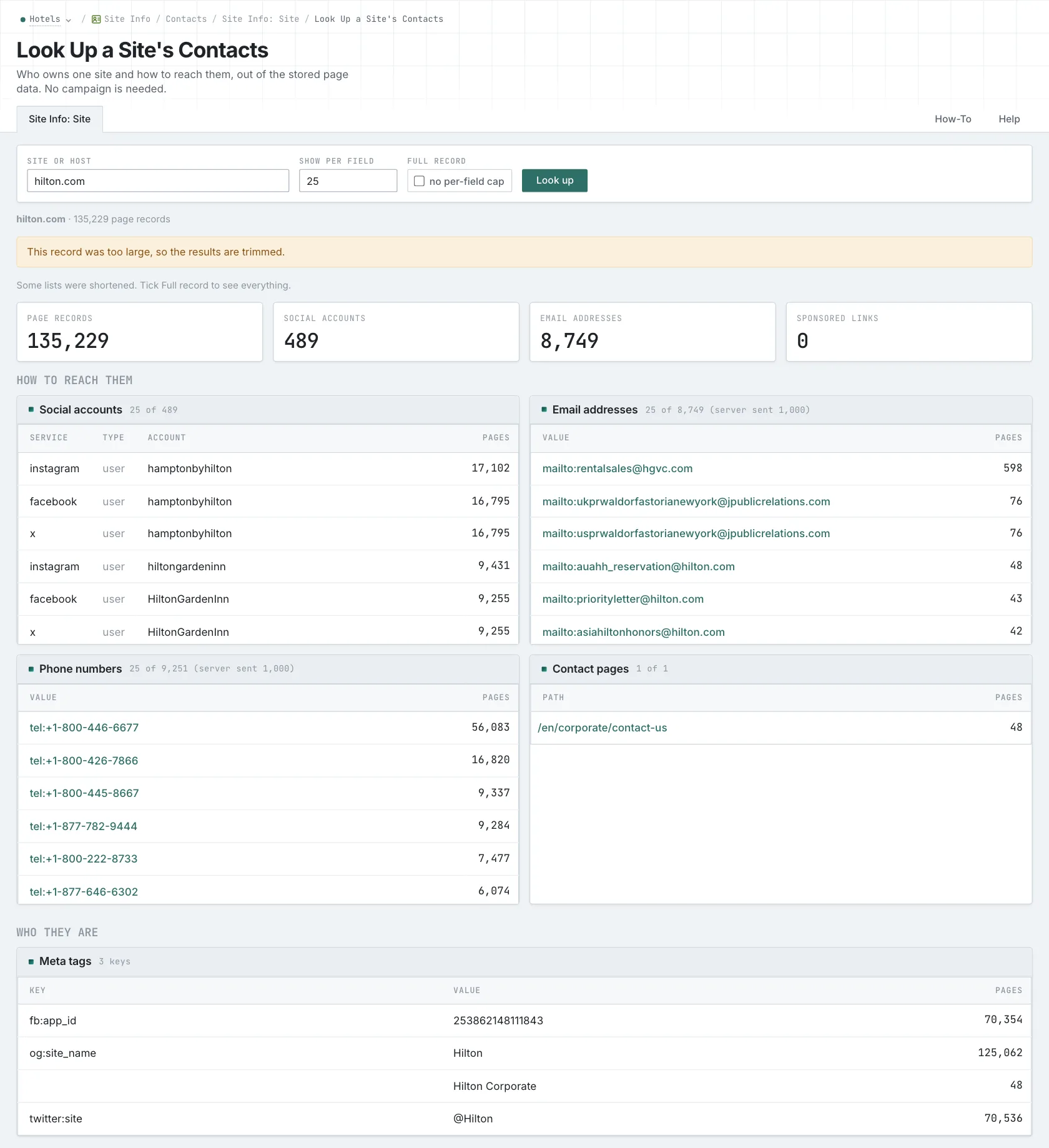
OppAlerts Site Info returns collected contact pages, addresses, phone numbers, and social profiles. Check the current site before using them. If the directory asks for an application form, that may be all you need. Stored email addresses haven't been verified for delivery.
Hunter verifies addresses at a reviewed cost of half a credit per check. The status helps you assess an address, though it can't guarantee delivery. Hunter also offers email sequences on its outreach plans, so include the relevant sending product in your comparison.
Pitchbox's researched entry plan is $300 monthly, or $210 monthly billed yearly, for 25 campaigns and 1,000 prospecting searches. Its $600 plan includes 1,000 campaigns and 5,000 searches. BuzzStream counts stored contacts: plans range from $49 for one user and 500 contacts to $999 or more for at least 12 users and 300,000 contacts. Applicable tiers charge $58 or $70 for extra users.
Count your archived contacts, active campaigns, sending activity, and users. Each can affect the plan you need. If you need journalists by their current beat, BuzzSumo PR & Comms includes a Media Database at a researched $299 monthly. That covers a different part of the research.
Check your existing contact history before sending. Someone on your team may already know the publisher or have discussed a proposal. Try that handoff during the trial to see whether your current outreach system already does what you need.
OppAlerts handles prospect research. It doesn't send email, run sequences, track replies, keep relationship history, assign outreach, verify addresses, or provide a journalist database. Use the research to prepare a specific approach, then manage the conversation in your outreach tools.
Compare individual tools
Browse all comparisons and alternatives.
See how OppAlerts fits your work.
Tell me what you are working on and what you need to find out. I can walk you through the relevant reports and explain what OppAlerts can help you do.
You can explore the demo first, or use this form to ask about a task or arrange a demonstration with me.