A useful link prospect gives you a reason to contact the publisher. OppAlerts helps you find candidate pages, understand how you might be included, and look up public contact routes. Use the research to explain why your resource belongs on that particular page.
Imagine a competitor has a link on a conference website. It could come from a speaker biography, an exhibitor listing, or a member directory. Each reflects a different relationship. Find out which one produced the link and whether your client could qualify.
Find pages through competitors and opportunity searches
A competitor gap compares collected referring sites for selected competitors with your owned sites. It might lead you to that conference. Open the referring page to find the requirements behind the link; the gap itself doesn't explain them.
Prospect Index searches give you another route. Search by opportunity type for speaking submissions, guest contributions, resource lists, expert roundups, podcasts, directories, or awards. These can find candidates outside your competitor comparison. Similarity search also finds related wording, giving you more relevant pages to read.
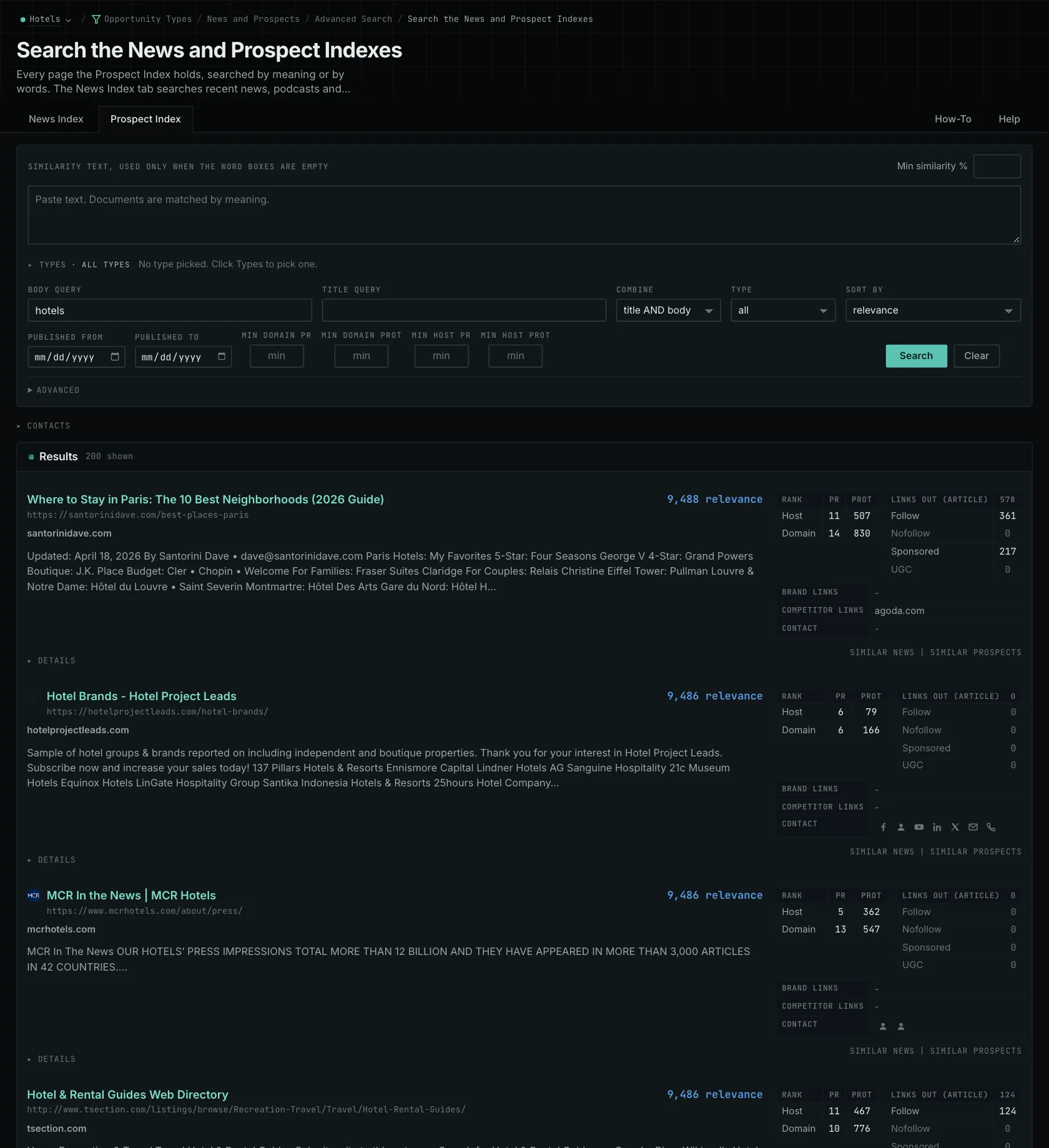
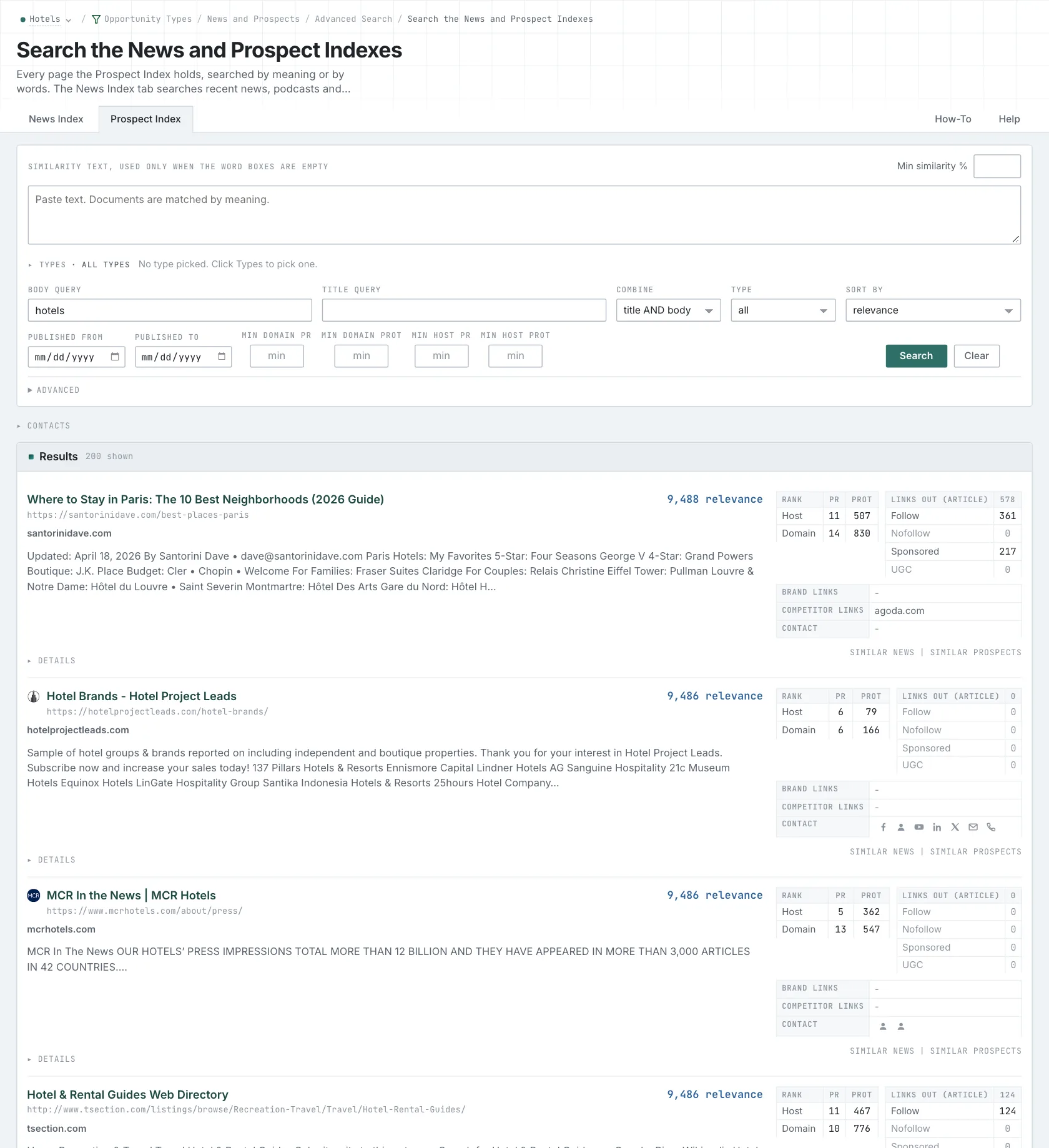
If the link belongs to an exhibitor, check eligibility, cost, availability, and whether exhibiting makes sense. For a speaker, check the submission brief and deadline. Establish that fit first. Then use recent publishing and monthly link history to add context about the site.
Turn the finding into a specific request
Once you know the route, look for the contact details that serve it. Follow speaker instructions for a speaking proposal, even if a general email is easier to find. OppAlerts stores available public routes; verify them on the current site.
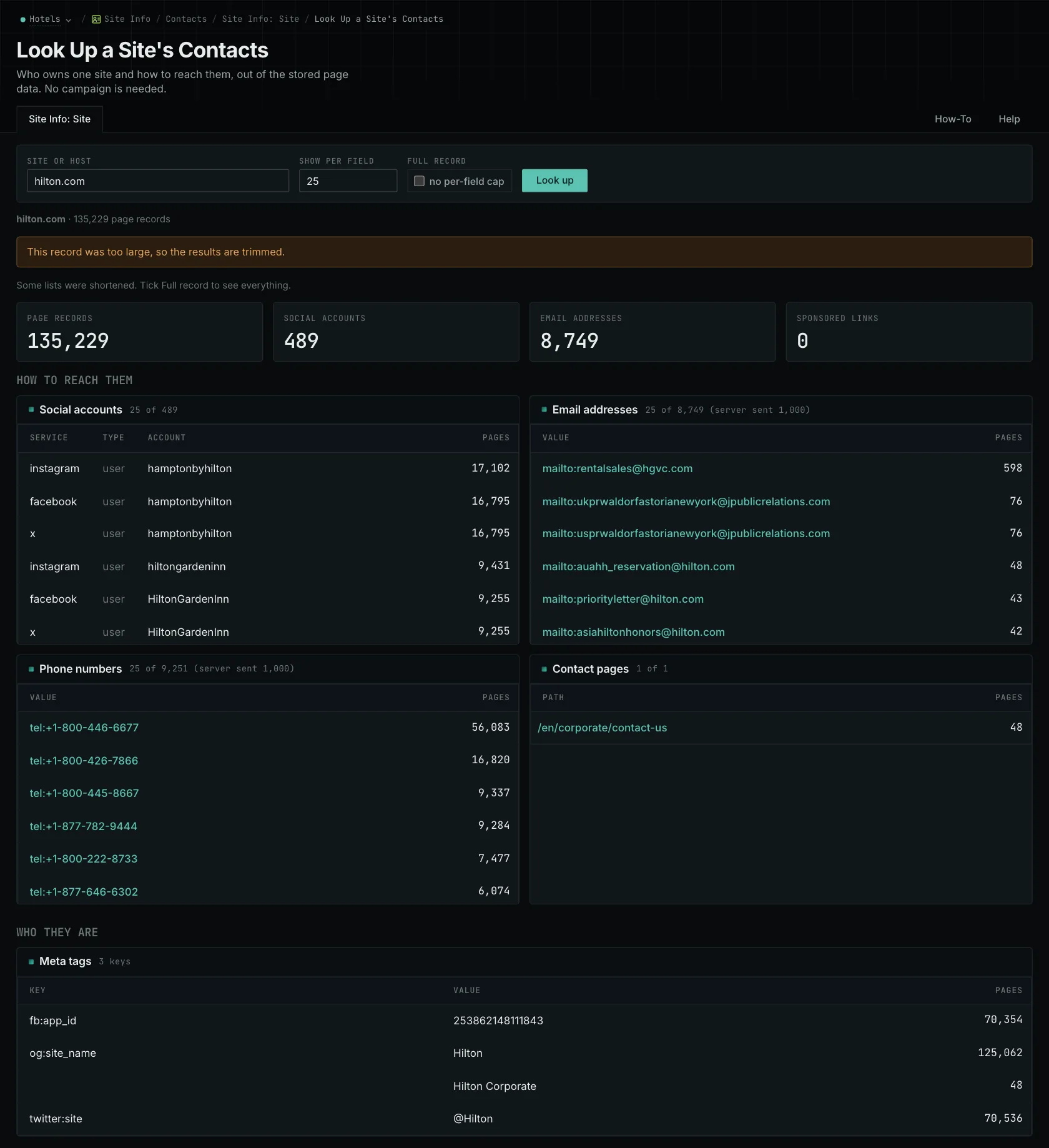
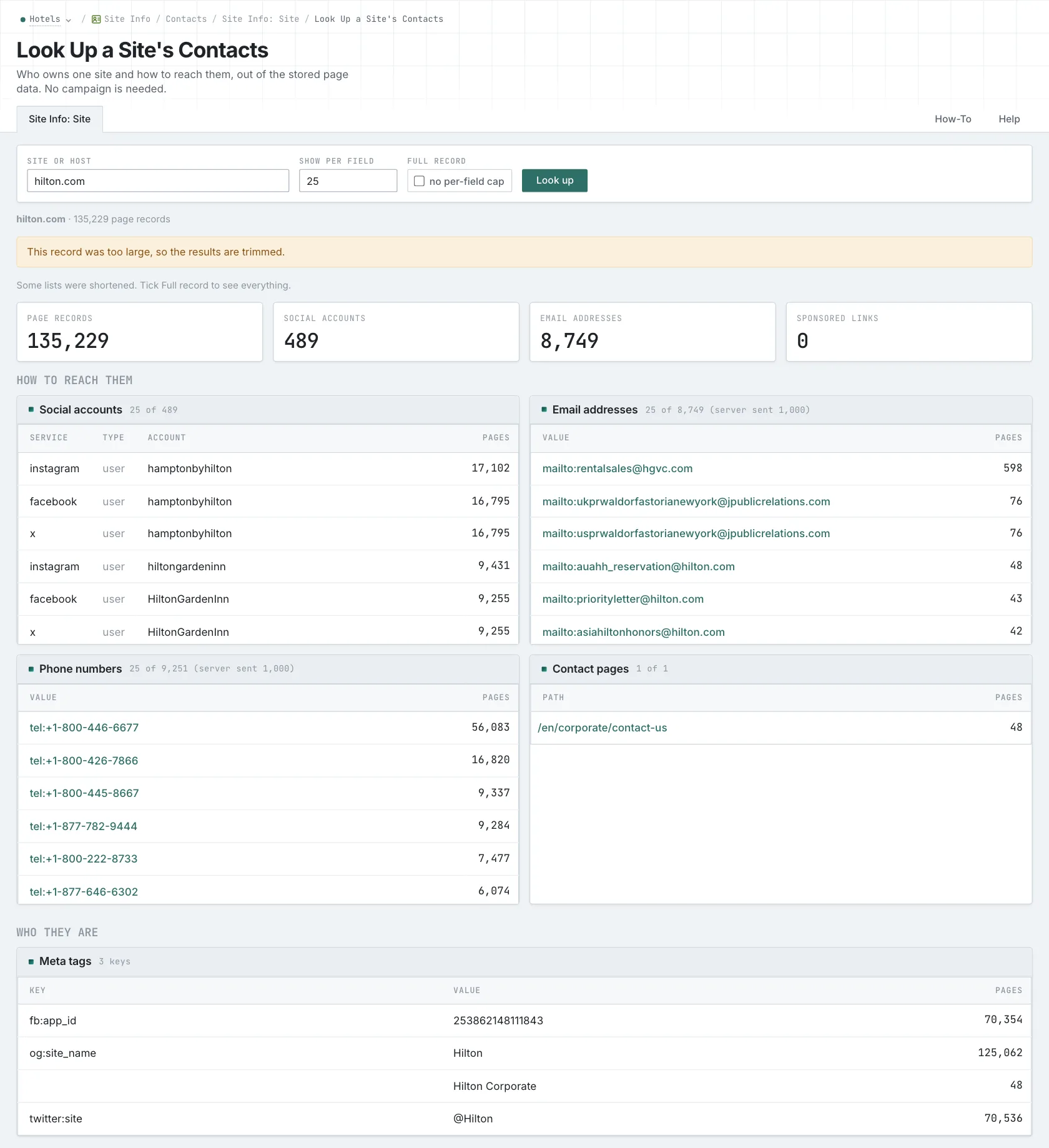
Existing mentions can give you a more direct reason to approach someone. An article might mention your study without an observed link or point to an outdated destination. Open the live page to check whether the change is still needed. Then identify the passage and explain how the current resource helps readers.
Use an outreach platform to send messages, run sequences, and track replies. OppAlerts contacts aren't verified for deliverability or organized as a journalist database. Pass along a checked page, a relevant request, and the current contact route.
Related reading: the qualification detail, ordering the remaining prospects, how this pairs with an outreach platform.
See how OppAlerts fits your work.
Tell me what you are working on and what you need to find out. I can walk you through the relevant reports and explain what OppAlerts can help you do.
You can explore the demo first, or use this form to ask about a task or arrange a demonstration with me.