A tracking prompt is a question you keep asking over time so you can see how an AI service answers it. Start with the buying decisions you want to understand. A small set of specific questions can tell you more about those decisions than a long list of broad category names.
For example, “Which tools suit a twelve-person agency handling several clients?” gives a project-management question some useful context. Team size, client separation, and coordination can affect the recommendations. Include conditions supported by your buyer research so you know what the answer is responding to.
Start with conversations you already have
Sales calls give you the problem in the prospect's own words, before they've learned your product terminology. Support requests from customers who chose something unsuitable can reveal a comparison they misunderstood. Recurring objections and the alternatives buyers consider give you more questions to investigate.
Those sources also help you avoid questions that just ask for praise. “Why is our product the best option?” supplies the conclusion you're supposed to be investigating. Ask which options meet the buyer's needs, and leave room to see what the service actually recommends.
Cover the different decisions buyers make
A category question asks what options exist, such as which tools agencies use to manage client projects. A comparison question names alternatives and asks how they fit that agency's requirements. A problem question asks something like how to coordinate work across clients, leaving the type of solution open.
Brand questions check how a particular offer is described. You might ask whether a product supports separate client workspaces and discover an outdated specification in the answer. Save the answer and read any cited source before deciding whether the correction belongs on your site or the publisher's page.
You can include all four types without tracking every possible wording. For each prompt, be able to explain which decision it represents and what you'd investigate if the answer changed.
Write the buyer's conditions into the question
A solo consultant and an enterprise procurement team may need different permissions, integrations, and purchasing arrangements. If those differences matter in your market, write separate questions that include them. OppAlerts sends your tracked prompt exactly as written.
Every extra variant adds collection work. Choose differences that give you a reason to make a separate comparison.
Work out the schedule before adding more prompts
For prompts on the same schedule, weekly usage is prompts × providers × days per week. Imagine you have 10,000 weekly credits. One hundred prompts on three providers, five days a week, use 1,500. That leaves 8,500 for other tracking.
Five hundred prompts on that schedule use 7,500 credits. Change the schedule to two days a week, and the same set uses 3,000. That's 60 percent less usage, with fewer observations per question. You still have the questions; you're collecting new answers less often.
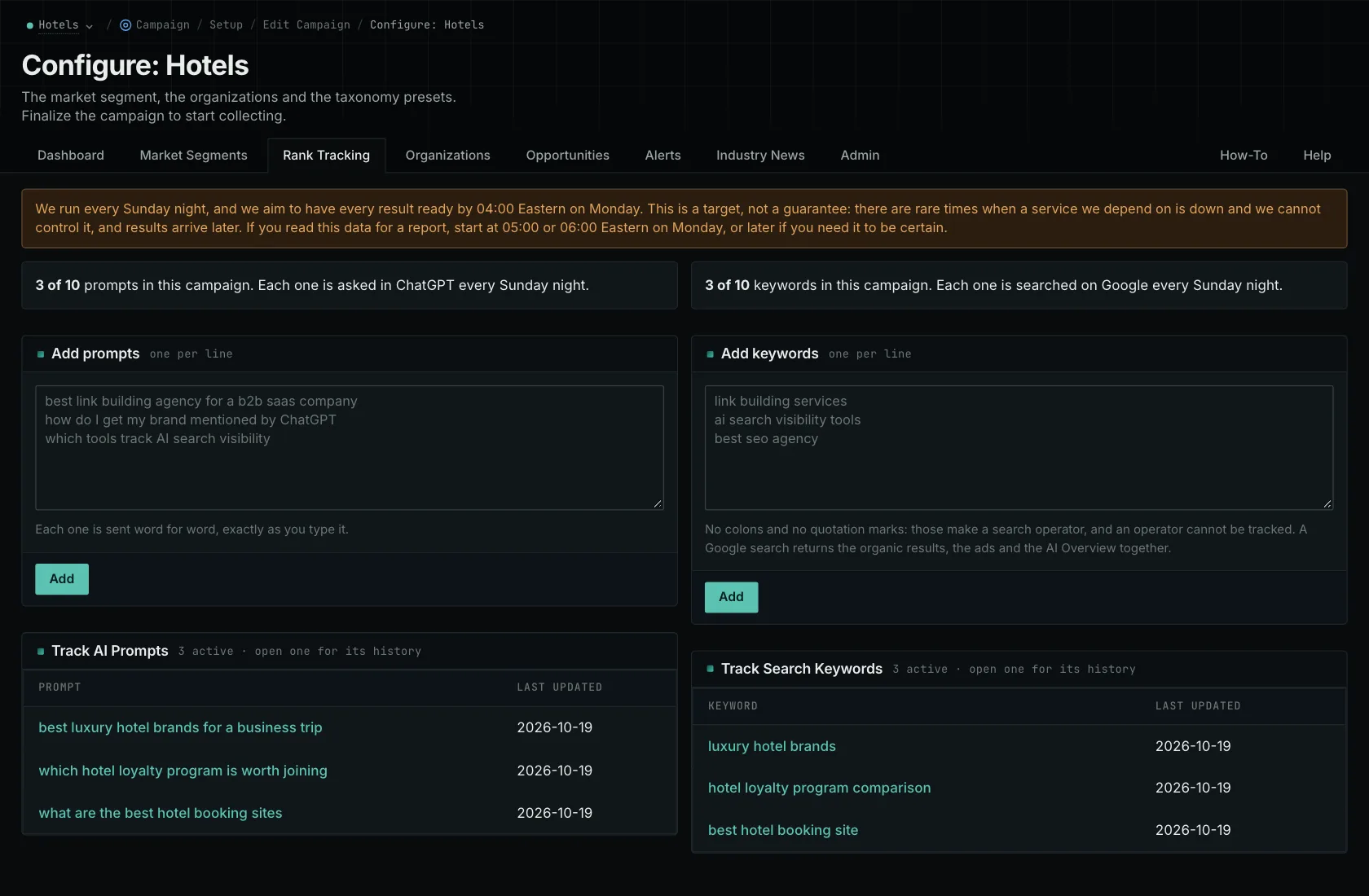
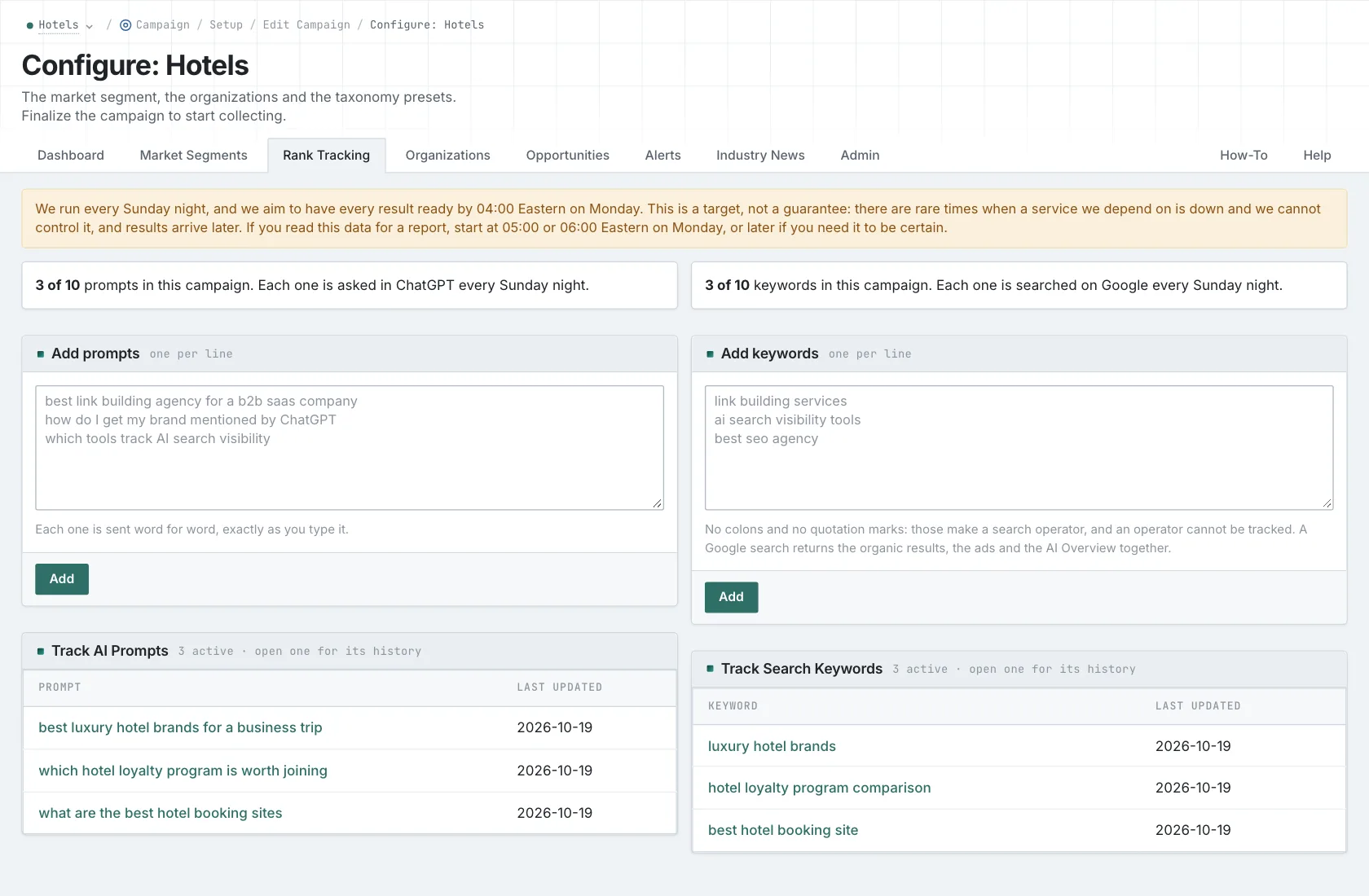
Choose the frequency based on the evidence your reports need. Start with a set you have time to read and explain. If the schedule produces more answers than anyone can inspect, the volume gets in the way of understanding the results.
Keep a record when you change a question
Stable wording lets you compare answers to the same question. If you deliberately edit a prompt, record the date and treat the revised wording as a new question for comparison. Otherwise, you might report a change in visibility when what actually changed was the buyer's requirements.
Review the set quarterly for new decisions or requirements. Keep stable prompts where continued observation is useful. Similar recent answers aren't, by themselves, a reason to remove a relevant question. They tell you what the collected series currently shows.
Before you save, read each prompt as the buyer and calculate its weekly usage. Know why you're asking it and how often you need another answer. The guides to answer variability and AI rank tracking explain how to read the history you collect.
See how OppAlerts fits your work.
Tell me what you are working on and what you need to find out. I can walk you through the relevant reports and explain what OppAlerts can help you do.
You can explore the demo first, or use this form to ask about a task or arrange a demonstration with me.