Content Optimizer can help you check whether a local service page emphasizes the city you're trying to reach. Choose a US city, submit the text, and see how closely it matches that location compared with other cities.
Imagine a contractor has a page for Boulder, but most of the examples describe projects in Denver. Those projects may be useful to show. You also need to explain whether the contractor serves Boulder and what a customer there can expect.
Select Boulder from the US Cities taxonomy, then look at where it appears among the closest matches. You can also choose a service category from another taxonomy. Each comparison stays separate, so you can examine both what the text is about and which place it emphasizes.
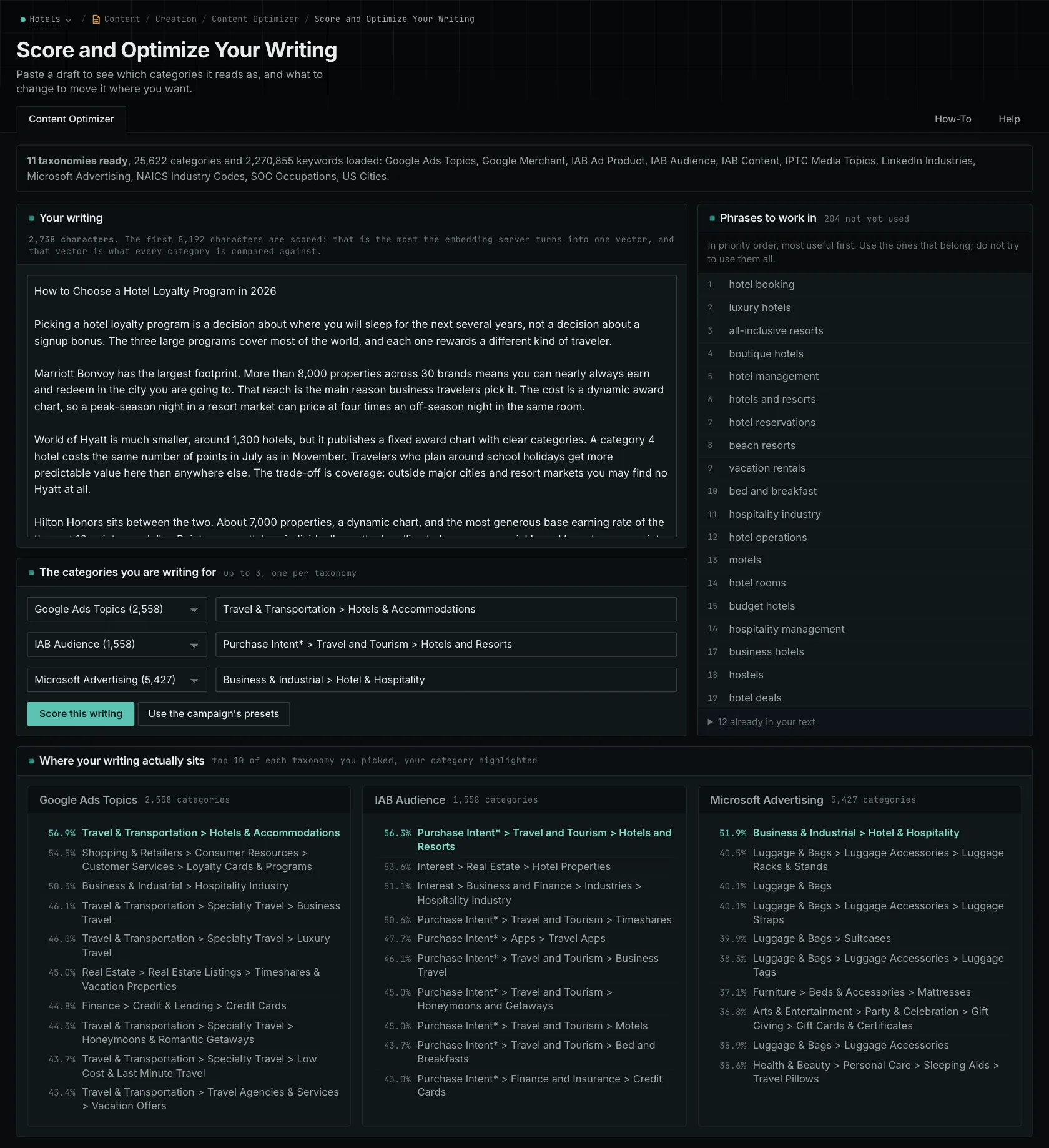
What goes into the city comparison
Each city has a numerical vector created from its place in the location hierarchy, such as United States > Alabama > Alabaster. That's the representation your text is compared with. It doesn't include a researched profile of the city's neighborhoods, landmarks, or customer needs.
The result tells you how similar your wording is to that stored location representation. It can't verify an address or confirm that your business works there. Associated phrases can suggest details to investigate, but you'll need to check any local facts before using them.
The taxonomy includes 4,117 US cities selected at a population threshold of 10,000 or more. Cities outside the US, such as Manchester and Toronto, aren't included. Non-US coverage is in development, with no published release date.
Explain what a customer in that city needs to know
Read the page with the local buyer in mind. Some service information will apply in every city you cover, and it's fine to explain it on a local page. Then look for the details someone in Boulder needs to decide whether to contact you.
If Denver appears prominently in the comparison, review the project examples, addresses, and travel information. You may be able to keep the Denver projects and add verified details about your Boulder service area, booking conditions, or completed work there. Give the reader the context they need to understand your coverage.
Get those details from the business. The tool can't verify an office, determine map-listing eligibility, or tell you which local requirements apply. It compares the submitted words, whether those words describe a real project or an invented one. The guide to local content relevance explains how to combine the comparison with actual business information.
The score is calculated without consulting a search engine or AI assistant. It doesn't measure local rankings or verify a business profile. Use it to review the writing alongside your checks of the address, service coverage, and local presence.
Review several location pages consistently
When comparing pages, use similar sections: introductions with introductions, project descriptions with project descriptions. That makes it easier to see differences in local emphasis. Read the general service information together with the local details before deciding what needs changing.
If you're planning thirty location pages, look at what useful information you can provide for each place. Some businesses may be better served by fewer pages that clearly explain their coverage. Choose the structure based on what customers need to know and what the business can substantiate.
Each submission can contain up to 8,192 characters. Check longer pages in sections and keep the scope of each section in mind. A passage describing five service areas naturally contains information about all five. Separate section scores don't combine into one score for the page.
After editing, read the page again as a customer in that city. It should clearly explain the service available there, using details the business can support.
The local content review guide walks through the process.
See how OppAlerts fits your work.
Tell me what you are working on and what you need to find out. I can walk you through the relevant reports and explain what OppAlerts can help you do.
You can explore the demo first, or use this form to ask about a task or arrange a demonstration with me.