Before you start an OppAlerts campaign, get clear on the business and the buyers you want to research. A broad category can hide very different markets. The descriptions you write here give the research a specific market to work with.
Imagine you sell scheduling software for independent restaurants. “Business technology” is technically related, but it leaves out who the staff are, what scheduling problem you're solving, and how the buyer chooses. Those details help distinguish a useful article about restaurant rotas from unrelated business-software coverage.
Describe what you sell and who buys it
Your business description needs ten to fifty words. Use them to explain the offer, the buyers, and any conditions that matter. For example: “We sell scheduling software to independent restaurants with 10 to 60 staff, replacing paper rotas and group chats. Sold direct, month to month, no contract.” This is an illustration. Only put those details in your campaign if they're true of your business.
Now compare that with “We provide marketing solutions for growing businesses.” You still don't know what the product is or what the buyer needs to do. The research has very little to use to focus on a market. Specific information is what makes the description useful.
Learn how your buyers choose
Look for differences that would change the advice you'd give. In the restaurant example, someone managing one location may have different needs from someone coordinating several sites. Note what each buyer is trying to do, which resources they lack, and what would rule a product out. Two job titles with the same needs tell you less than two distinct buying situations. Put the conditions that matter in the business description and in your tracked prompts.
Start with recent sales calls to hear how buyers described the problem before they learned your product terminology. Look at lost deals to see which alternatives they considered. Support tickets from customers who weren't a good fit can show requirements you don't meet. And keep recurring objections in the customer's own words, especially when they're questions.
Check the definition before you lock it
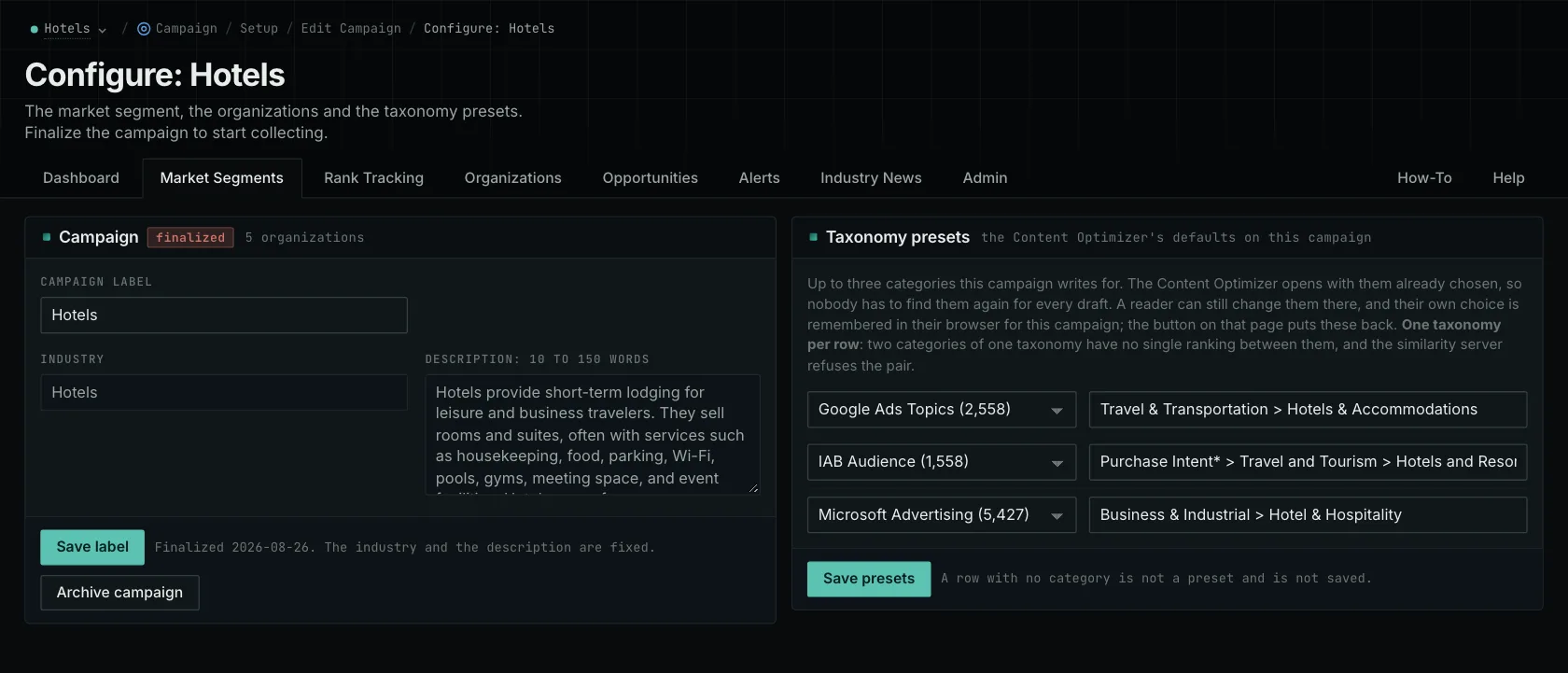
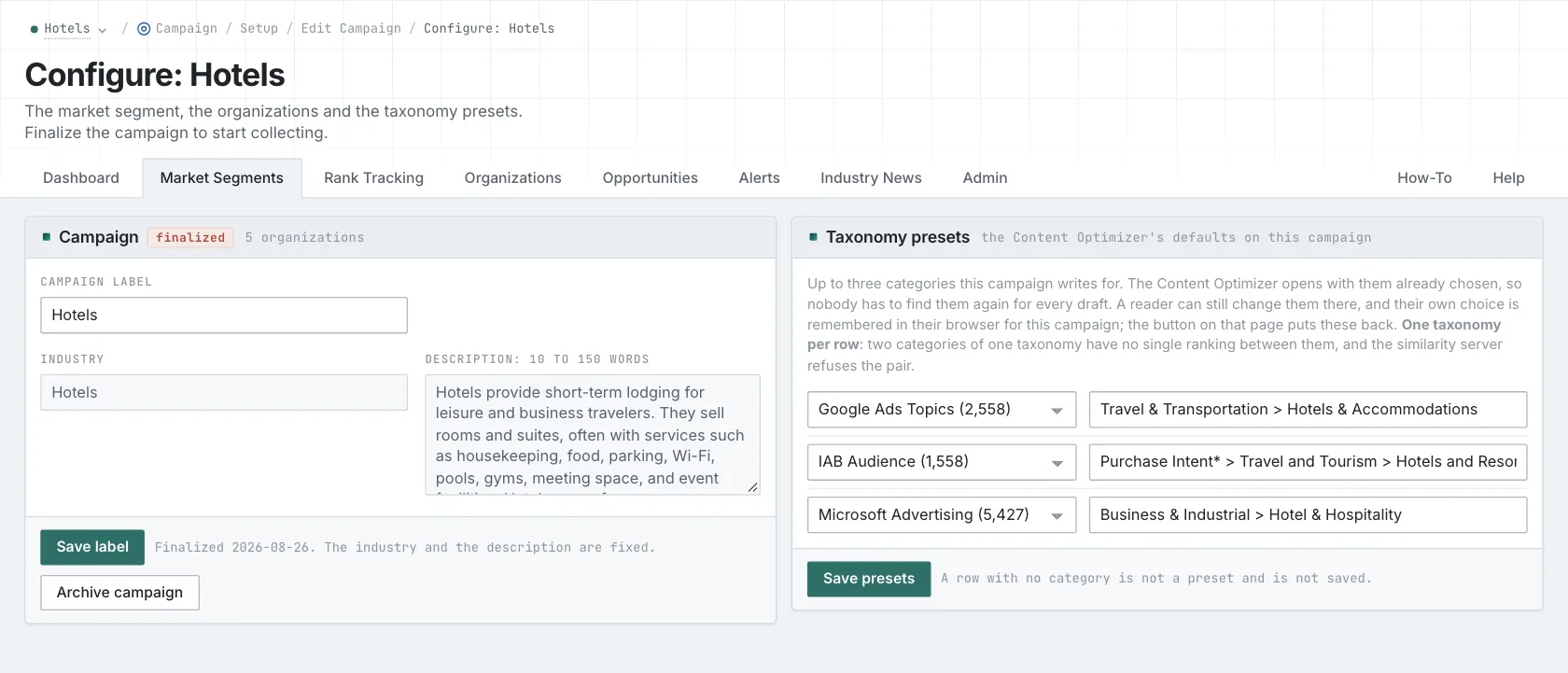
You can't lock the campaign until it has a business description and at least one owned brand with a site. Read them together first. They should describe the same market.
Locking is permanent. Afterward, you can't edit the campaign label, segment, or description. If you need to change that core definition, copy the campaign. Organizations stay editable, so you can add or change a competitor without creating a new market definition.
The application gives you a prompt to use with your own assistant to draft setup text from your website. Read that draft against your actual offer and buyer evidence. If your website leaves a service condition unclear, a confident sentence from an assistant doesn't resolve it.
Choose competitors your buyers would consider
Add your own brand and site, then the competitors your buyers have a reason to consider. Their websites determine which referring sites can appear in a link-gap comparison. A broad company selling unrelated products may bring in plenty of links that tell you little about your buyers' choices.
Some reports match organizations when you open them. Adding a competitor can change how those reports label existing history without collecting the answers again. Google AI Mode mentions work differently: names are extracted during collection using the tracked names. A competitor you add later won't automatically be detected in older answers. You can refine the list over time, but add the names you already need before collection starts.
The campaign doesn't choose every input for you. You still select tracked prompts and keywords, enter sites for lookups, and choose categories for content comparisons. Tracked prompts go out exactly as written. If a buyer's conditions need to be part of the answer, include them in the prompt.
Before you start, have a colleague read the setup without your explanation. They should be able to identify the offer and the buyers. That gives the research a clearer starting point. The campaign guide and new-client research walkthrough show how the description is used.
See how OppAlerts fits your work.
Tell me what you are working on and what you need to find out. I can walk you through the relevant reports and explain what OppAlerts can help you do.
You can explore the demo first, or use this form to ask about a task or arrange a demonstration with me.